18 Free 3D Home Design Online Tools
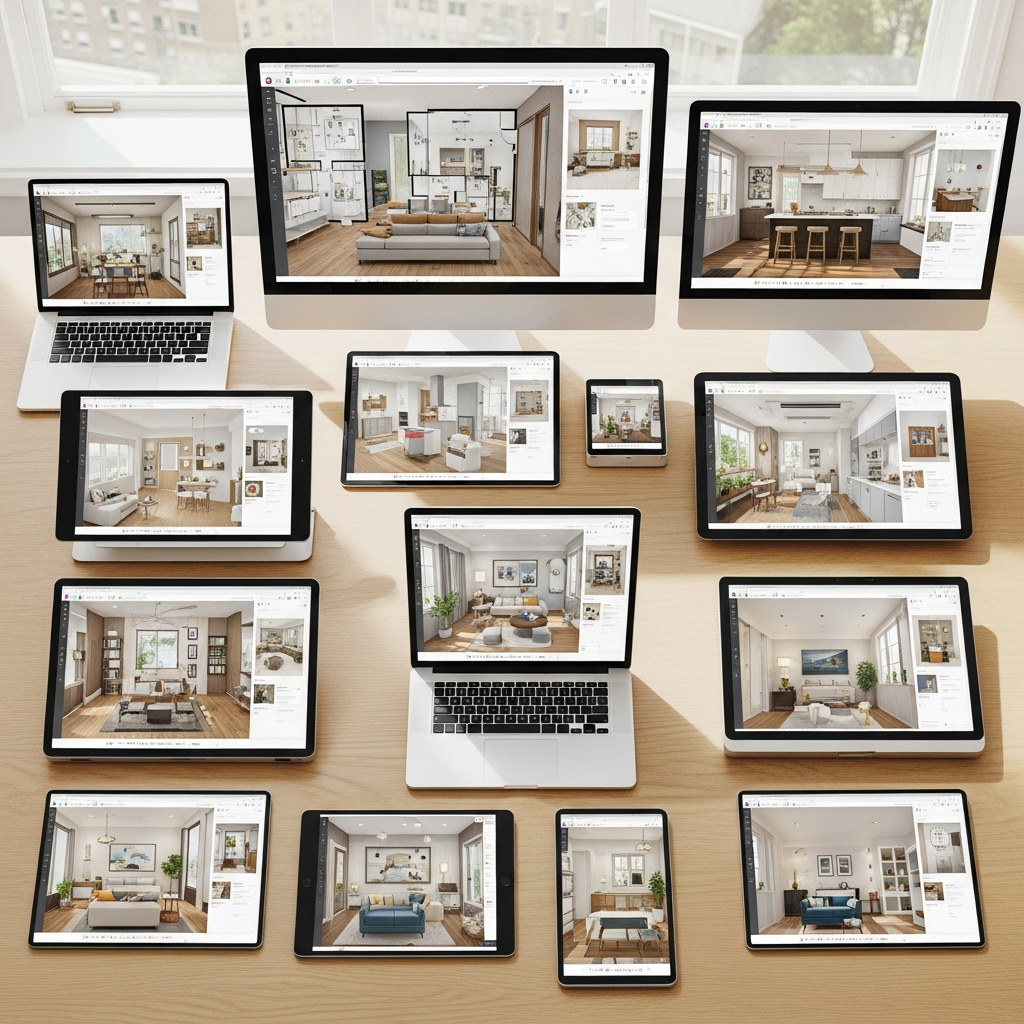
The evolution of digital design has made it possible for homeowners, interior designers, and architects to visualize living spaces before a single brick is laid. In the modern era, you do not need expensive software or high-end computers to create professional-grade 3D models. Many online platforms offer powerful features for free, allowing you to drag and drop furniture, adjust wall layouts, and experiment with lighting. This guide explores the eighteen best free 3D home design online tools available today to help you bring your architectural visions to life.
1. SketchUp Free
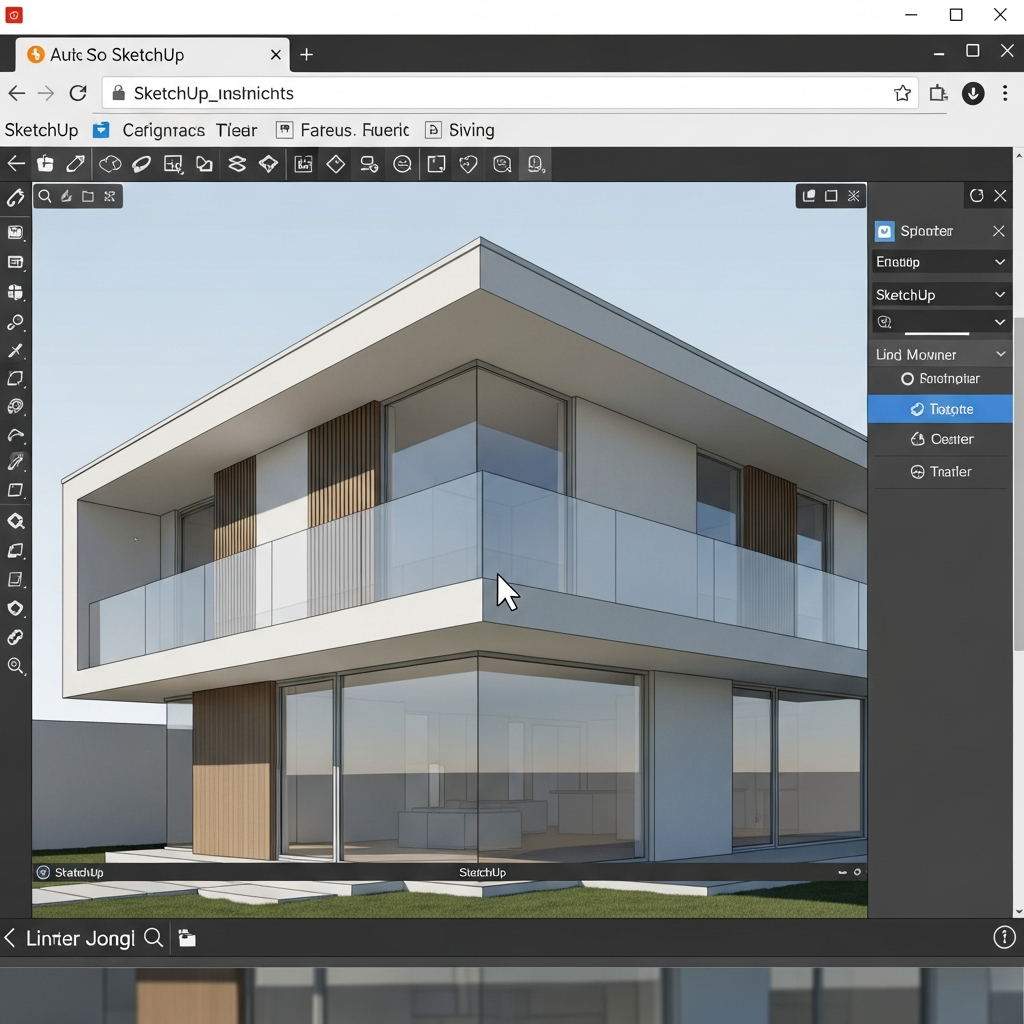
SketchUp Free is the web-based version of the renowned 3D modeling software used by professionals worldwide. It offers a robust set of drawing tools and access to the 3D Warehouse, a massive library of pre-made models. While the free version is slightly stripped down compared to its Pro counterpart, it remains one of the most powerful tools for creating detailed, custom geometric shapes and architectural elements directly in your browser.
2. Floorplanner
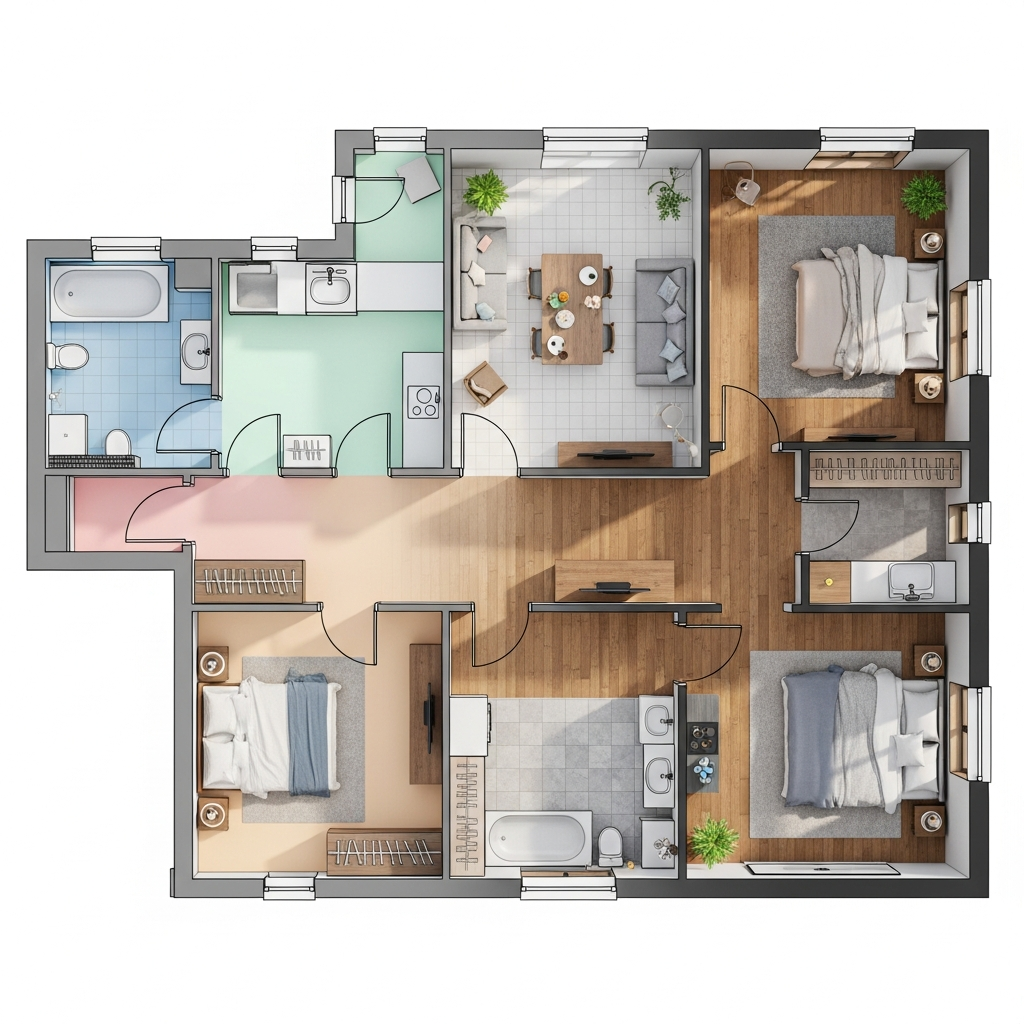
Floorplanner is an excellent choice for users who want to create both 2D and 3D floor plans quickly. Its drag-and-drop interface makes it incredibly easy to add walls, windows, and doors. Once the floor plan is complete, you can switch to a 3D view to decorate the space with an extensive library of furniture and accessories. The platform is highly intuitive, making it perfect for quick renovations and space planning.
3. HomeByMe
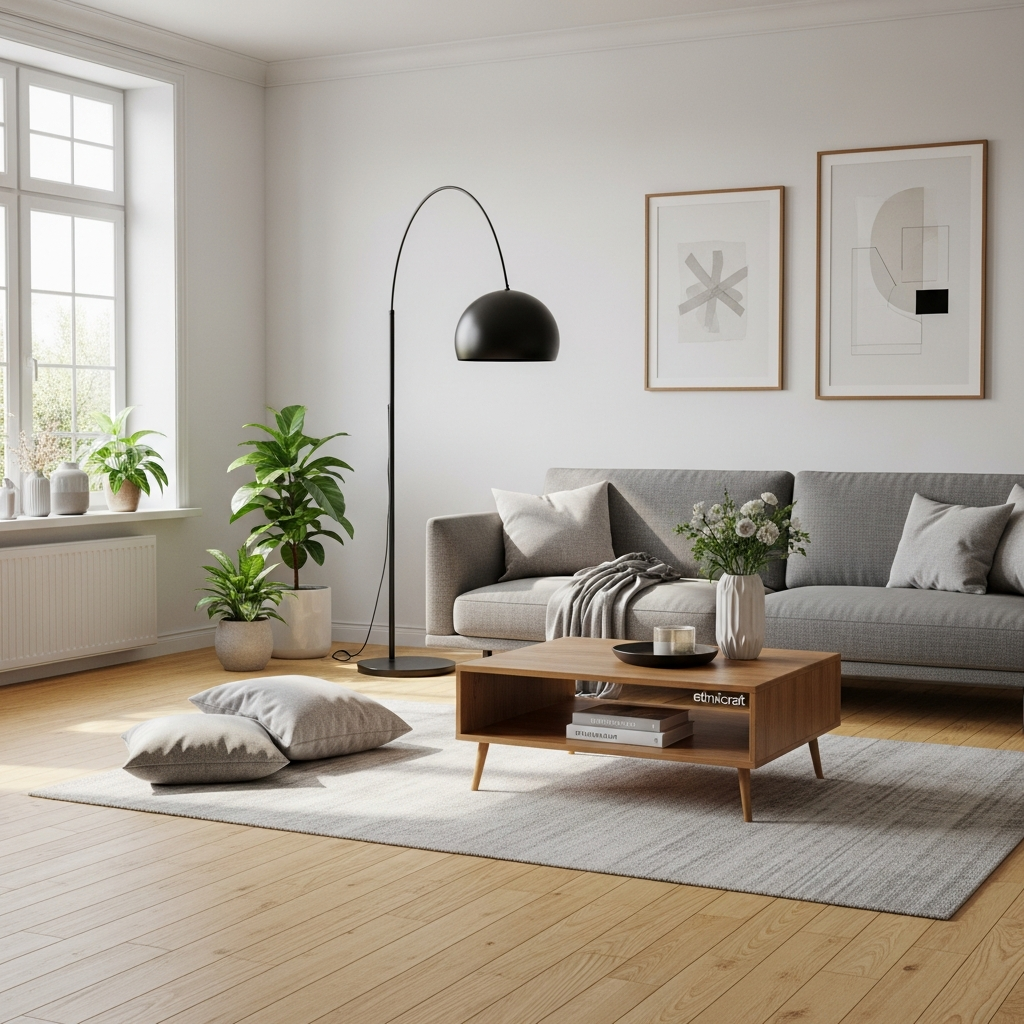
HomeByMe stands out for its high-quality rendering and user-friendly design. It allows you to build your home in 2D and then populate it with products from actual furniture brands. This provides a realistic sense of how specific items will look in your space. The 3D navigation is smooth, and the tool offers an option to generate high-resolution images of your finished project for professional presentations.
4. Roomstyler 3D Home Planner
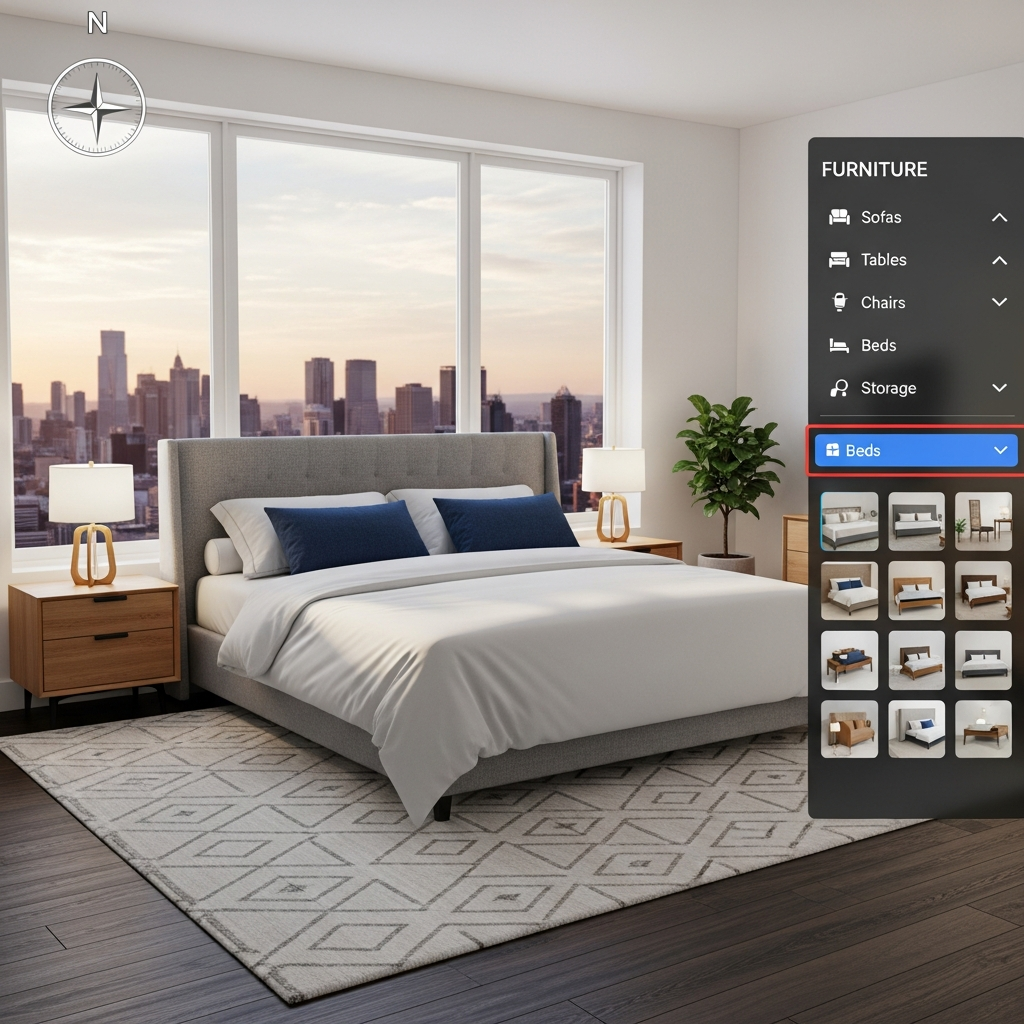
Roomstyler is a community-driven tool that focuses heavily on interior decoration. It features a vast library of items from real brands and allows users to participate in design challenges. The interface is straightforward, providing a camera view that updates as you move objects. It is particularly useful for those who want to focus on color schemes, textures, and furniture placement within a pre-defined layout.
5. Planner 5D
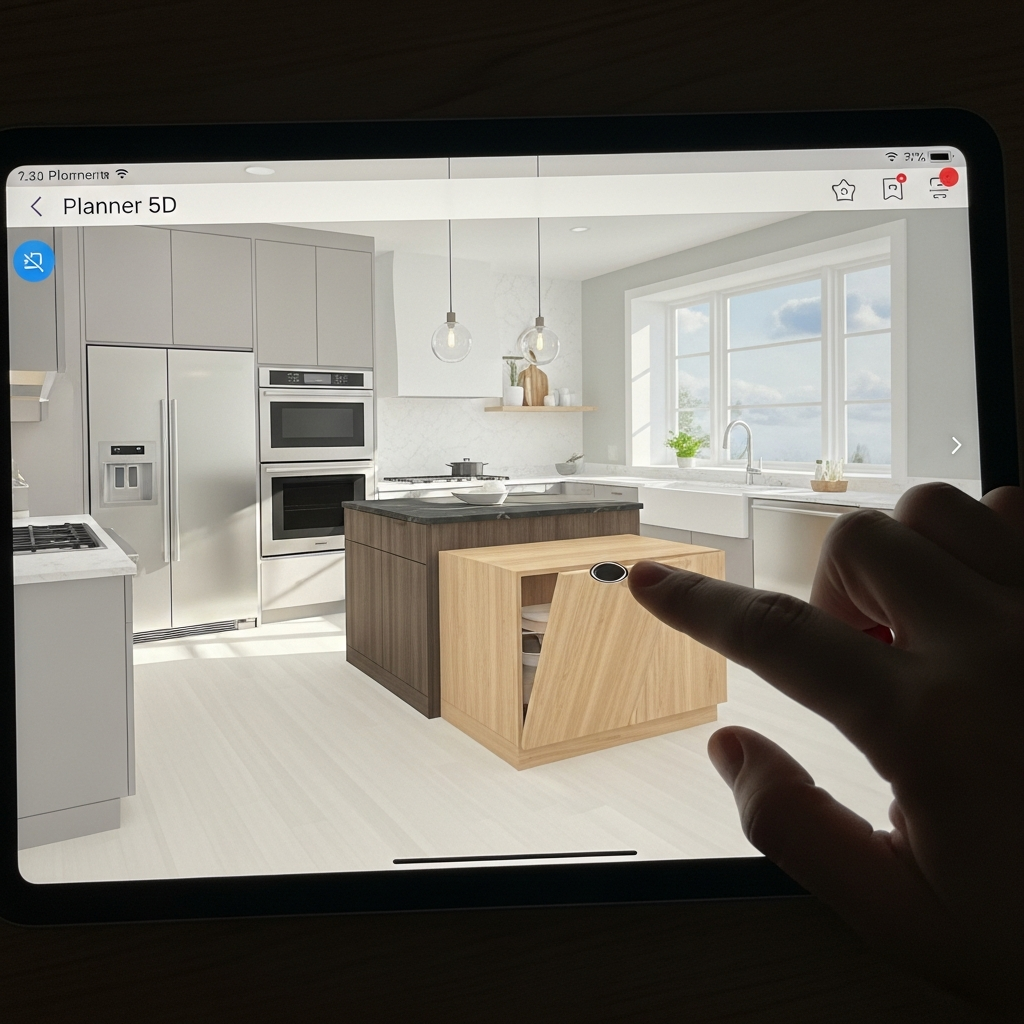
Planner 5D is one of the most accessible tools on this list, offering compatibility across web browsers, iOS, and Android. It uses AI to help generate floor plans and includes an impressive array of architectural features. The free version provides basic tools for building and decorating, while its community-focused features allow you to browse thousands of projects for inspiration and template ideas.
6. Sweet Home 3D
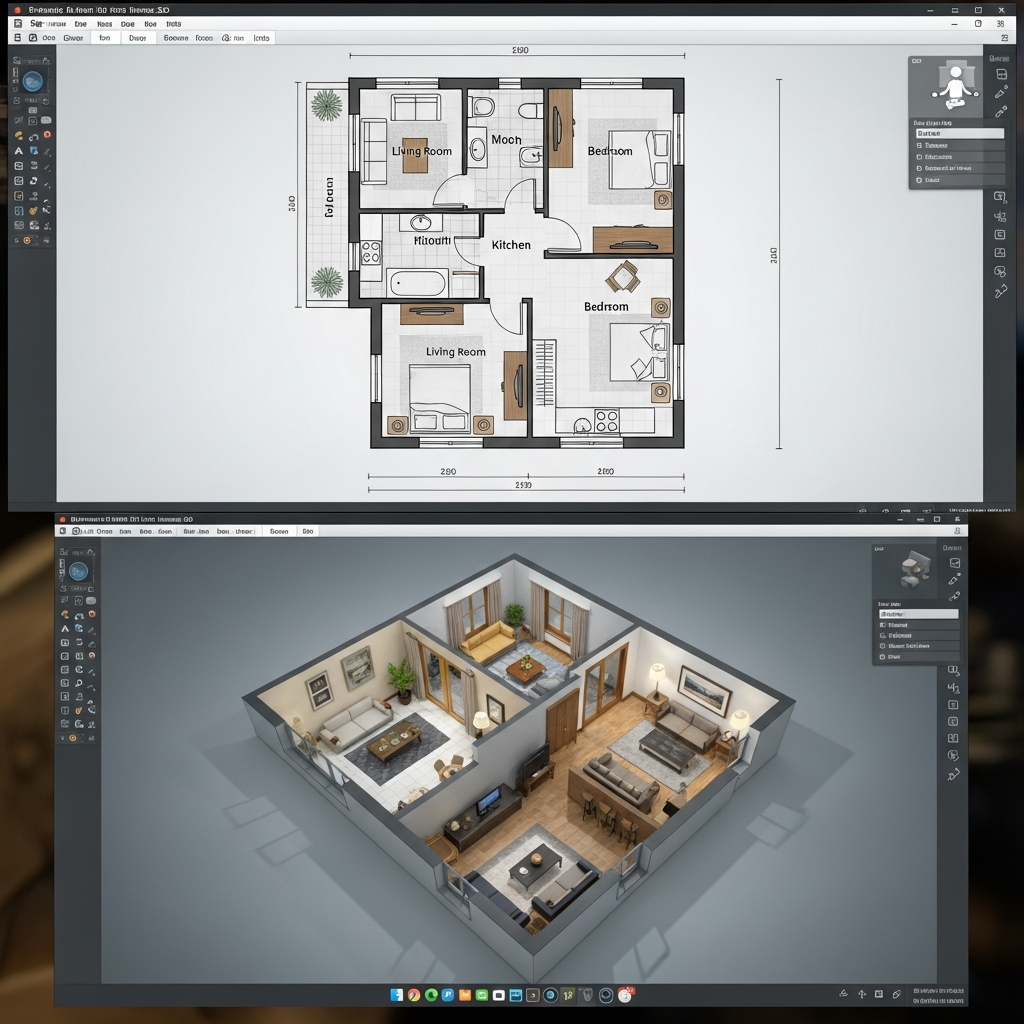
Sweet Home 3D is an open-source application that can be used online or downloaded for offline use. It is highly valued for its precision and the ability to import custom 3D models. While the interface is more technical than some modern web apps, it offers superior control over measurements and architectural details, making it a favorite for those who need technical accuracy in their designs.
7. Cedar Architect

Cedar Architect is geared toward professionals but remains accessible for beginners looking for high-quality visuals. It excels at creating realistic exterior renderings and landscape designs. The tool streamlines the process of building a structure and applying textures, allowing users to create stunning visuals of both the interior and the exterior of a home in a matter of minutes.
8. Roomeon
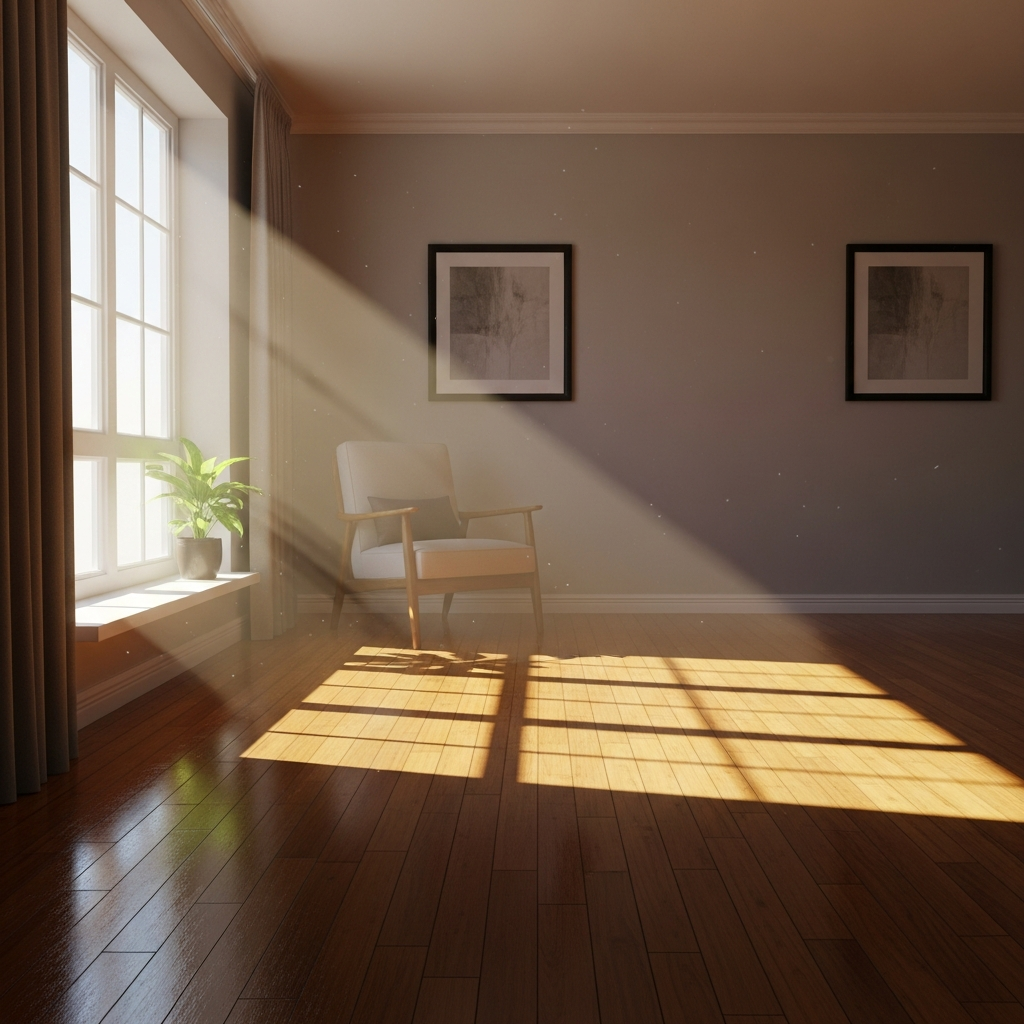
Roomeon focuses on light and texture to provide a realistic experience. It uses a 3D engine that handles lighting effects effectively, giving users a better sense of how sunlight will affect their room throughout the day. It has a catalog of real furniture and is particularly useful for designers who prioritize the ambiance and mood of a space over simple floor planning.
9. Homestyler

Homestyler is a professional-grade online tool that offers advanced features like 4K rendering and 720-degree panoramas. It is highly efficient for interior design and offers a massive library of furniture, flooring, and wall coverings. The platform’s ability to create walkthroughs makes it ideal for showing clients or family members how a redesigned space will feel when walking through it.
10. SmartDraw
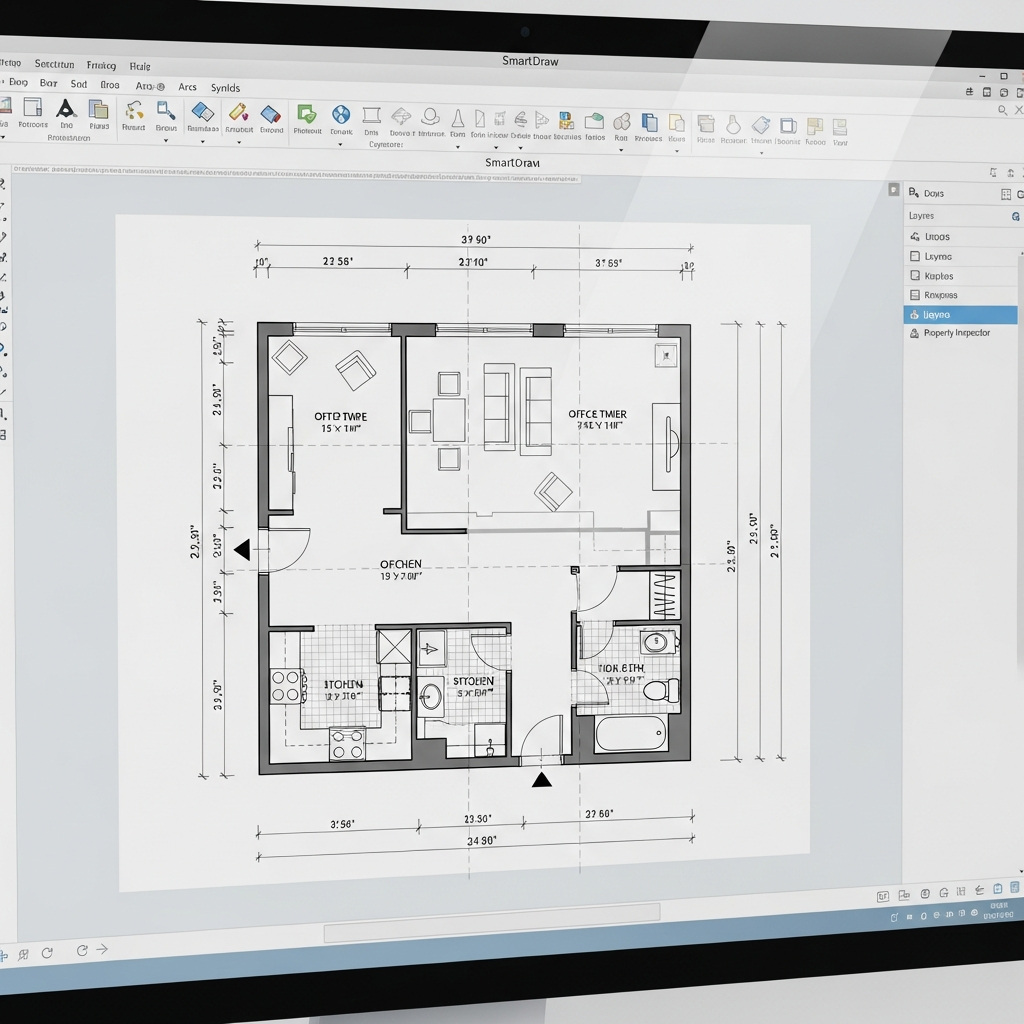
While SmartDraw is primarily a diagramming tool, its floor plan features are incredibly powerful. It is ideal for users who need to create precise, professional blueprints for construction or permits. It offers a wide range of templates for every room and integrates well with other office software, making it a staple for administrative planning in the design world.
11. Magicplan
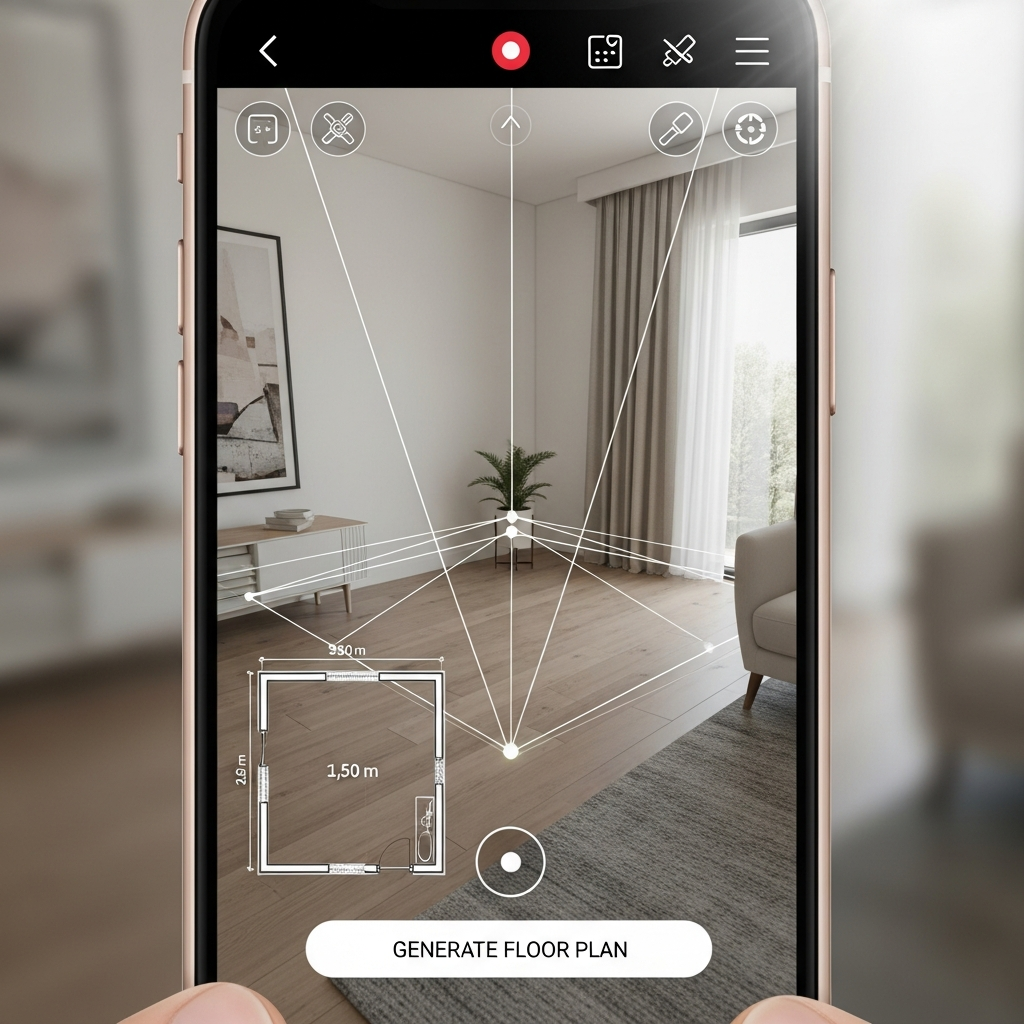
Magicplan takes a unique approach by using augmented reality to create floor plans. By using your smartphone or tablet, you can scan a room to generate a map instantly. Once the layout is captured, you can use the web version to add 3D elements and plan renovations. It is the perfect tool for contractors and DIY enthusiasts who need to measure existing spaces accurately.
12. Roomle
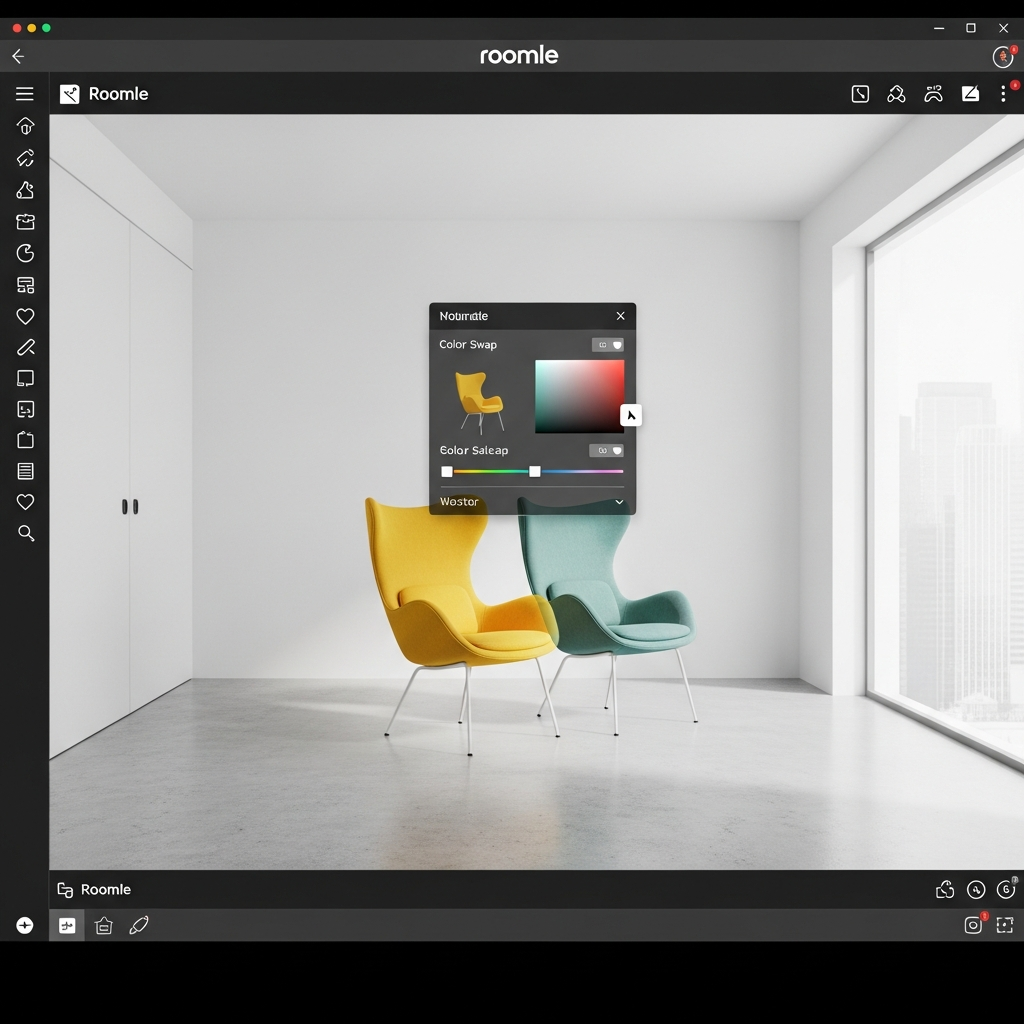
Roomle is a versatile platform that caters to both individual consumers and businesses. It offers high-quality 3D visualization and a configuration tool for furniture. Users can draw plans easily and see them come to life in 3D. The interface is clean and modern, focusing on ease of use and the aesthetic appeal of the final render.
13. Foyr Neo (Free Trial)
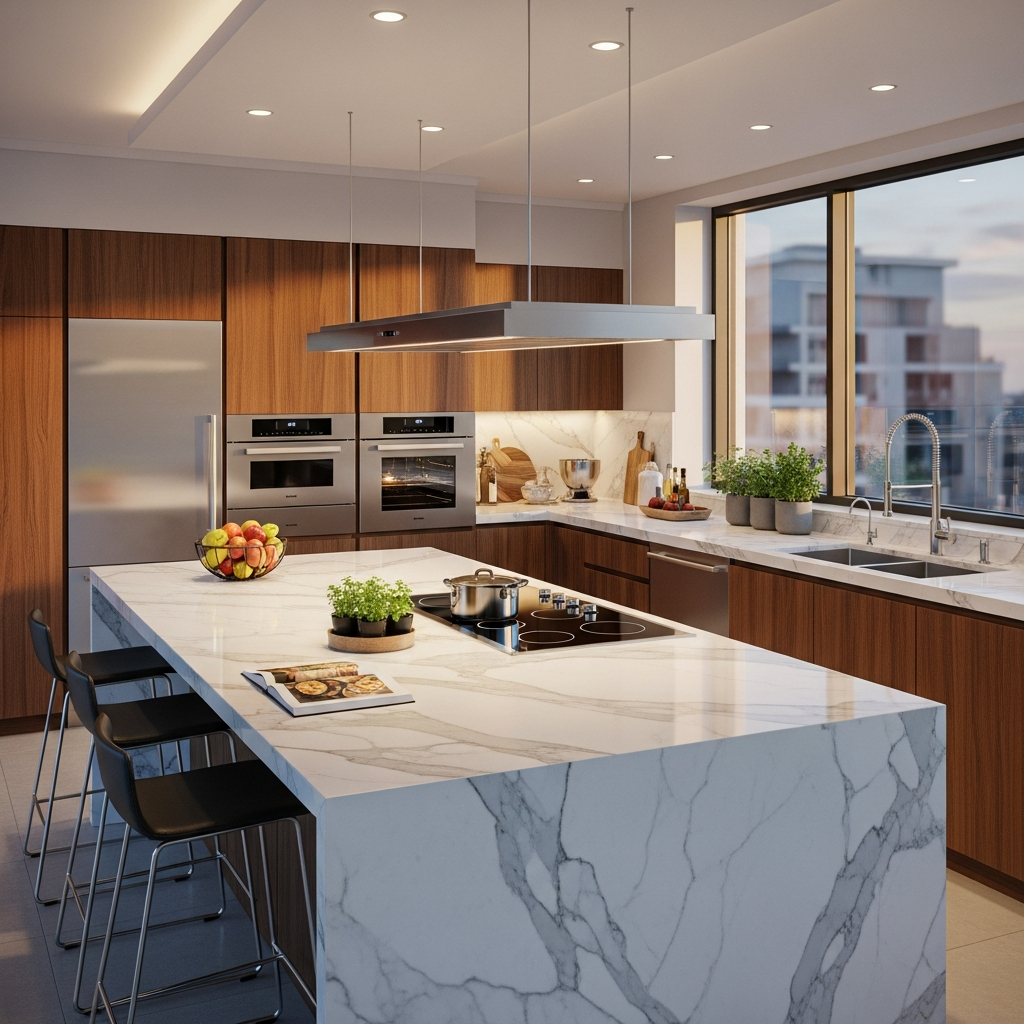
Foyr Neo is a lightning-fast tool that claims to take you from a floor plan to a finished 3D render in minutes. While it is a premium tool, its free trial offers full access to its high-speed rendering engine. It is cloud-based, meaning it does not require a powerful graphics card to produce high-resolution images, making it very popular for professional interior designers on the go.
14. Space Designer 3D
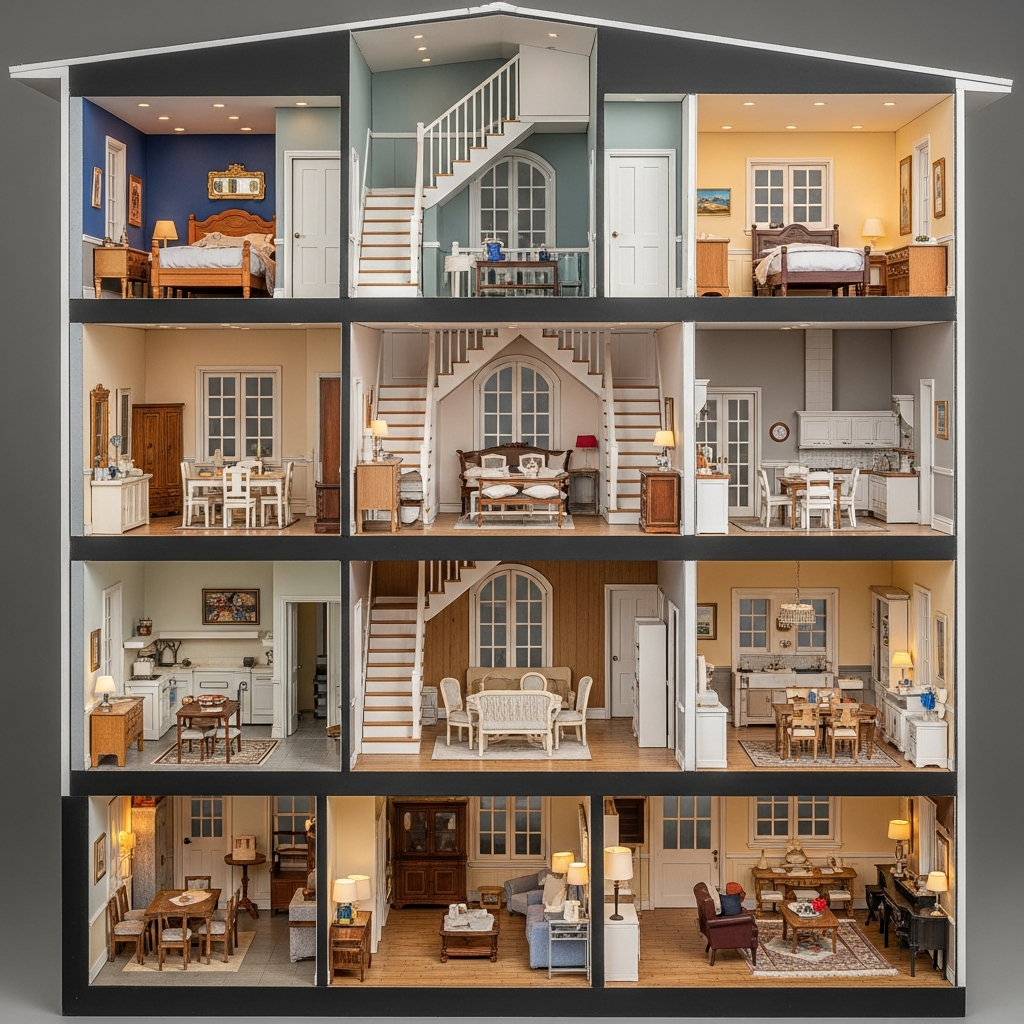
Space Designer 3D is a cloud-based application that allows you to draft plans and visualize them in real-time 3D. It is known for its architectural flexibility, allowing users to create multi-story buildings and complex roof structures. It also includes tools for estimating materials, which can be very helpful for budgeting a home renovation project.
15. IKEA Home Planner
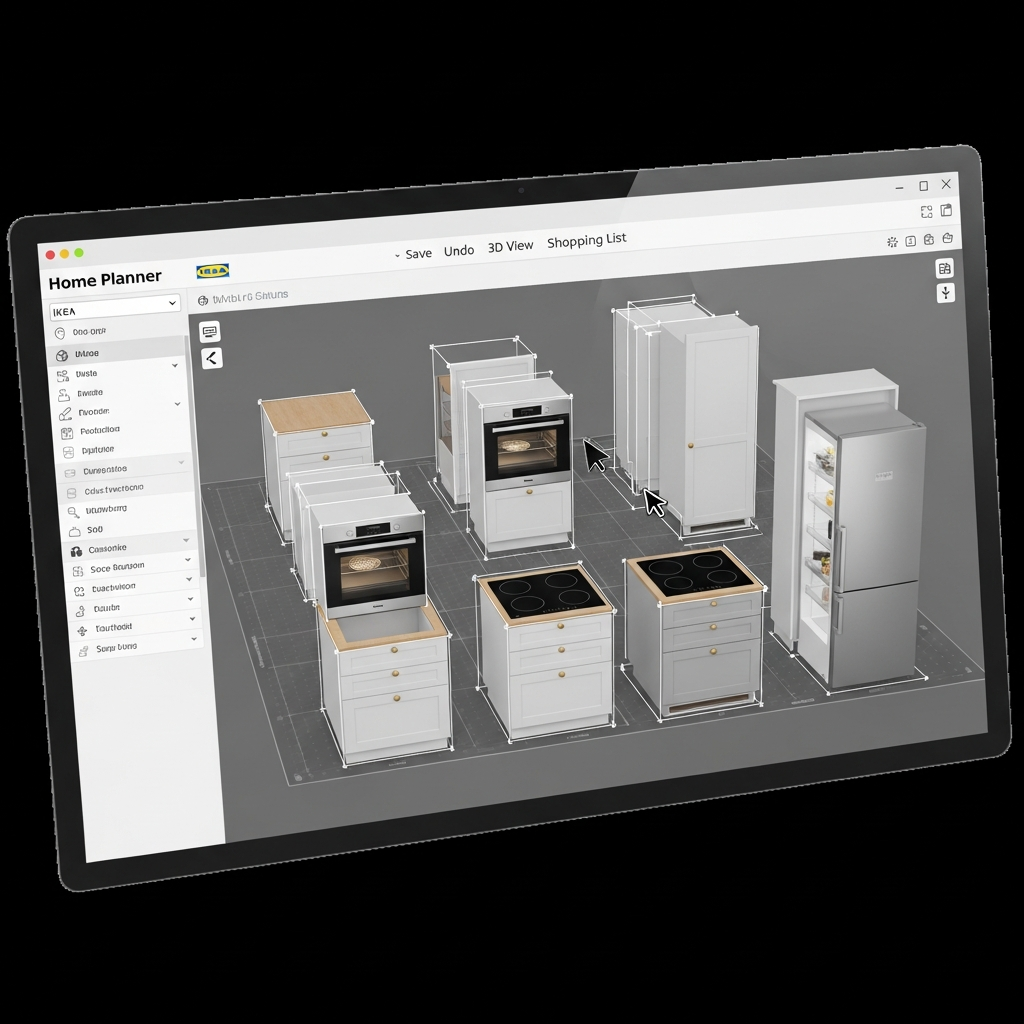
IKEA provides several specialized planners for different areas of the home, including kitchens, wardrobes, and offices. These tools allow you to use actual IKEA products within your room’s dimensions. It is the best tool for those planning to furnish their home with IKEA products, as it provides an itemized list and a total price for the products used in the design.
16. Coohom

Coohom is an advanced 3D design tool that offers features such as AI-powered room decoration and high-speed photorealistic rendering. It is designed for efficiency, allowing users to create professional-level interior designs in a short amount of time. The platform includes a massive library of 3D models and textures, catering to both residential and commercial projects.
17. PlanningWiz
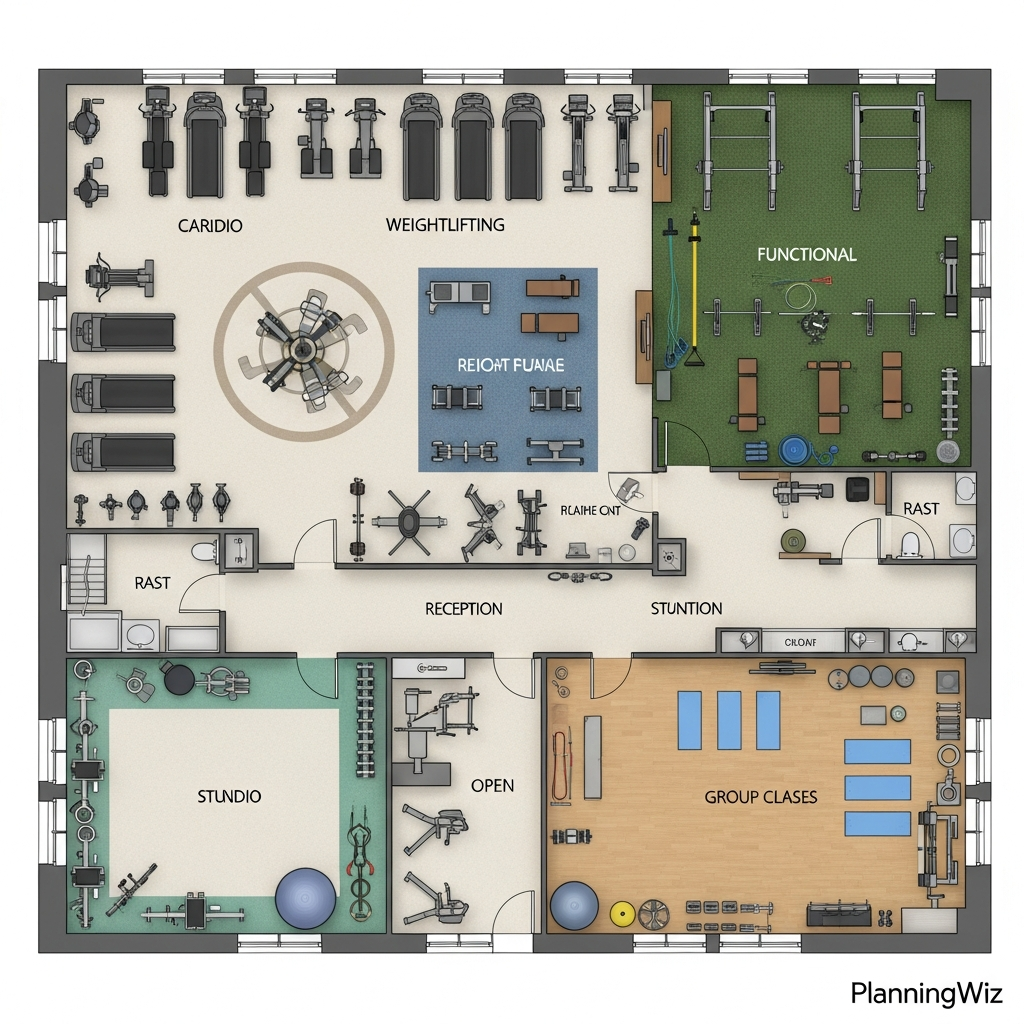
PlanningWiz is a specialized tool for indoor and outdoor space planning. It is frequently used by property managers and developers to showcase floor plans. The tool is easy to use for creating simple yet effective 2D and 3D visualizations. It offers specific modules for different industries, such as gym planning or medical office design.
18. Tinkercad
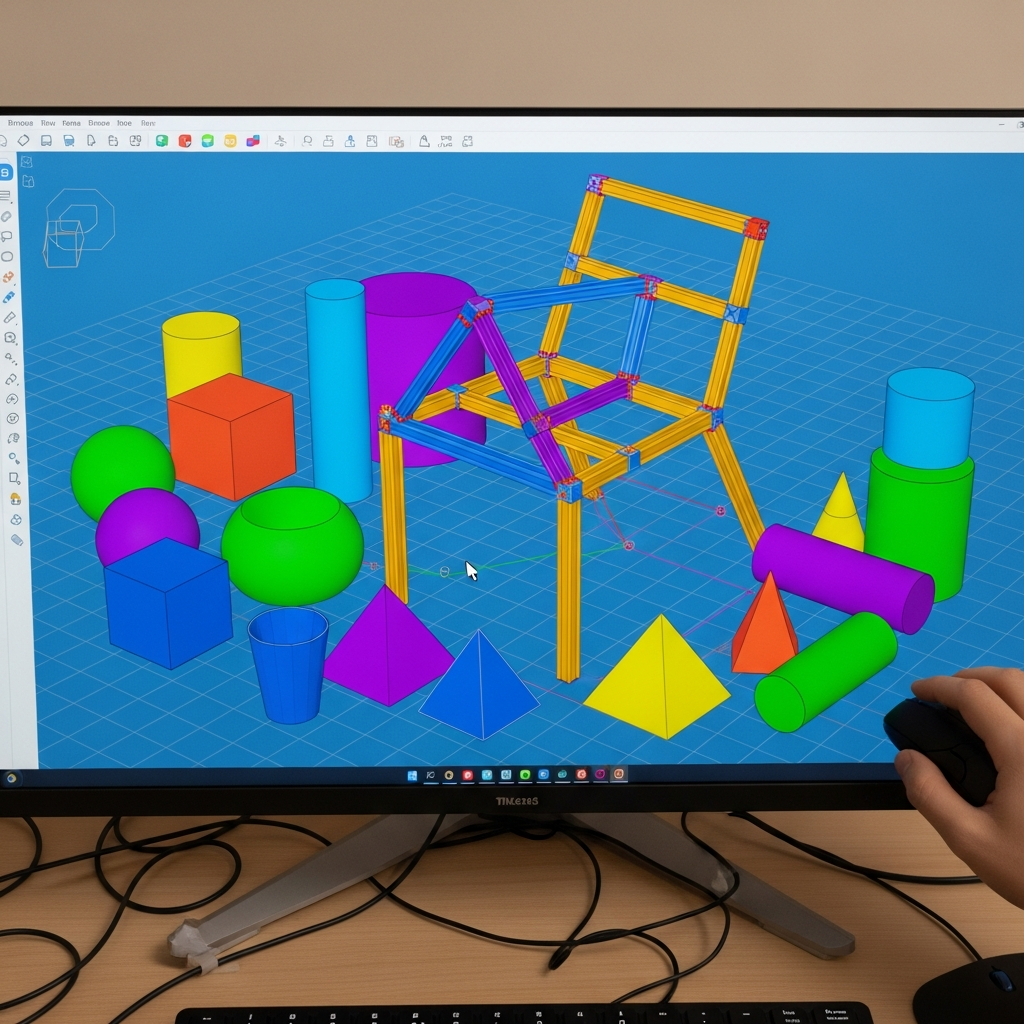
While not a dedicated home design tool, Tinkercad is an excellent free 3D modeling application for beginners and students. It allows you to build custom 3D objects using basic shapes. This is particularly useful for designing specific pieces of custom furniture or architectural details that might not be available in the libraries of standard home design software.
Conclusion
Choosing the right 3D home design tool depends on your specific needs, whether you are looking for technical architectural precision or quick interior decoration ideas. From the professional capabilities of SketchUp Free to the item-specific planning of the IKEA Home Planner, these eighteen tools offer a wide range of features to suit any project. Most of these platforms are entirely web-based, allowing you to start designing immediately. By utilizing these free resources, you can experiment with different layouts and styles, ensuring your home project is well-planned before any physical work begins.