

Creating a blueprint for your dream home no longer requires expensive professional software or architectural degrees. Thanks to the evolution of web-based and mobile technology, homeowners can now visualize their interior design projects with incredible precision using free 3D home design tools. This article explores sixteen of the most powerful, user-friendly, and cost-effective platforms available today to help you plan, decorate, and renovate with confidence.
1. Planner 5D
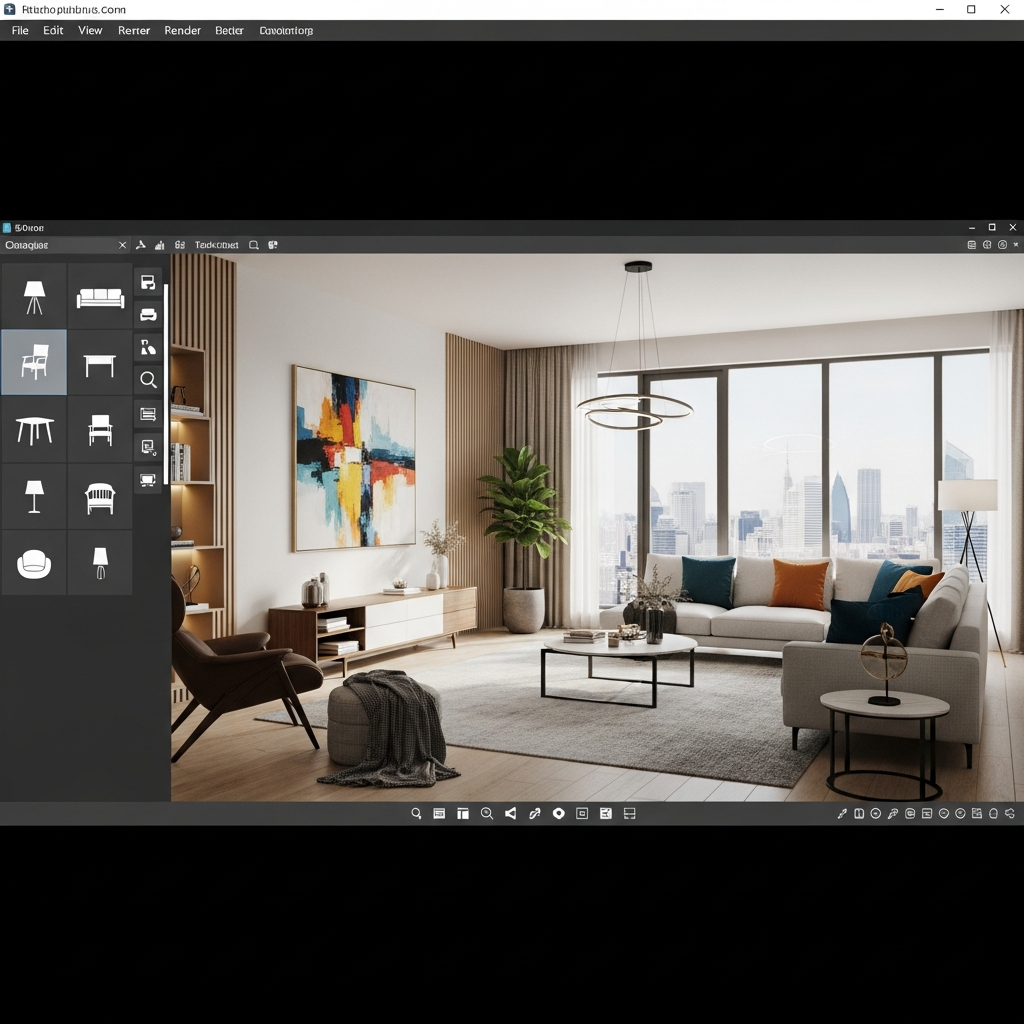
Planner 5D is one of the most comprehensive free home design tools available on the market. It offers a vast catalog of over 5000 items, allowing users to create detailed floor plans and interior designs. Its user-friendly interface supports both 2D and 3D modes, making it easy to switch between a technical layout and a realistic visualization. The tool is accessible across multiple platforms including web browsers, iOS, and Android, ensuring your projects are always within reach.
2. HomeByMe
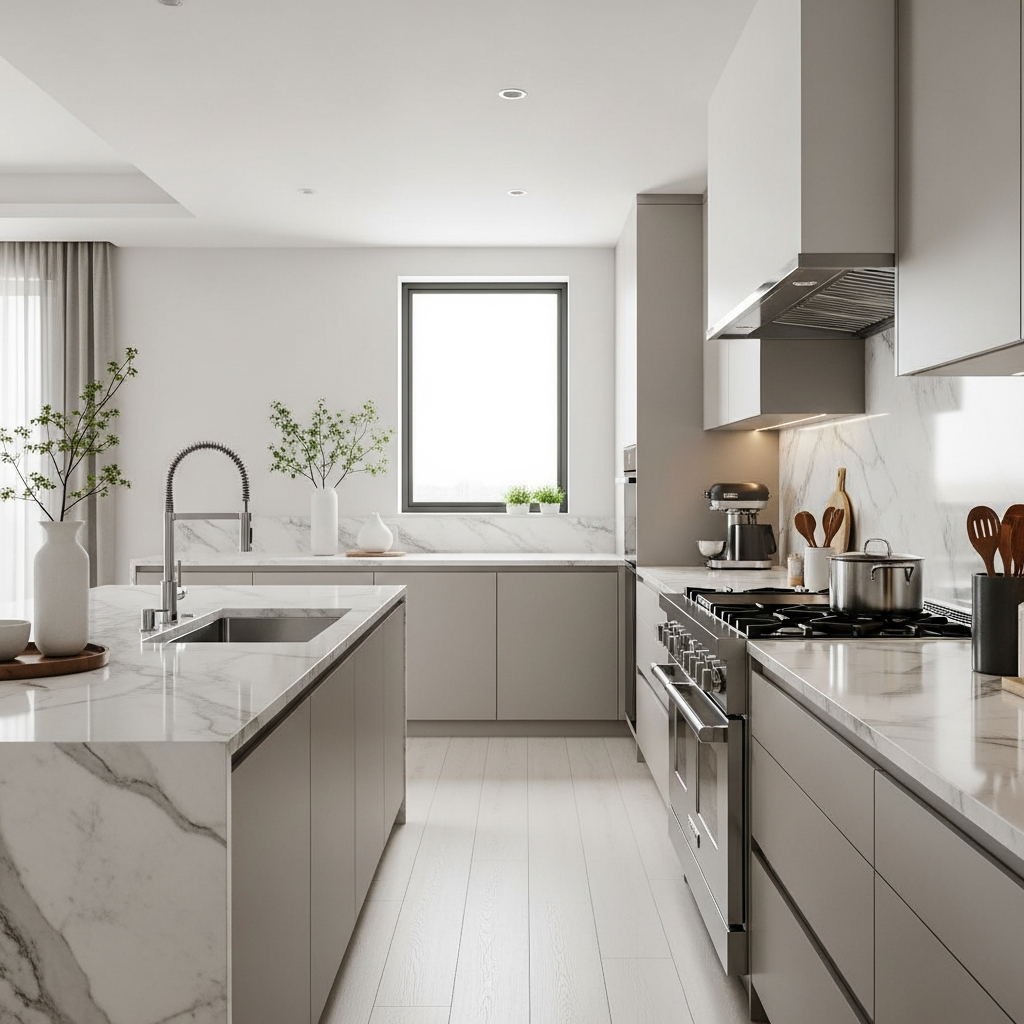
HomeByMe is a web-based application that focuses on ease of use and community interaction. Users can start their projects from scratch or upload a floor plan to trace. Once the layout is established, you can furnish the space with real products from well-known brands. This tool is particularly praised for its high-quality rendering capabilities, which produce images that look like actual professional photography.
3. SketchUp Free
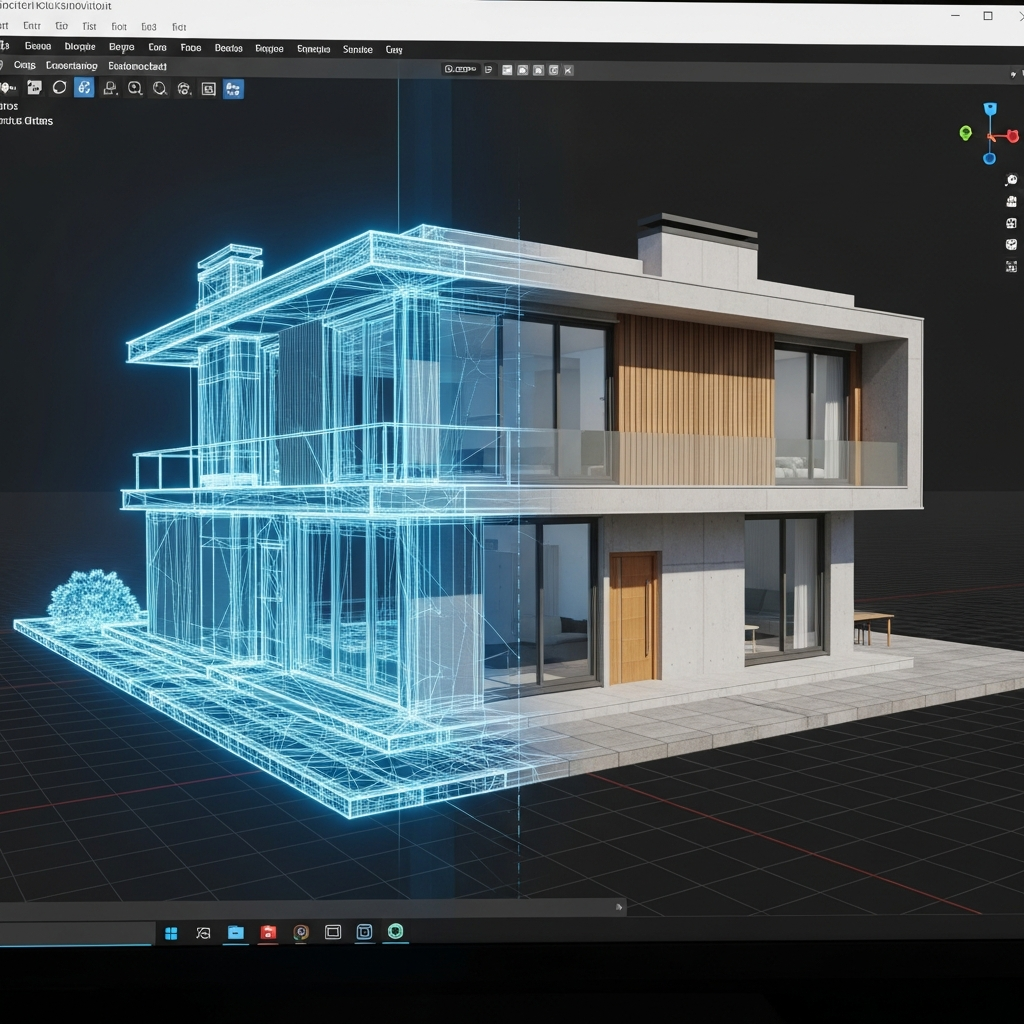
SketchUp is a staple in the design world, and its free web version offers a powerful entry point for hobbyists. While it has a steeper learning curve than some drag-and-drop tools, it provides unmatched flexibility for creating custom 3D objects. It is an excellent choice for users who want to design specific pieces of furniture or unique architectural features that aren’t available in standard libraries.
4. Floorplanner
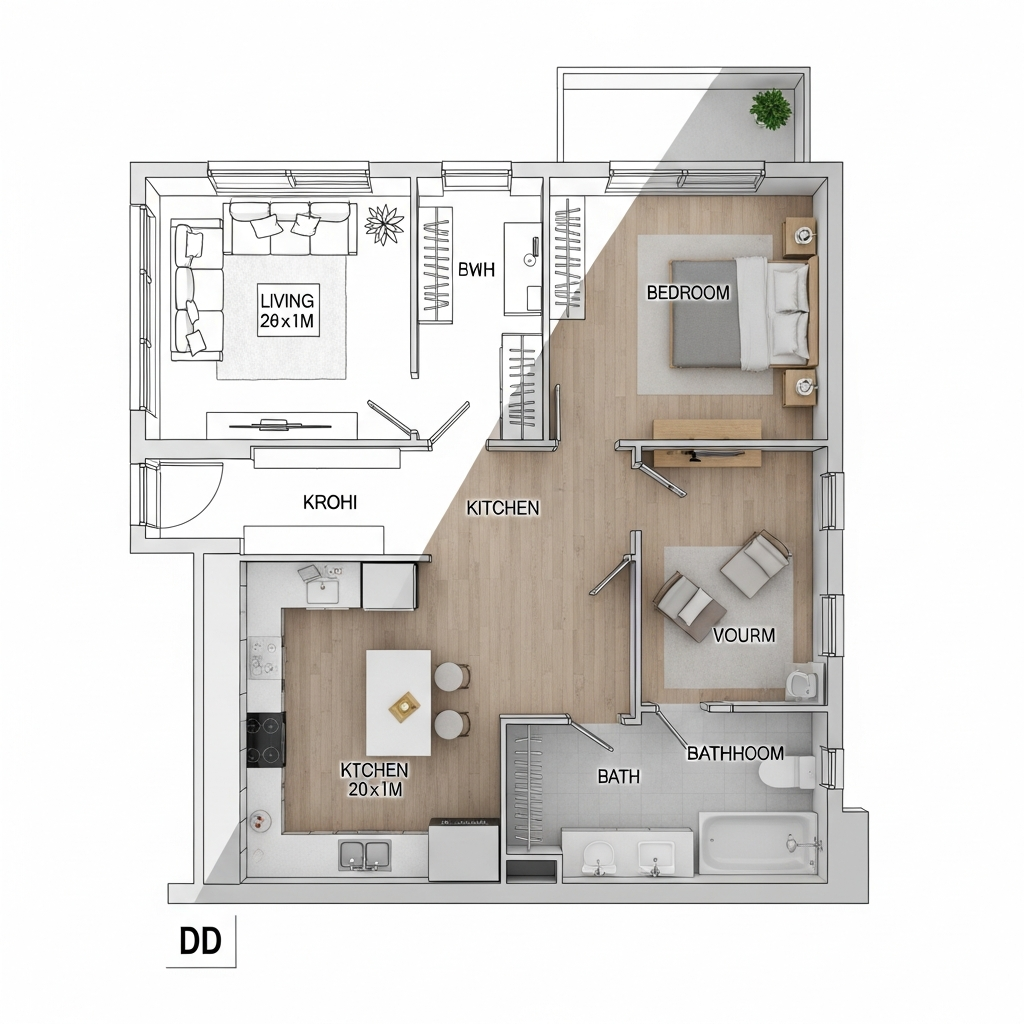
Floorplanner is an excellent choice for users who need to create quick and accurate floor plans. Its library contains an extensive collection of furniture and decor items. The platform allows for easy transitions from 2D planning to 3D viewing. It is particularly useful for real estate agents and homeowners who need to visualize spatial arrangements before committing to a physical move.
5. Sweet Home 3D
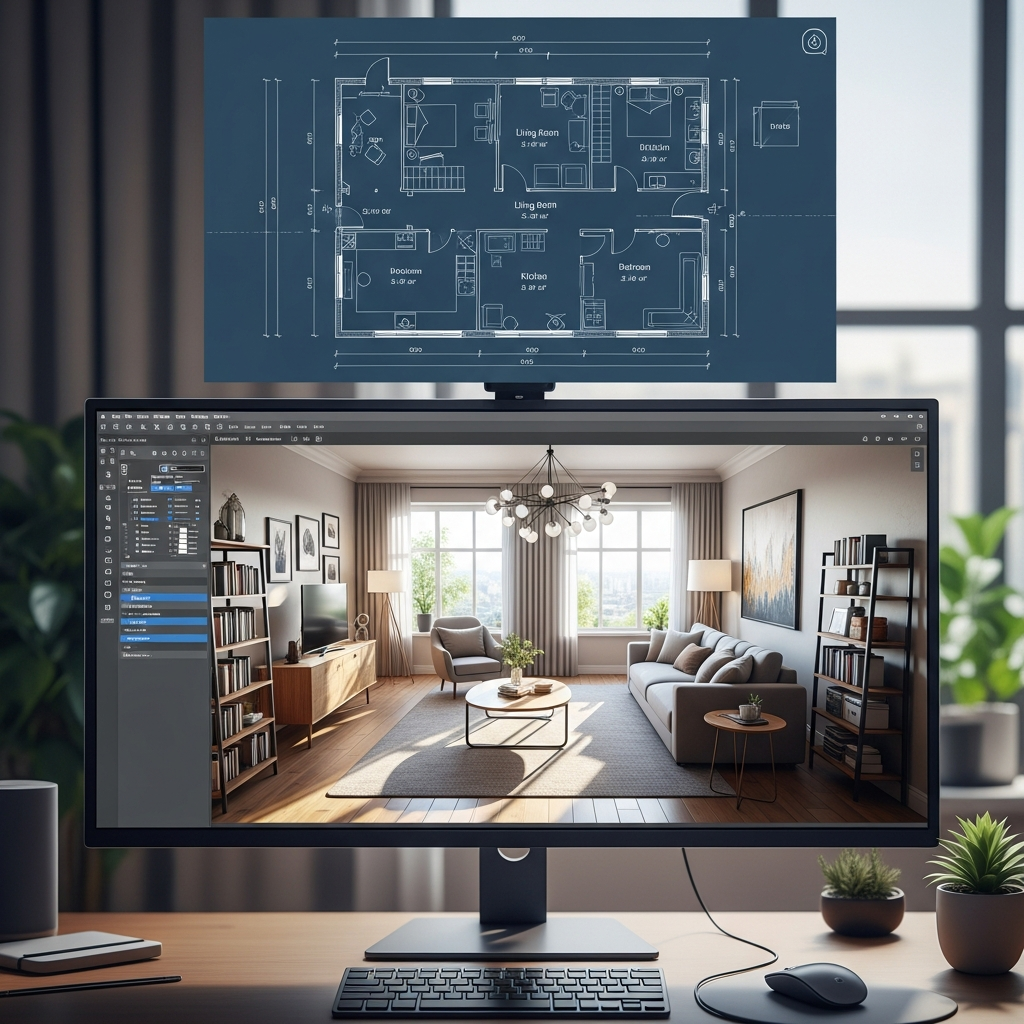
Sweet Home 3D is an open-source design application that can be used either online or as a downloaded program. It is highly customizable and allows for precise measurements. Users can draw walls of rooms on the image of an existing plan and then drag and drop furniture onto the plan from a catalog organized by categories. The split-screen view allows you to see the 2D plan and the 3D view simultaneously.
6. Roomstyler 3D Home Planner

Roomstyler, formerly known as MyDeco, is a very intuitive tool that operates entirely within your browser. It features a large library of real furniture products, which helps in creating realistic interior scenarios. One of its standout features is the camera tool, which allows you to take photos of your 3D room from any angle to see how the light and space interact.
7. Cedar Architect

Cedar Architect is designed for both professionals and enthusiasts who want to create stunning 3D renderings quickly. It offers a streamlined workflow for drawing walls, adding openings like windows and doors, and furnishing rooms. The software is cloud-based, meaning you can generate high-definition photorealistic images without needing a high-end computer to handle the processing.
8. Homestyler
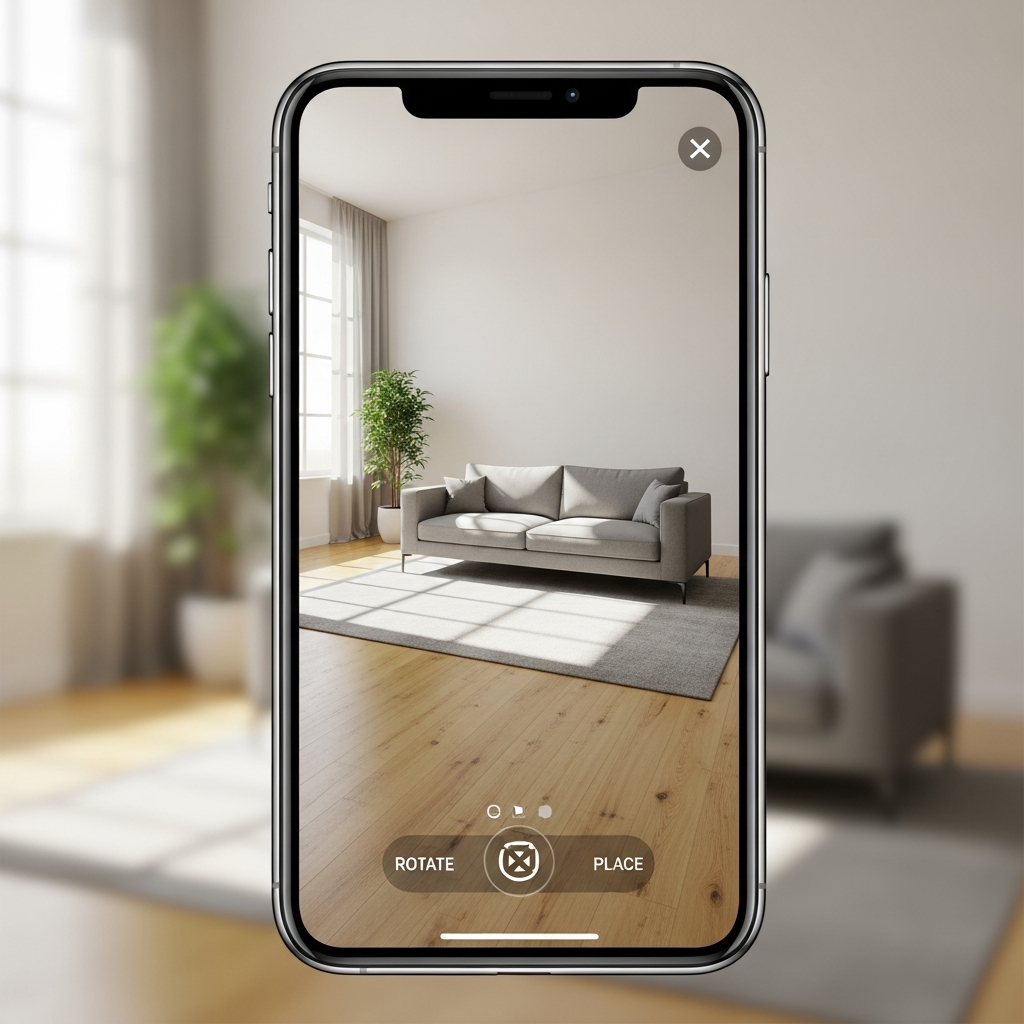
Homestyler is a popular choice for interior designers because it allows you to build your floor plan and then populate it with products from real-world brands. This makes it an incredibly practical tool for renovation projects. It also includes a mobile app that uses augmented reality, allowing you to see how furniture looks in your actual room by using your phone’s camera.
9. SmartDraw
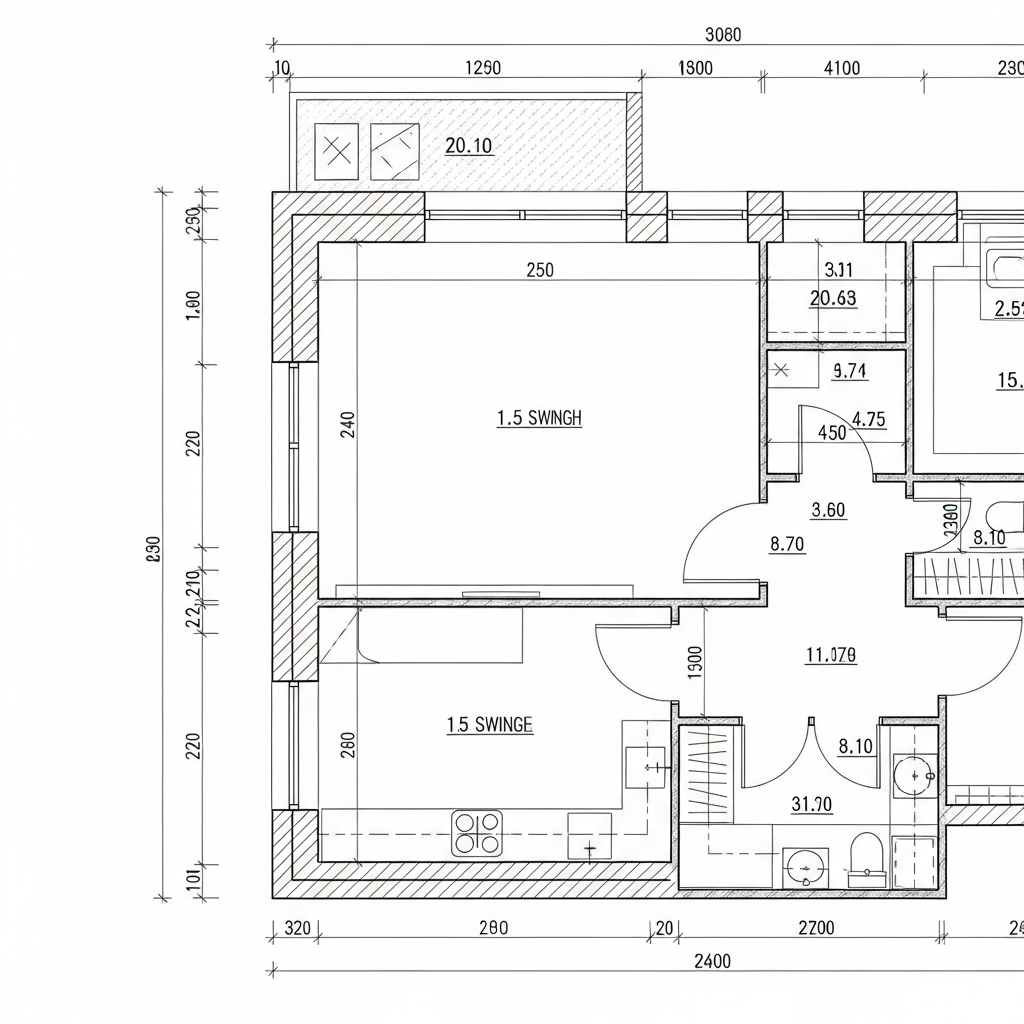
SmartDraw is a comprehensive diagramming tool that includes robust features for floor plans and home design. While it is often used for business presentations, its architectural design capabilities are significant. It offers numerous templates that help users get started quickly, making it ideal for those who prioritize structural accuracy and technical layout over decorative flourishes.
10. Roomeon

Roomeon stands out for its focus on lighting and atmosphere. It offers a 3D experience that allows you to see how natural and artificial light will affect your room at different times of the day. The software features a rich catalog of furniture from real manufacturers, and its easy-to-use interface makes it accessible for those without previous 3D modeling experience.
11. DreamPlan Home Design Software

DreamPlan is a versatile tool that covers interior design, exterior design, and landscaping. Its interface is very straightforward, making it perfect for beginners. You can easily toggle between 2D, 3D, and blueprint view modes. Whether you are planning a garden makeover or a complete basement renovation, DreamPlan provides the essential tools to visualize the project.
12. Magicplan
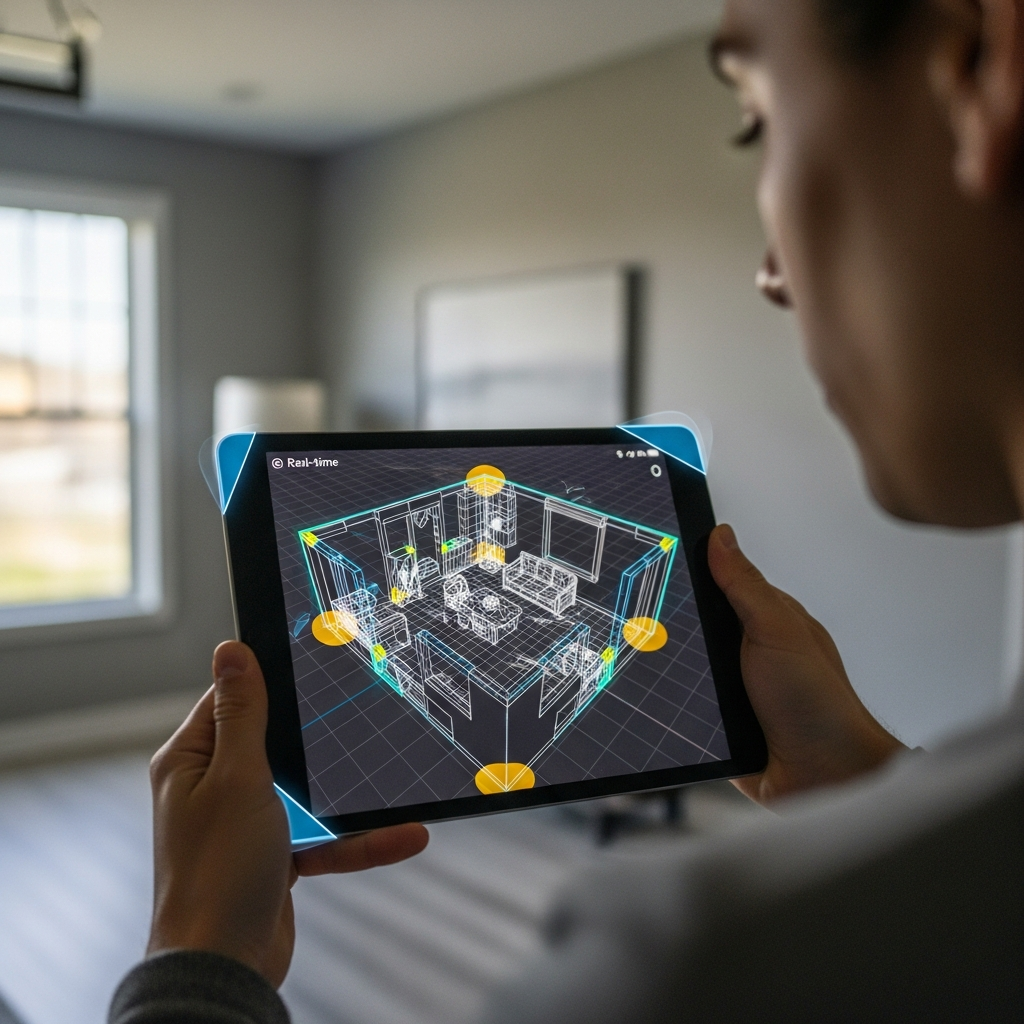
Magicplan is a unique mobile-focused tool that uses your device’s camera to scan a room and create a floor plan automatically. It is highly efficient for taking field measurements and creating initial 2D and 3D layouts. It is widely used by contractors and renovators who need to estimate costs and materials based on the physical dimensions of a space.
13. IKEA Home Planner
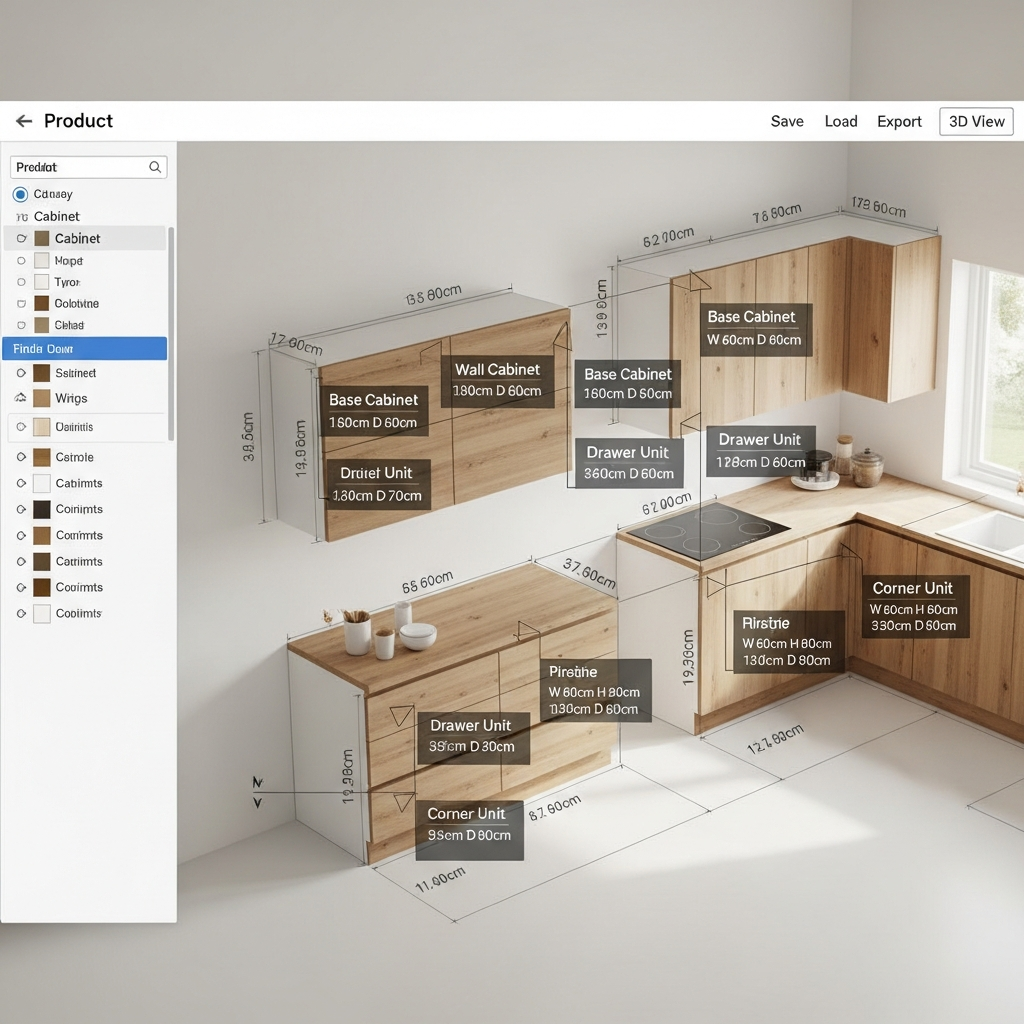
IKEA provides a suite of free planning tools specifically tailored to their product lines. These tools allow you to design kitchens, wardrobes, and storage systems with exact measurements of IKEA furniture. It is the most practical choice for anyone planning to furnish their home with IKEA products, as it also generates a complete shopping list and total price for the design.
14. Design a Room by Armstrong Flooring

Design a Room is a specialized tool focusing on surfaces. If you are struggling to choose between different flooring types or wall colors, this tool allows you to upload a photo of your actual room and test different materials. It eliminates the guesswork of how a specific hardwood floor or tile pattern will look in your unique lighting and space.
15. Houzz Pro

While Houzz Pro is a management platform for professionals, its 3D Floor Plan tool is incredibly powerful and accessible. It allows users to create detailed 3D walkthroughs that help clients or family members visualize a finished space. The tool is integrated into the larger Houzz ecosystem, providing inspiration and product sourcing all in one place.
16. Live Home 3D
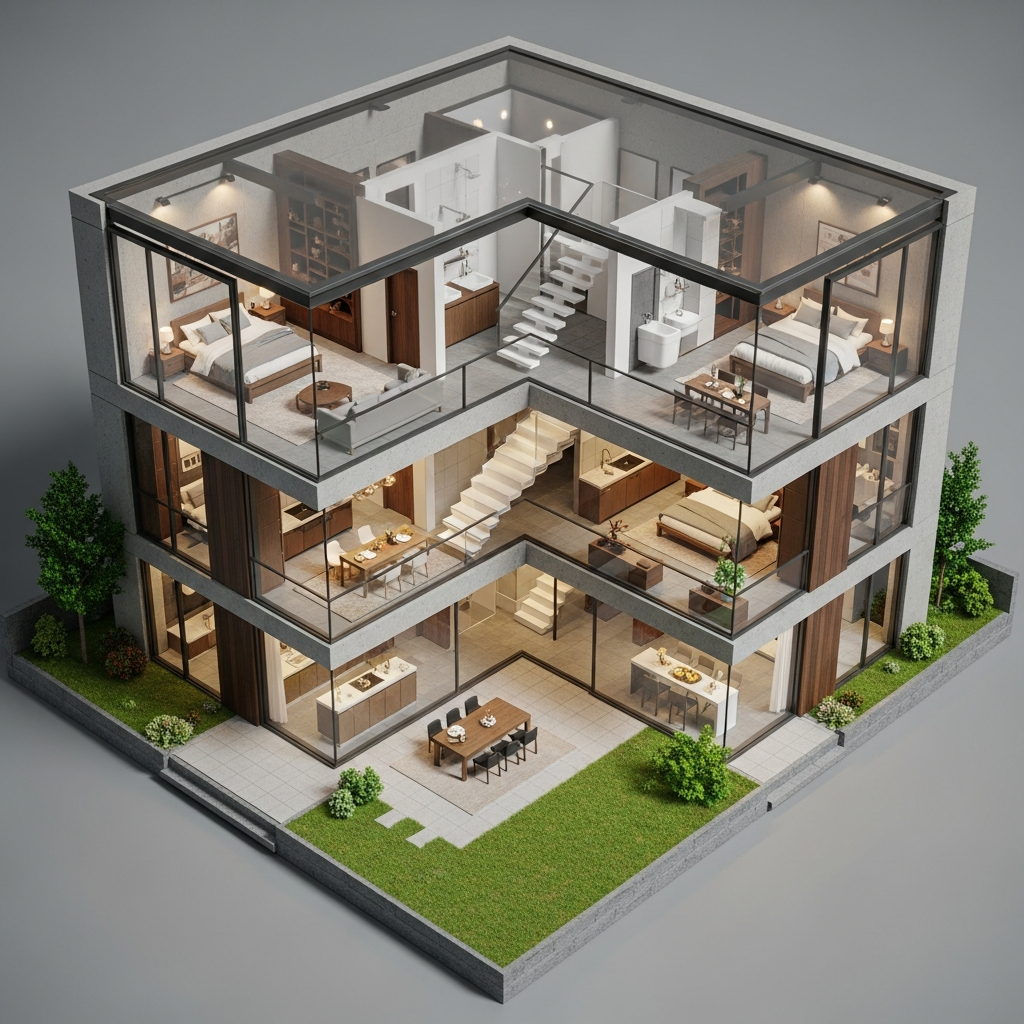
Live Home 3D is a highly intuitive and feature-rich design app available for multiple platforms. The free version offers robust features for creating detailed 2D floor plans and beautiful 3D renderings. It includes an extensive object library and allows for the adjustment of lighting and materials. Its cross-platform compatibility ensures you can work on your home design from a desktop or on the go.
Conclusion
Choosing the right 3D home design tool depends on the complexity of your project and your comfort level with technology. Whether you need a simple floor plan via Magicplan, a detailed architectural model with SketchUp, or a quick interior refresh with the IKEA Home Planner, these sixteen free tools provide everything you need to bring your vision to life. By utilizing these resources, you can minimize mistakes and maximize the potential of your living space before picking up a single tool or purchasing a piece of furniture.