
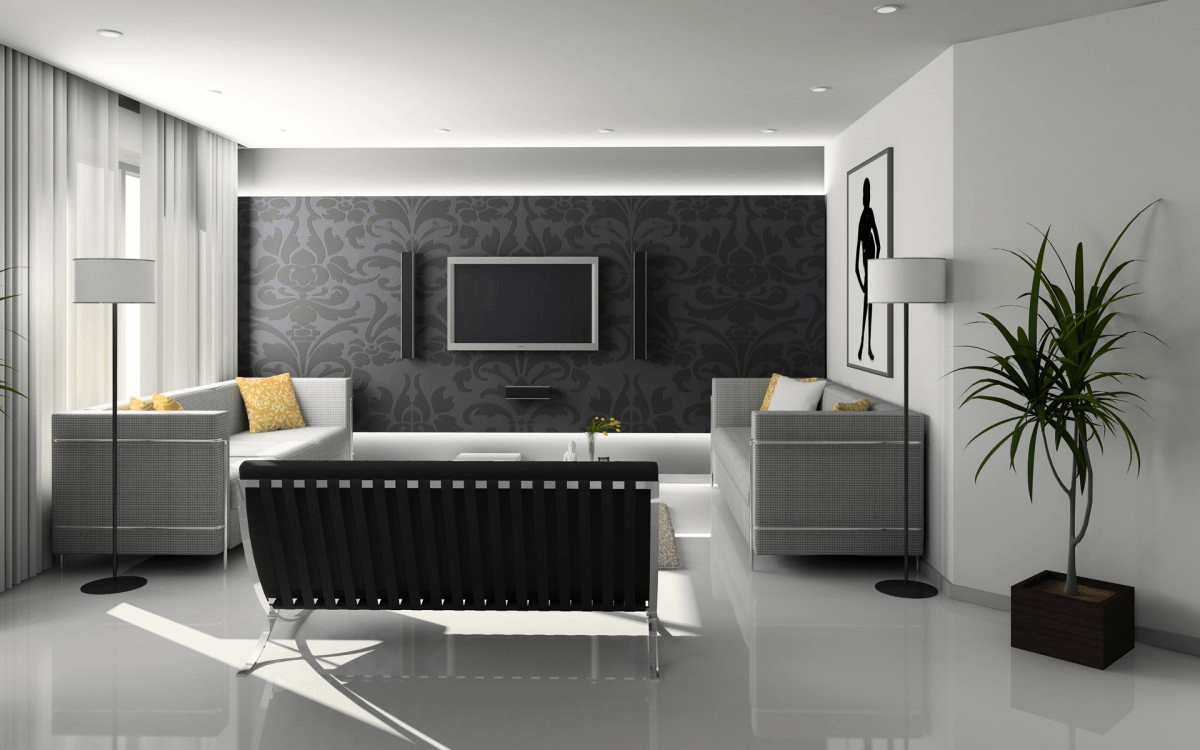
A well-designed home office can boost productivity, reduce stress, and help you stay focused throughout the day. Whether you’re working remotely, running a business, studying, or simply need a place to organize your daily tasks, creating the perfect home office setup is essential. The right workspace blends comfort, functionality, organization, and style — all while keeping distractions to a minimum.
Here’s a complete guide to help you design a home office that supports your workflow and keeps you inspired every day.
1. Choose the Best Location
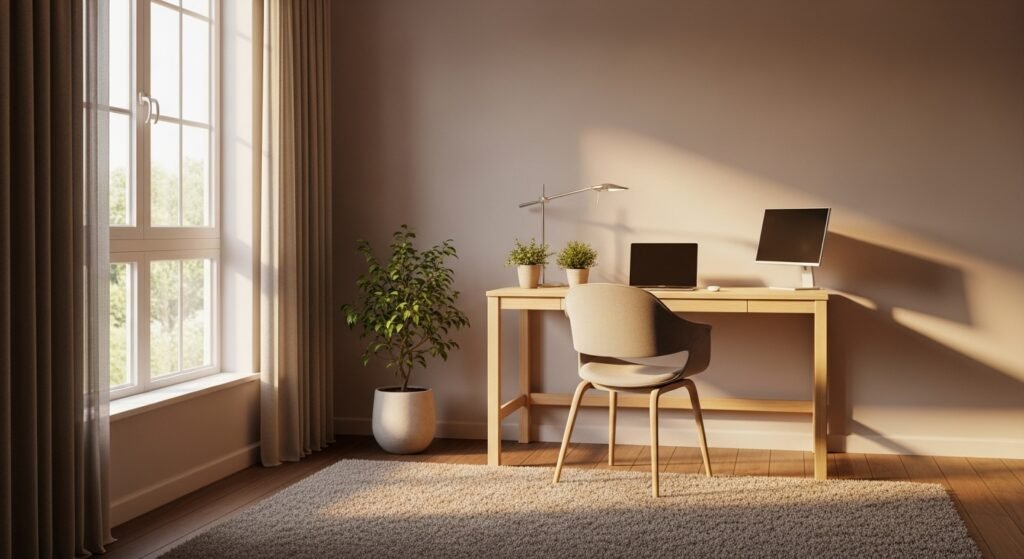
Pick a spot that enhances focus and minimizes interruptions.
Great locations include:
- A spare bedroom
- A quiet corner in the living room
- An attic or loft space
- A section of your bedroom
- A dining room alcove
Prioritize natural light and privacy when possible.
2. Invest in a Quality Desk
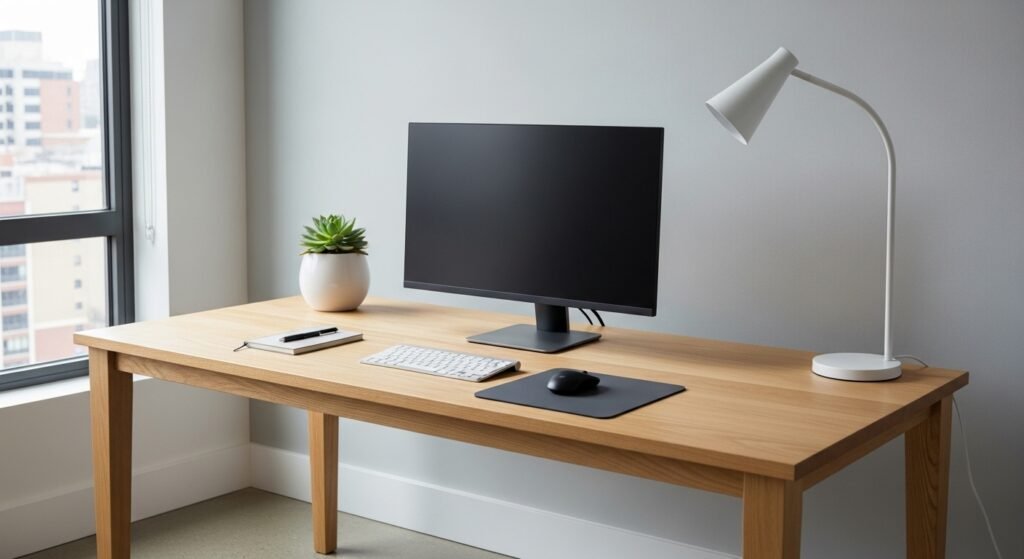
Your desk is the centerpiece of your office, so choose one that fits your needs and space.
Popular desk options:
- L-shaped desk for multitasking
- Minimalist writing desk for small spaces
- Standing desk for health-conscious workers
- Wall-mounted or foldable desk for compact homes
Ensure it has enough space for your laptop, monitor, and essentials.
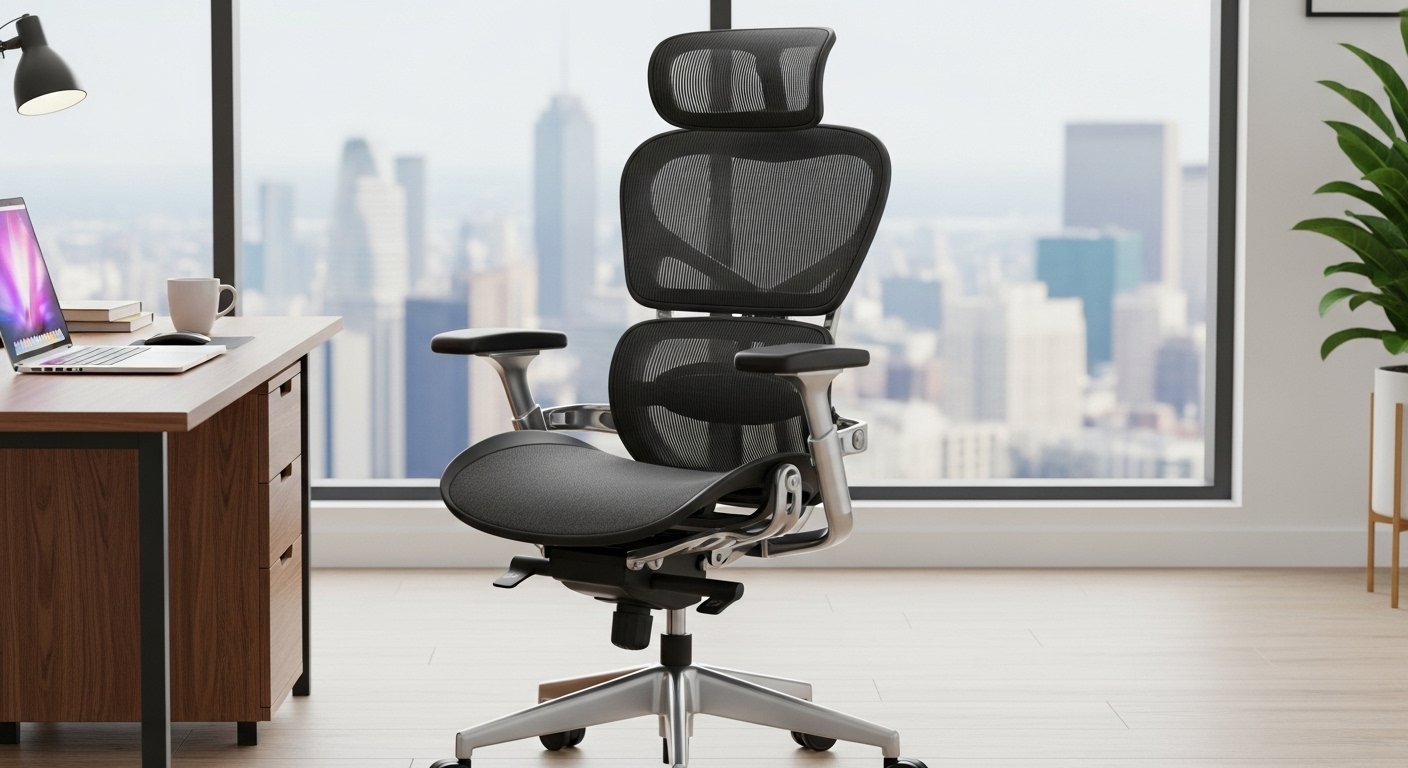
3. Choose an Ergonomic Chair
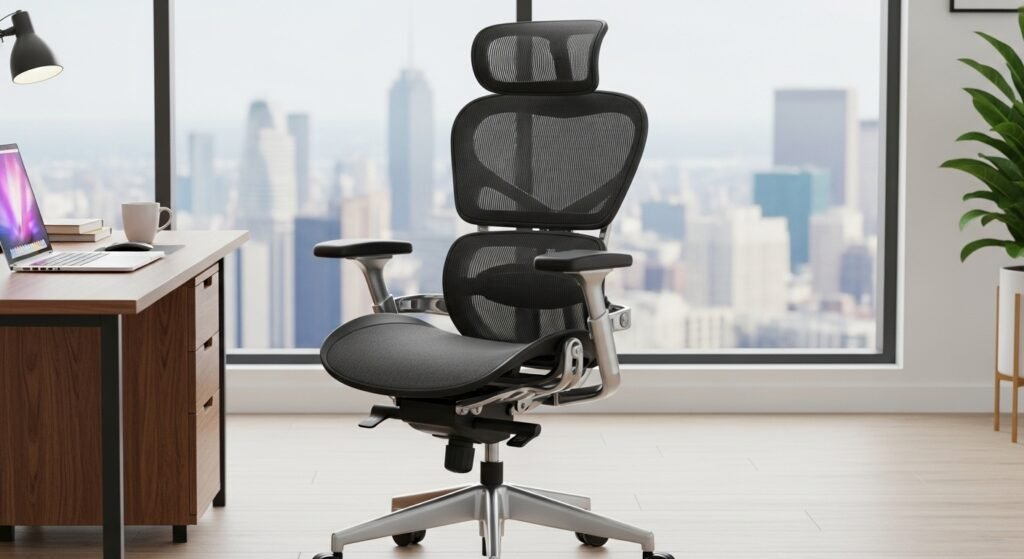
Comfort is key when working for long hours.
Look for:
- Adjustable height
- Lumbar support
- Breathable fabric
- Comfortable cushioning
An ergonomic chair reduces back pain and boosts productivity.
4. Maximize Natural Light
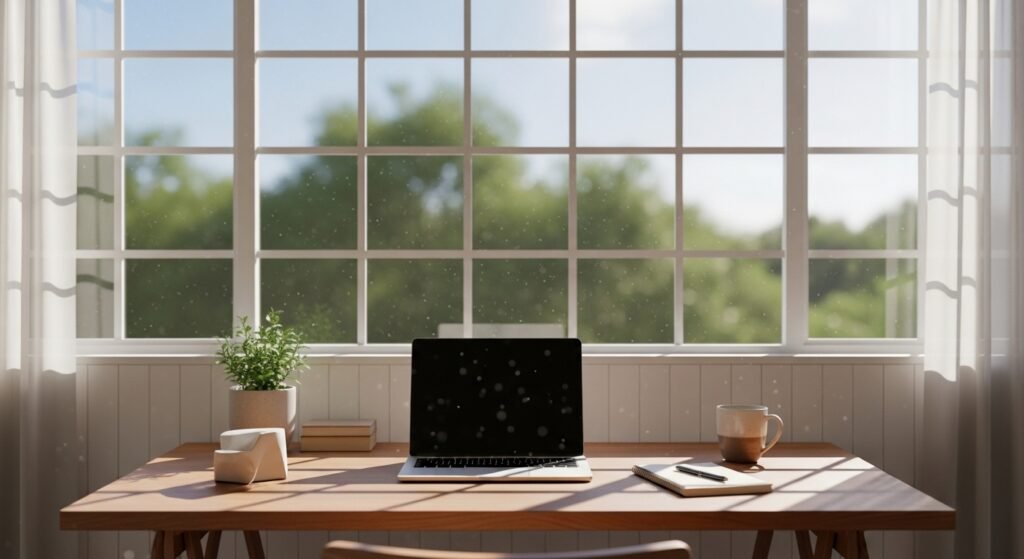
Natural light improves mood, focus, and energy levels.
Tips:
- Position your desk near a window
- Use sheer curtains
- Add mirrors to reflect light around the room
If natural light is limited, use LED daylight bulbs for a bright, clean look.
5. Improve Your Lighting Setup
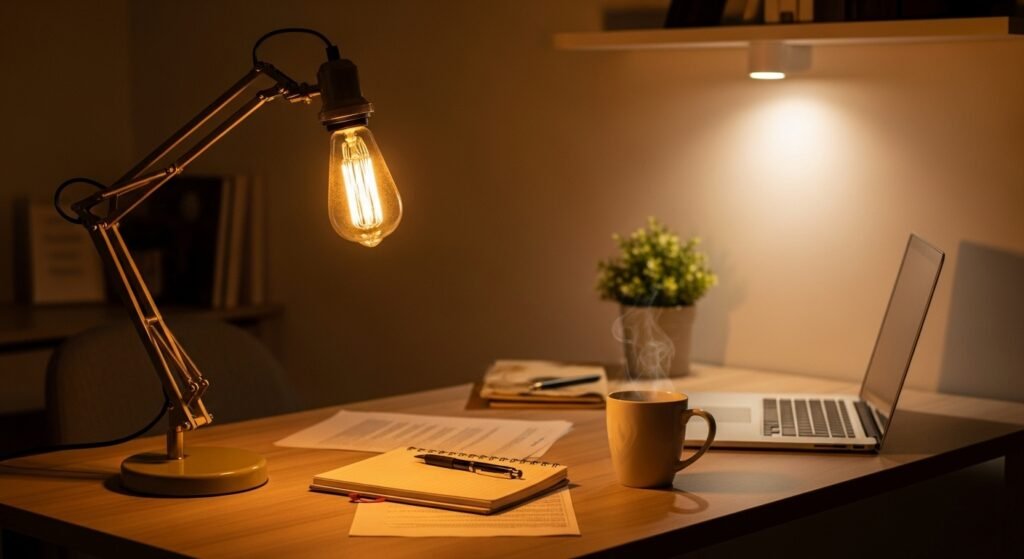
A mix of lighting sources creates a functional and inviting workspace.
Use:
- Desk lamp for focused tasks
- Overhead lighting for general brightness
- Warm accent lights for ambience
Avoid harsh or yellow lighting that strains your eyes.
6. Add Proper Monitor or Laptop Setup
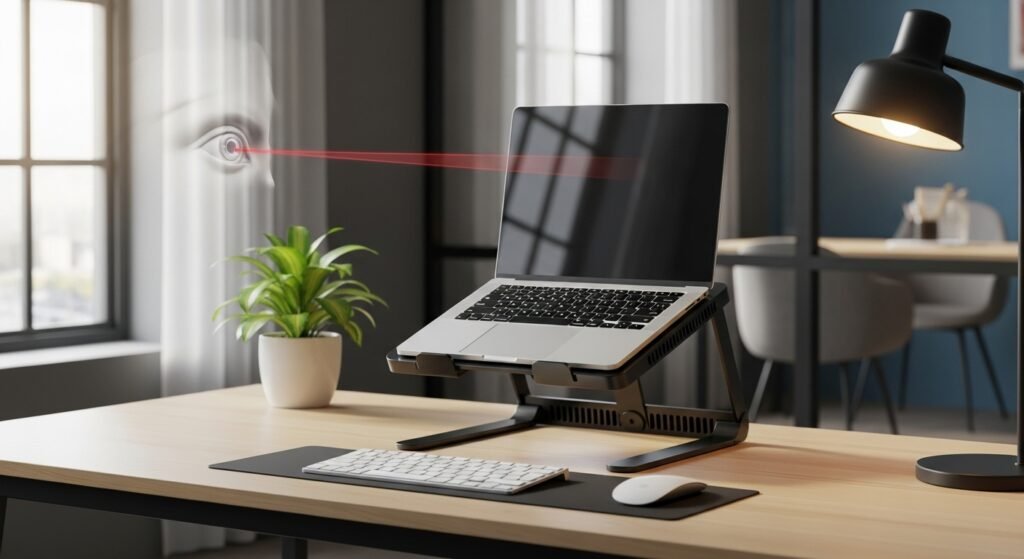
Ergonomics matter more than you think.
For comfort:
- Place the monitor at eye level
- Keep it an arm’s length away
- Use a laptop stand if needed
- Add an external keyboard and mouse
This setup reduces neck and back strain.
7. Keep Your Space Organized
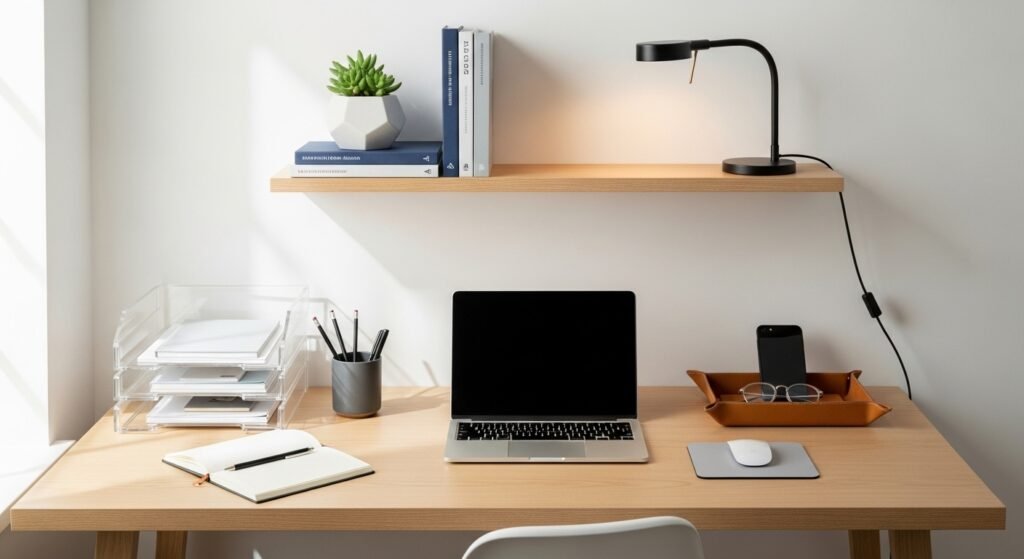
Clutter can hurt productivity.
Organizational tools:
- File holders
- Drawer organizers
- Wall shelves
- Storage baskets
- Cable management tools
A tidy office creates a clear, focused mind.
8. Add Plants for Freshness & Focus
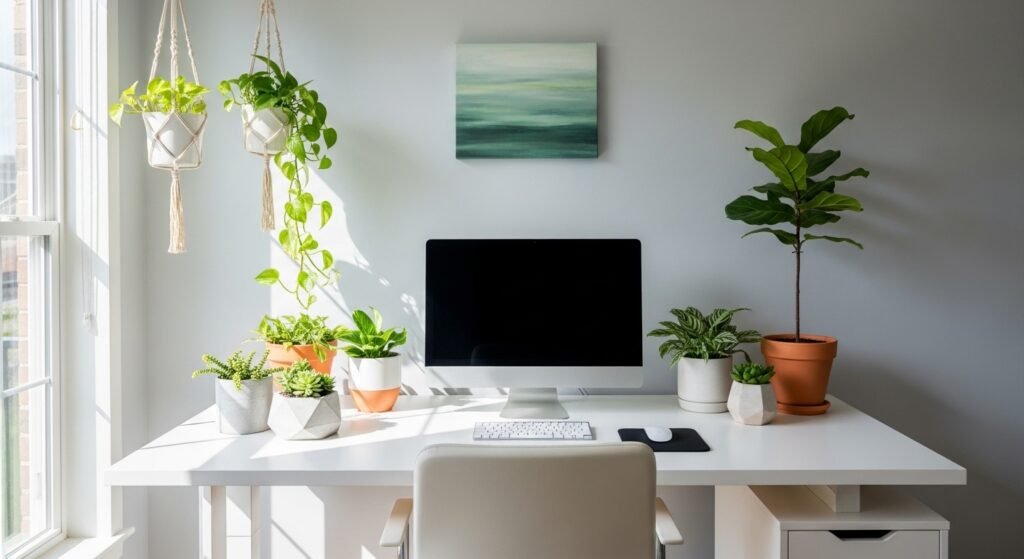
Plants add life, color, and natural calm to your workspace.
Best office plants:
- Snake plant
- Pothos
- ZZ plant
- Aloe vera
- Peace lily
They’re low-maintenance and improve air quality.
9. Use Soundproofing Solutions
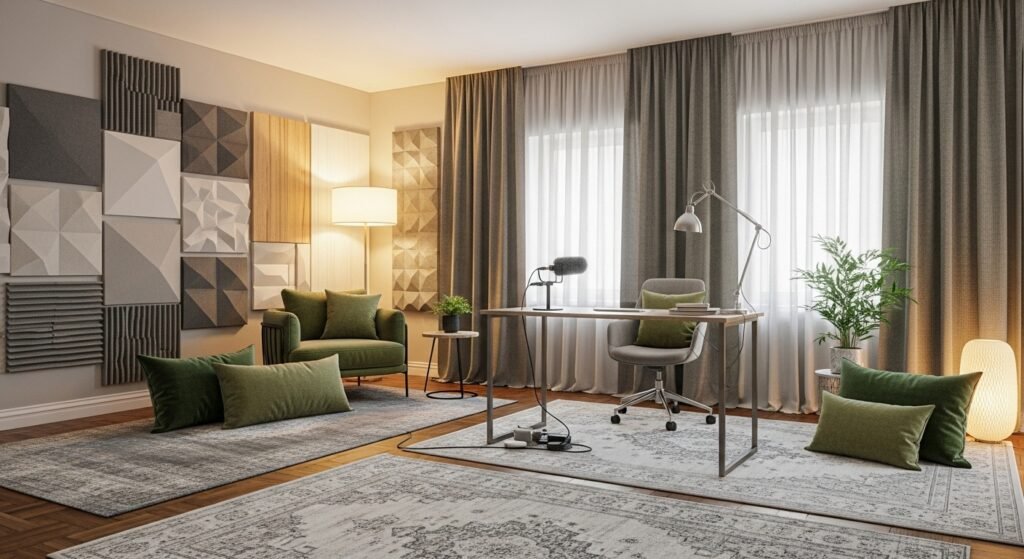
Reduce noise for better concentration.
Options:
- Rugs and curtains
- Acoustic panels
- Noise-canceling headphones
- Upholstered furniture
Quiet spaces support deep work.
10. Personalize Your Office Decor
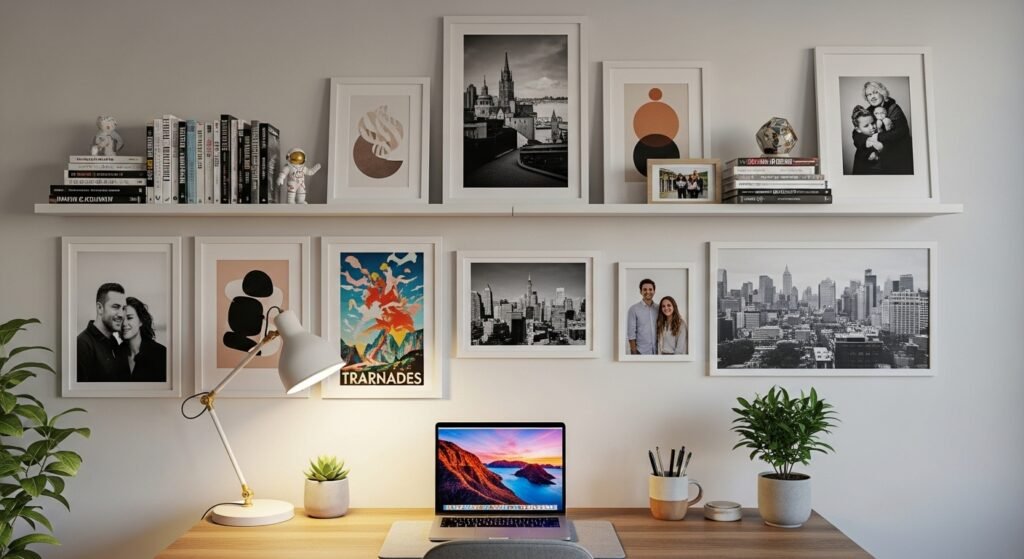
Make your office feel inspiring and unique.
Decor ideas:
- Wall art
- Inspirational quotes
- A vision board
- Floating shelves
- Minimal decor pieces
A personalized workspace feels more inviting and motivating.
11. Add Storage Solutions That Save Space
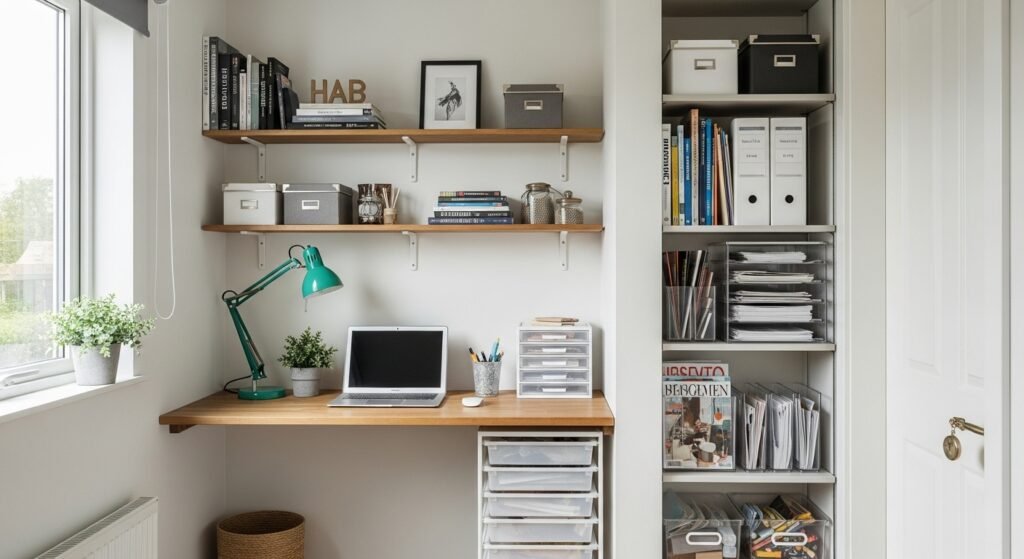
Smaller offices benefit from smart storage.
Options:
- Vertical shelving
- Under-desk drawers
- Rolling carts
- Pegboards
- Hidden storage cabinets
Use vertical space to keep floors open and clean.
12. Ensure Proper Internet & Tech Setup
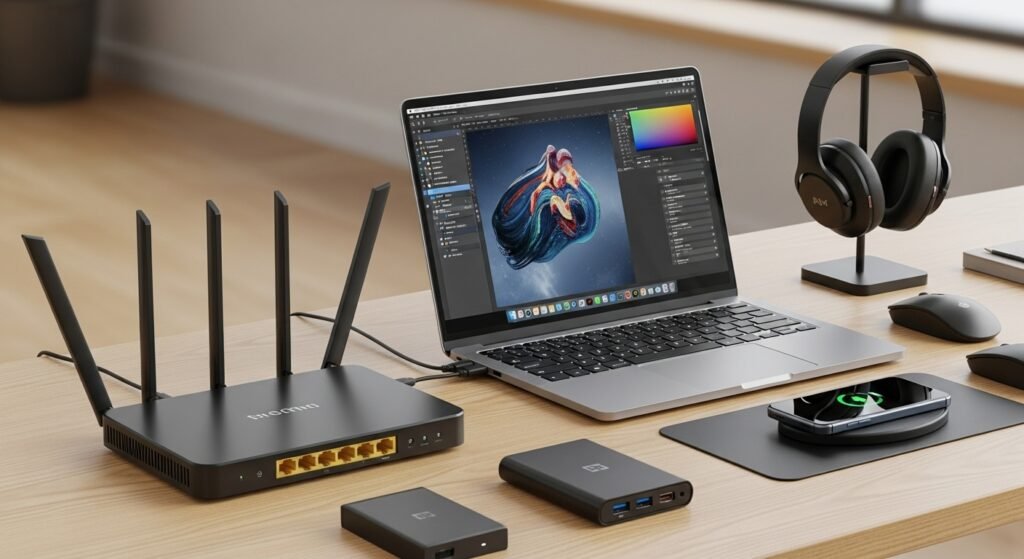
Your workspace needs reliable connectivity and tech.
Checklist:
- High-speed internet
- Backup router or extender
- Surge protector
- Charging station
- External hard drive
Tech issues can slow down your workflow, so prepare ahead.
13. Create Zones for Focus & Breaks
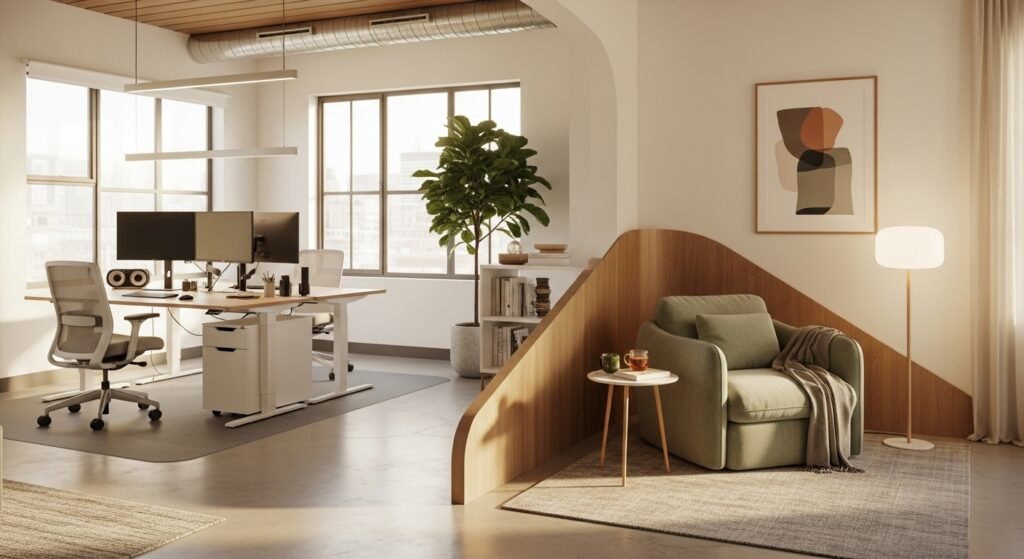
Separate work tasks from rest.
Examples:
- Desk area for focused work
- Small chair or corner for reading
- Filing area for organization
Mini zones help your mind switch between tasks smoothly.
14. Keep Cords and Cables Tidy
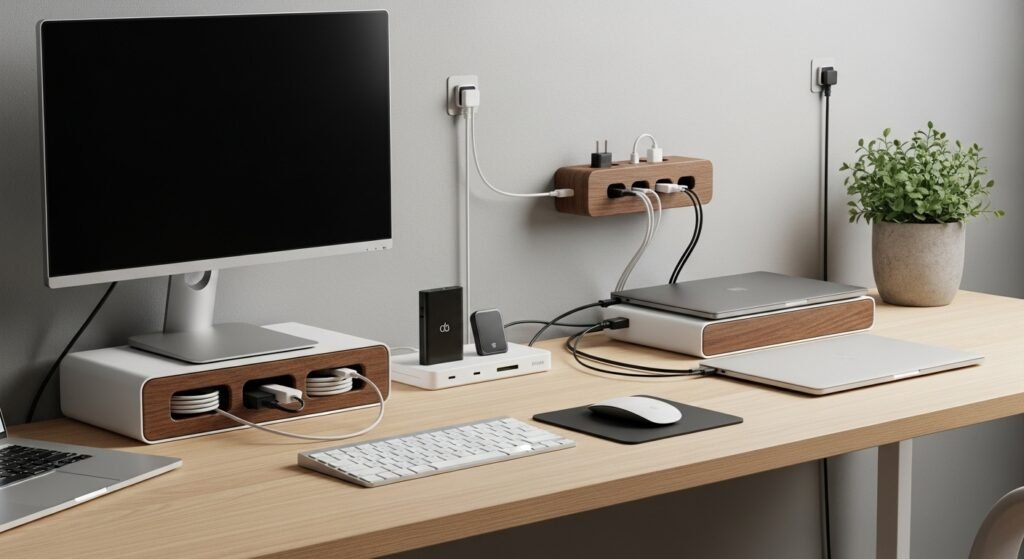
Cable clutter can be distracting.
Use:
- Cord clips
- Cable sleeves
- Cable boxes
- Under-desk trays
This keeps your workspace neat and safe.
15. Add a Whiteboard or Corkboard
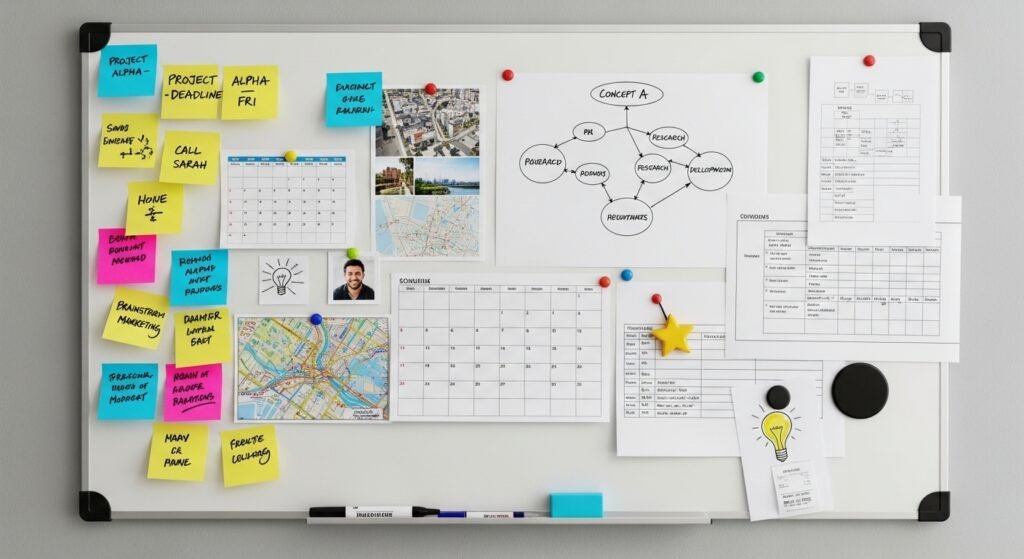
Useful for brainstorming, planning, or reminders.
Whiteboards:
- Help organize tasks
- Support creative thinking
Corkboards:
- Display notes, photos, or schedules
Both improve productivity and organization.
16. Add Background Decor for Video Calls
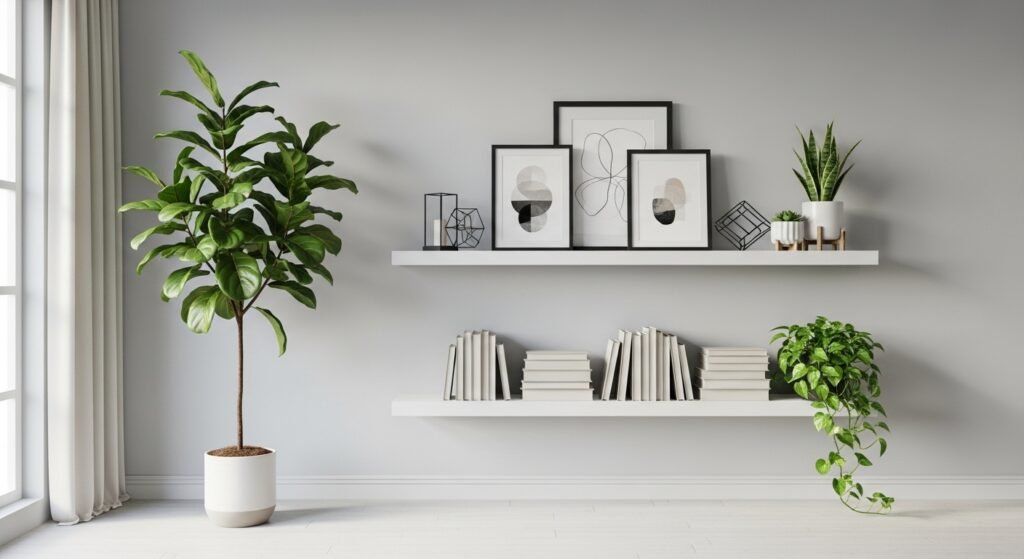
If you take video calls, make your background look clean and professional.
Choose:
- Simple wall art
- A minimal shelf
- A plant or lamp
- Neutral colors
A tidy background enhances your professionalism.
17. Bring in Soft Decor Elements
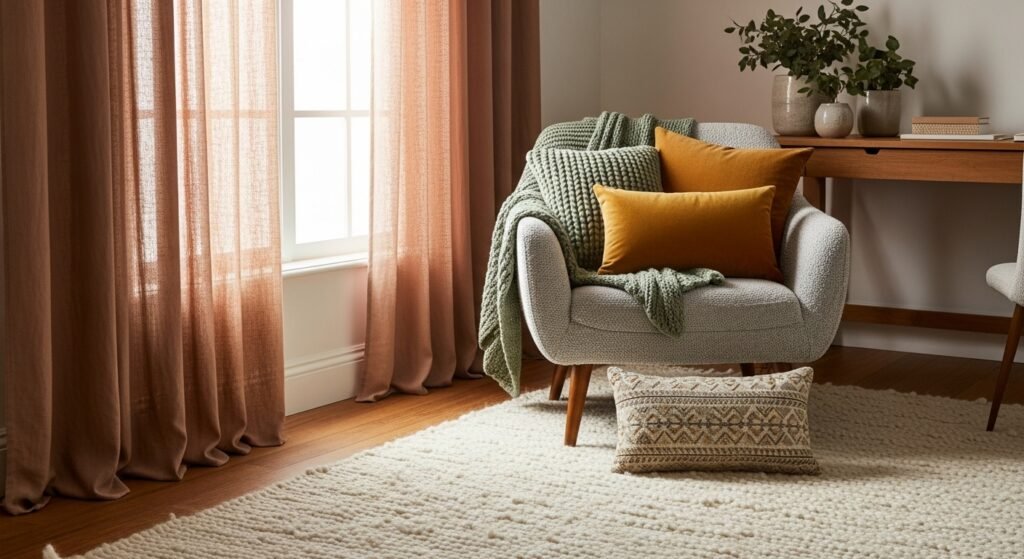
Soft textures make your office feel cozy and balanced.
Include:
- A rug
- Throw pillows
- Soft curtains
- A comfy blanket
These elements make the space relaxing without distracting you.
18. Make It Multi-Functional if Needed
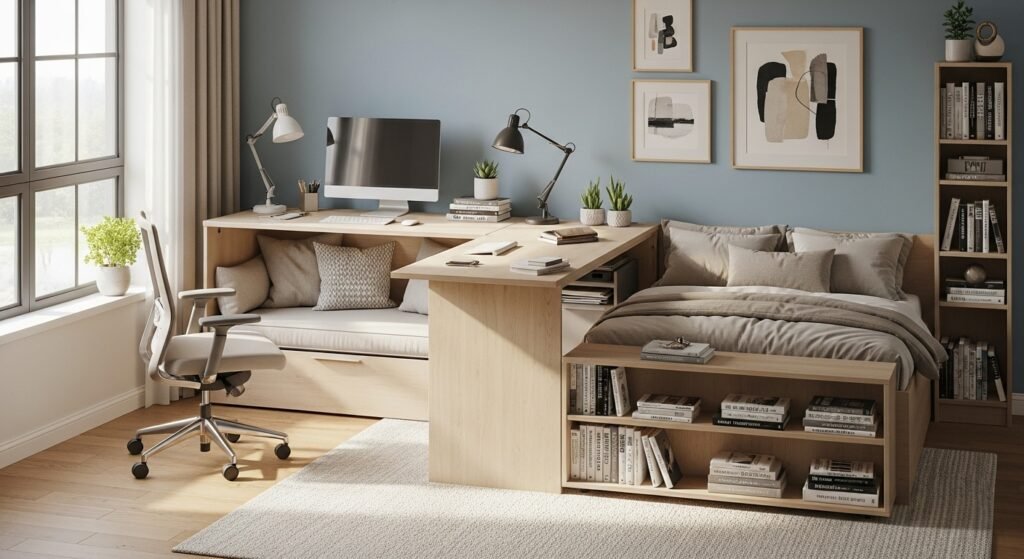
If your home is small, create a flexible workspace.
Ideas:
- Desk that converts to a vanity
- Fold-out wall desk
- Mobile carts for supplies
- Hideaway office in a closet
Make your workspace fit your lifestyle.
19. Keep Snacks & Water Nearby
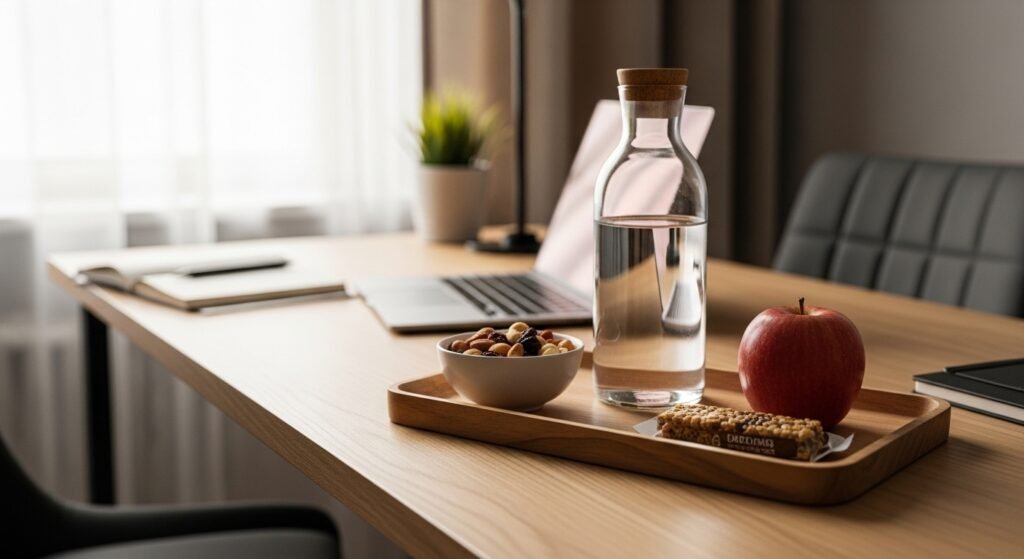
A small hydration station keeps you energized.
Consider:
- A water bottle
- Coffee mug warmer
- Healthy snacks
- Tea supplies
This helps maintain focus without constant trips to the kitchen.
20. Practice Good Desk Maintenance
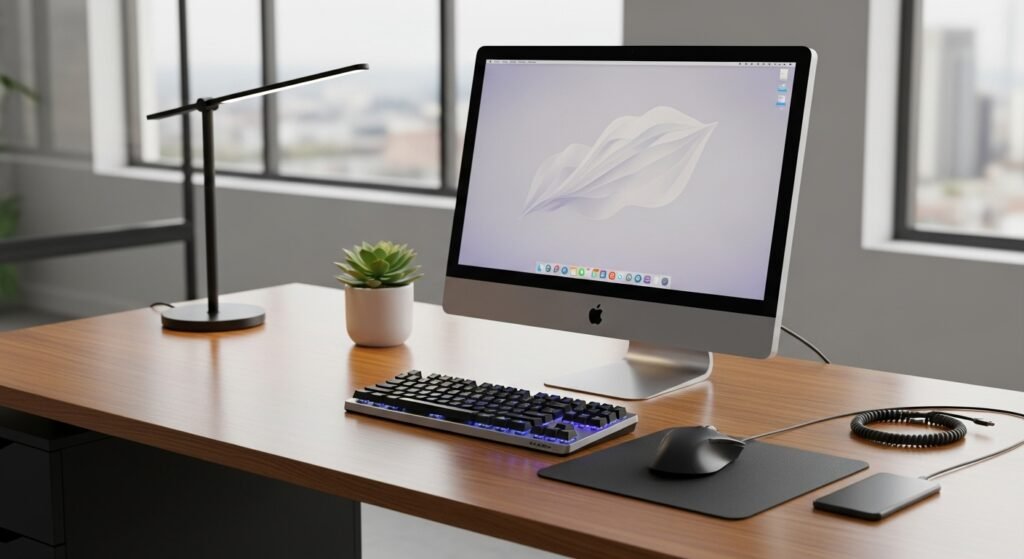
A clean workspace is a productive workspace.
Daily habits:
- Clear papers
- Wipe surfaces
- Organize supplies
- Reset your desk
Your office will always feel fresh and ready.
Conclusion
Creating the perfect home office setup is about balancing comfort, function, and inspiration. From choosing the right location and ergonomic furniture to adding plants, art, lighting, and personalized touches, your workspace should support your productivity and reflect your style. Whether you have a full room or just a corner, you can design an office that boosts creativity, reduces stress, and helps you work efficiently.
With thoughtful planning and smart design choices, you can build a home office you’ll actually enjoy spending time in — one that motivates you to show up, stay focused, and perform at your best.