
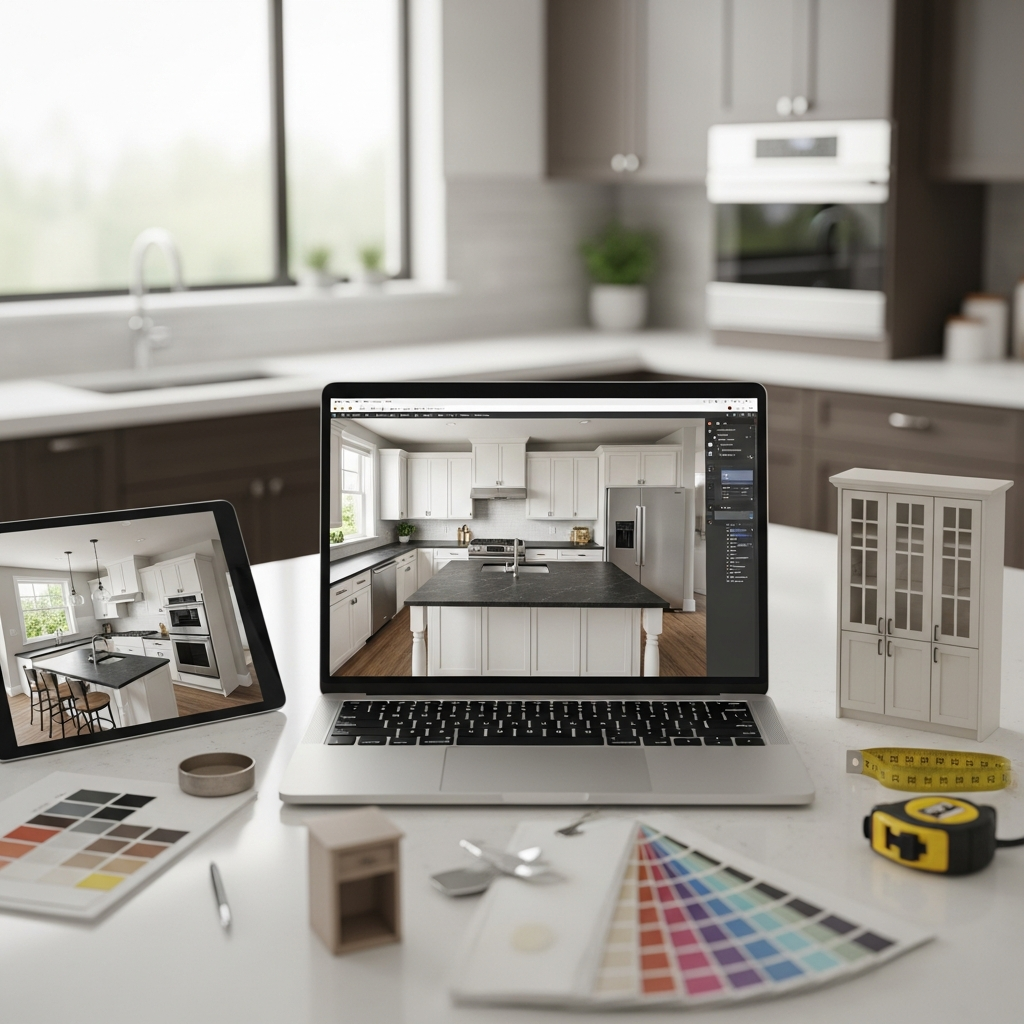
Designing a kitchen can feel like a grand adventure, full of exciting choices and a sprinkle of overwhelm. It’s one of the most important rooms in any home, a hub for cooking, gathering, and making memories. But bringing your vision to life, especially when it comes to layout, colors, and materials, can be tricky to picture in your head alone. That’s where 3D kitchen design tools step in, acting as your personal virtual workshop.
Imagine being able to try out different cabinet styles, switch up countertop materials, or see how a new color palette would look, all before making any costly decisions. The good news is, you don’t need expensive software or a design degree to start. There are many fantastic free 3D kitchen design tools available online that empower you to plan your dream kitchen with confidence and creativity. This article will guide you through 20 of these helpful resources, making your kitchen design journey simpler and more enjoyable.
Why Use Free 3D Kitchen Design Tools?
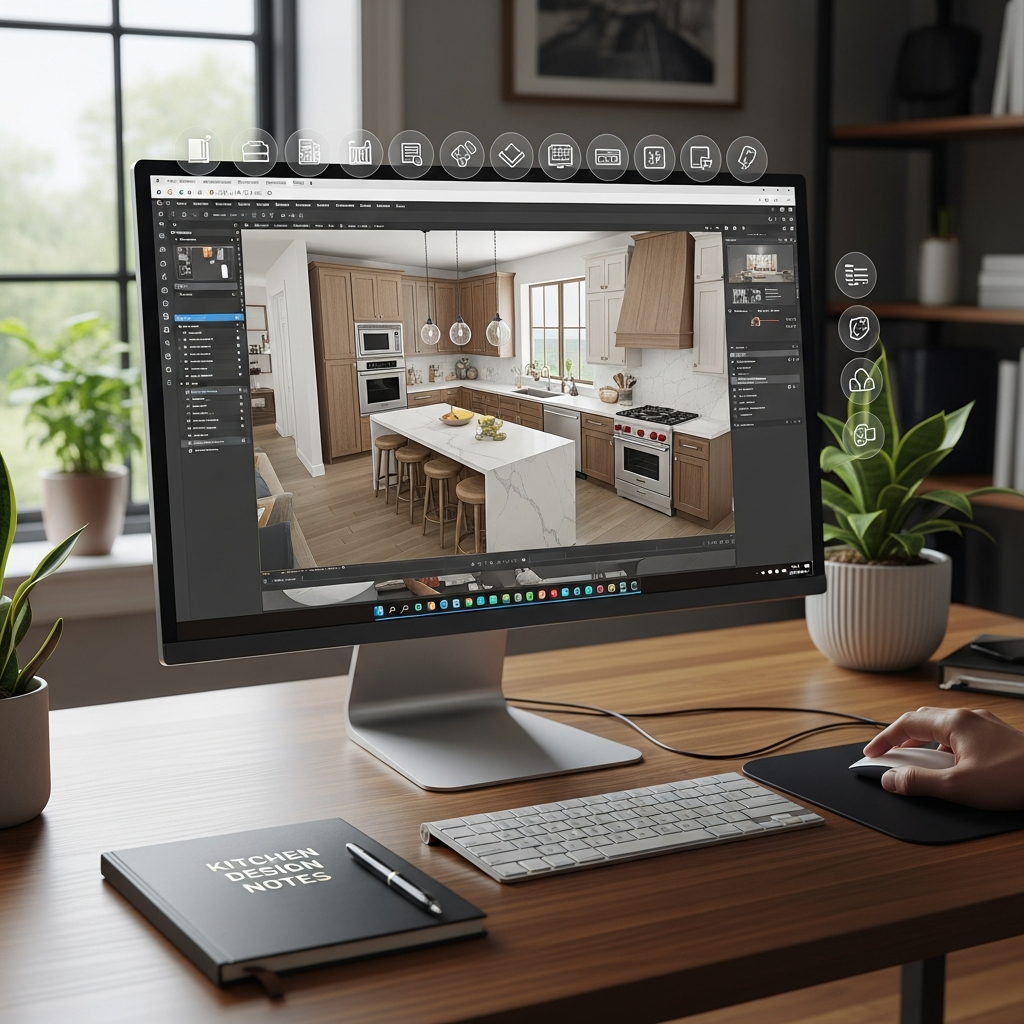
Embarking on a kitchen renovation or even a simple refresh is a significant undertaking. These free tools offer a wonderful way to explore possibilities without commitment. They provide a clear visual path, transforming abstract ideas into concrete designs you can see and refine.
Visualizing Your Dream Kitchen
It’s one thing to imagine a dark blue kitchen with brass hardware; it’s another to see it rendered in a 3D space. These tools let you visualize the overall mood and atmosphere of your future kitchen. You can get a real feel for how different elements will come together.
Experimenting with Layouts
The flow of a kitchen is crucial for its functionality. With 3D tools, you can effortlessly move islands, reposition appliances, and test various cabinet configurations. This helps you find the most efficient and comfortable arrangement for your daily life. You can try out different furniture shapes and silhouettes for your cabinets and seating areas.
Choosing Finishes and Materials
From sleek quartz countertops to rustic wood flooring, materials make a huge impact. Many free design tools offer extensive libraries of finishes, allowing you to sample different color palettes, textures, and patterns. You can see how a marble island contrasts with a subway tile backsplash.
Budget-Friendly Planning
By planning in 3D, you can often catch potential issues or design changes early on. This saves you from costly adjustments down the line once construction has begun. It helps you solidify your choices before spending any money on physical items.
Top 20 Free 3D Kitchen Design Tools
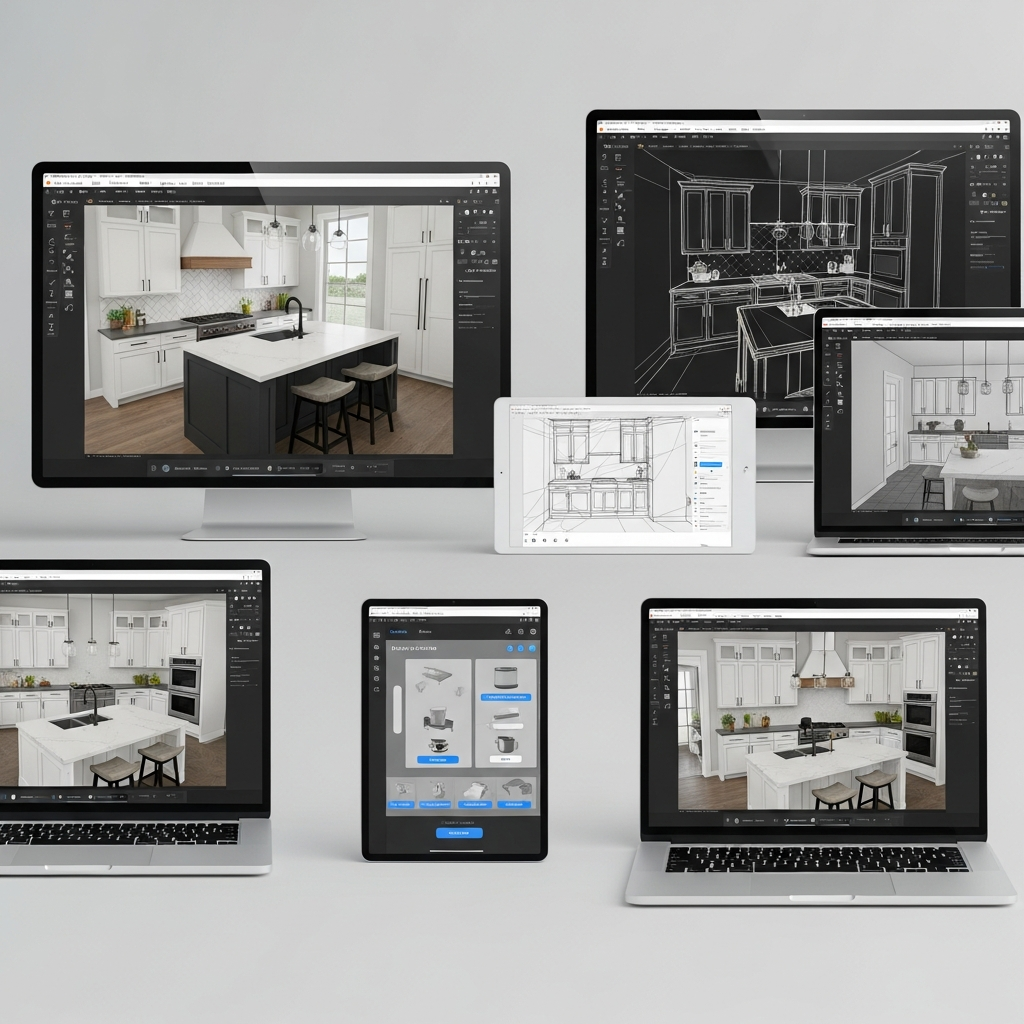
Let’s dive into some of the best free resources available to help you design your perfect kitchen. Each tool offers unique features to assist you in visualizing layouts, materials, and overall aesthetic.
1. IKEA Kitchen Planner
This online planner is fantastic if you’re considering IKEA cabinets and appliances. You can easily drag and drop their specific products into your kitchen layout. It helps visualize their standard color palettes and common material finishes directly within your planned space.
2. Lowe’s Virtual Kitchen Designer
Lowe’s offers a user-friendly online tool that lets you design a kitchen using products available in their stores. It’s great for seeing how different cabinet lines, countertops, and flooring options from Lowe’s will look together. You can experiment with various styles and material textures.
3. The Home Depot Kitchen Planner
Similar to Lowe’s, Home Depot provides a straightforward planner featuring their vast range of kitchen products. This tool allows you to explore different cabinet styles, appliance placements, and material choices. It’s excellent for visualizing common color schemes and finishes.
4. Planner 5D (Free Version)
Planner 5D is a popular online tool for general home design, including comprehensive kitchen planning. Its free version allows you to create detailed 2D floor plans and view them in realistic 3D. You can select from a wide catalog of items, experimenting with furniture shapes and textures.
5. Homestyler (Free Version)
Homestyler provides robust design capabilities, offering a great balance between ease of use and realistic rendering. The free version allows you to design your kitchen from scratch, choose various finishes, and see your space in high-quality 3D. It’s excellent for visualizing different color palettes and material options.
6. RoomSketcher (Free Plan)
RoomSketcher’s free plan lets you create floor plans and view your kitchen in 3D. While some advanced features require an upgrade, the basic plan is perfect for laying out your kitchen, positioning main elements, and getting a clear overall perspective. You can visualize basic layouts and cabinet silhouettes.
7. SketchUp Free (Web Version)
For those who enjoy a bit more control and detail, SketchUp Free is a powerful web-based 3D modeling tool. It has a steeper learning curve than some others, but it offers immense flexibility to create custom cabinet shapes, explore unique layouts, and truly personalize your design. It’s fantastic for detailed material textures.
8. Floorplanner (Free Basic Account)
Floorplanner allows you to create detailed 2D floor plans and then instantly view them in 3D. The free basic account is sufficient for designing your kitchen layout, adding furniture, and visualizing the space from various angles. It’s good for understanding spatial relationships and furniture placement.
9. DreamPlan Home Design Software (Free for Non-Commercial Use)
DreamPlan is a downloadable software that offers a free version for personal use. It provides extensive tools for interior and exterior home design, including kitchens. You can easily customize layouts, add appliances, and select materials to see your vision in 3D. It helps visualize the overall mood through lighting and material choices.
10. Backsplash.com Design Tool
While specific to backsplashes, this tool is invaluable for a crucial kitchen element. It allows you to upload a picture of your kitchen or use one of their templates to try out different backsplash tiles, patterns, and colors. This is perfect for fine-tuning a key decorative feature and its material textures.
11. CabinetSelect Kitchen Design Tool
This online tool focuses specifically on kitchen cabinets. You can select various cabinet styles, finishes, and configurations to build your ideal storage solution. It helps you visualize how different cabinet furniture shapes and color palettes will impact the room’s appearance.
12. Merillat Kitchen Visualizer
Merillat, a well-known cabinet brand, offers a visualizer tool on its website. It allows you to select cabinet styles, finishes, and colors from their product line. You can see how their specific wood grains, painted surfaces, and hardware choices come to life in a sample kitchen setting.
13. KraftMaid Kitchen Visualizer
Similar to Merillat, KraftMaid provides a visualizer to help you explore their extensive range of cabinet options. You can mix and match different door styles, finishes, and functional accessories. This is excellent for understanding how various material textures and color palettes work together.
14. Wilsonart Visualizer
Wilsonart specializes in laminate and solid surface countertops. Their visualizer lets you apply different countertop patterns and colors to a pre-set kitchen design or even your own photo. It’s a great way to see the impact of specific material textures and unique patterns on your overall design.
15. Formica Visualizer
Formica is another leading brand for laminate surfaces, and their visualizer helps you explore their vast collection. You can instantly swap out countertop designs, backsplash patterns, and even cabinet colors. This tool is ideal for experimenting with bold or subtle color palettes and surface textures.
16. Kohler Kitchen Design Service (Visualizer)
Kohler offers visualizers focused on their sinks, faucets, and fixtures. While not a full kitchen planner, it allows you to see how different finishes (like polished chrome, matte black, or brushed gold) for these vital elements will look in your kitchen. This helps define the overall mood and metallic textures.
17. Wren Kitchens 3D Planner
Wren Kitchens, a popular UK-based company, offers a comprehensive online 3D planner that is accessible to anyone. You can design your entire kitchen, choose from a wide range of their products, and see your creation in impressive 3D detail. It’s excellent for visualizing color schemes and modern furniture shapes.
18. Magnet Kitchen Designer
Another UK-based kitchen retailer, Magnet provides a user-friendly online designer. It allows you to experiment with various cabinet styles, colors, and layouts from their collections. This tool is perfect for visualizing different kitchen styles and understanding how certain material textures feel.
19. CliqStudios Kitchen Design Tool
CliqStudios offers a free online design tool, primarily focused on their cabinetry. You can lay out your kitchen, select cabinet styles, and choose finishes to get a good sense of how their products will fit your space. It’s helpful for seeing different cabinet silhouettes and color palettes.
20. EasyPlanner 3D
EasyPlanner 3D is an online tool that offers basic 3D planning capabilities for rooms, including kitchens. It’s straightforward to use for creating simple layouts and adding essential elements. It provides a quick way to visualize spatial arrangements and foundational furniture shapes.
Tips for Using Your Free Design Tool
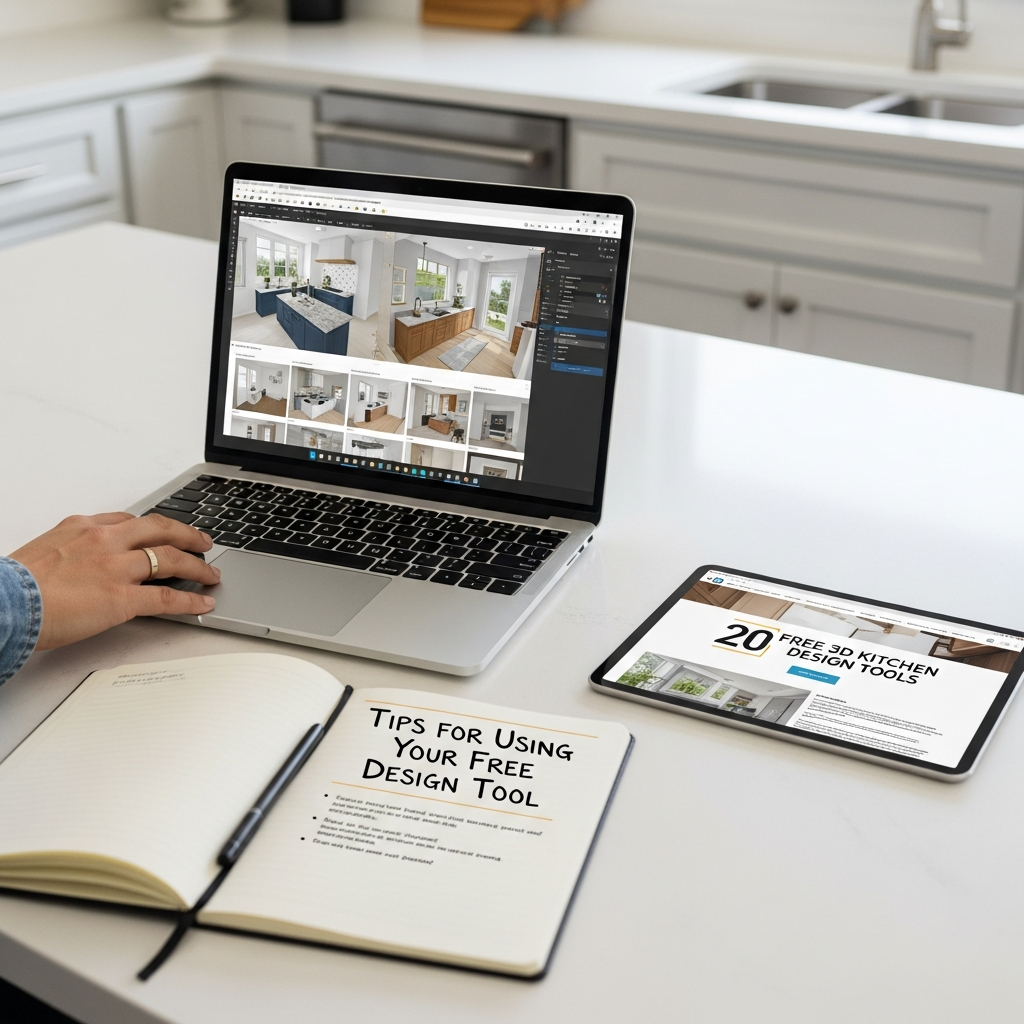
Once you’ve picked a tool, a few simple strategies can help you make the most of your design experience. Remember, these tools are for exploring, so don’t be afraid to try everything!
Start with Your Layout
Begin by accurately sketching your kitchen’s dimensions, including windows, doors, and utilities. Input these measurements into your chosen tool. Getting the foundational layout correct is the most important first step, as it dictates the possible furniture shapes and overall flow.
Experiment with Styles
Don’t stick to your initial idea. Play around with different cabinet styles—modern slab fronts versus traditional shaker, for example. Change the color palettes, try light wood versus dark, or bold blues versus classic whites. See how material textures like high-gloss, matte, or wood grain change the feel.
Pay Attention to Details
Once the main elements are in place, zoom in on the smaller details. Add different hardware, experiment with lighting fixtures, and place decorative items. These small touches contribute significantly to the overall mood and atmosphere of the kitchen.
Get a Second Opinion
Share your 3D designs with friends or family. A fresh pair of eyes can offer new perspectives or spot something you might have missed. Many online tools allow you to easily save or share your designs.
Design Your Dream Kitchen Today
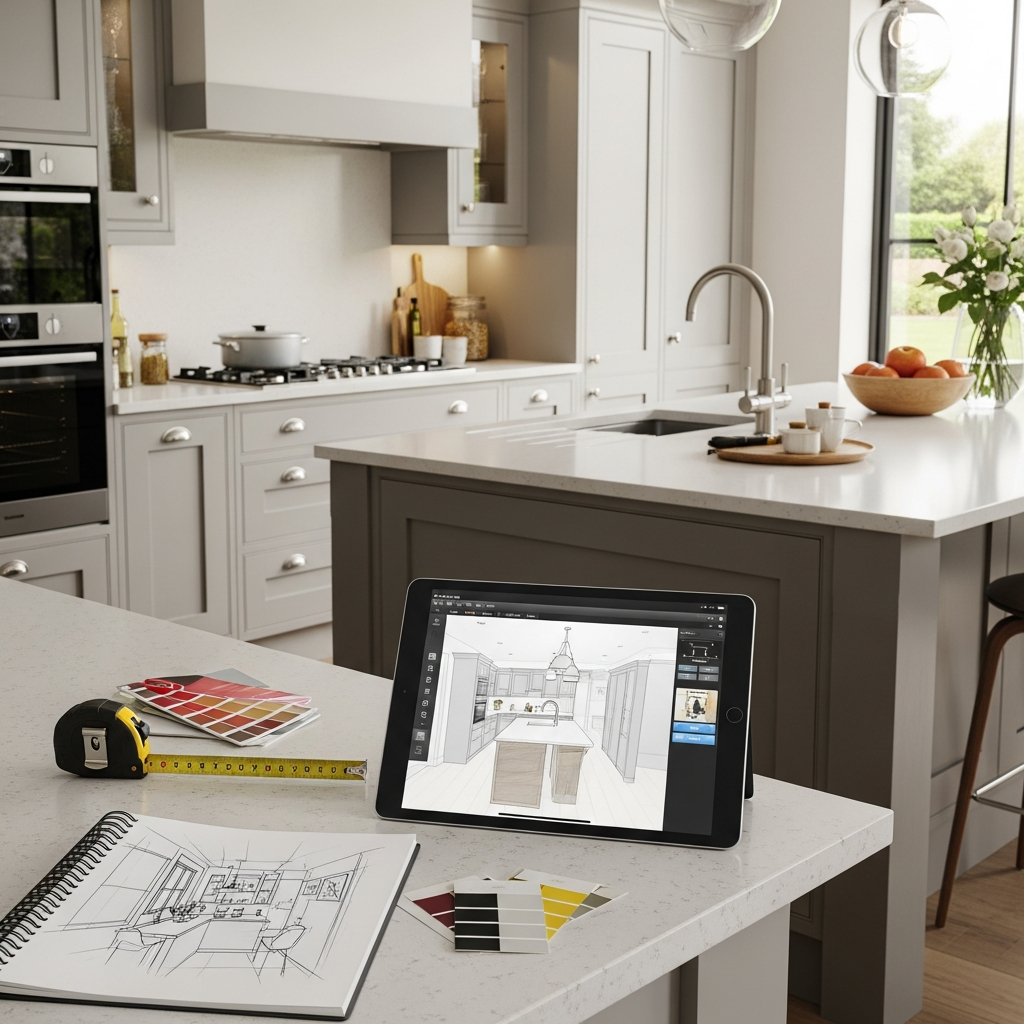
Designing your kitchen should be an exciting journey, not a stressful one. With these 20 free 3D kitchen design tools, you have the power to envision, experiment, and perfect your space before any hammers swing. From exploring vast color palettes and luxurious material textures to refining every cabinet’s furniture shape and perfecting the overall mood, these tools put the design studio right at your fingertips. Take the leap, choose a tool, and start bringing your dream kitchen to life today.