

Stepping into the world of home design and decor can be incredibly exciting, yet sometimes a little daunting. You might have a vision for a cozy living room, a sleek modern kitchen, or a serene bedroom retreat. But how do you truly see it come to life before making any big commitments? This is where 3D home design tools become your invaluable creative partners.
These digital helpers allow you to experiment with layouts, furniture, color palettes, and textures without lifting a single piece of furniture or painting a wall. The best part? Many fantastic options are available completely free, empowering you to explore your aesthetic and plan your dream space with confidence.
Bring Your Home Design Dreams to Life
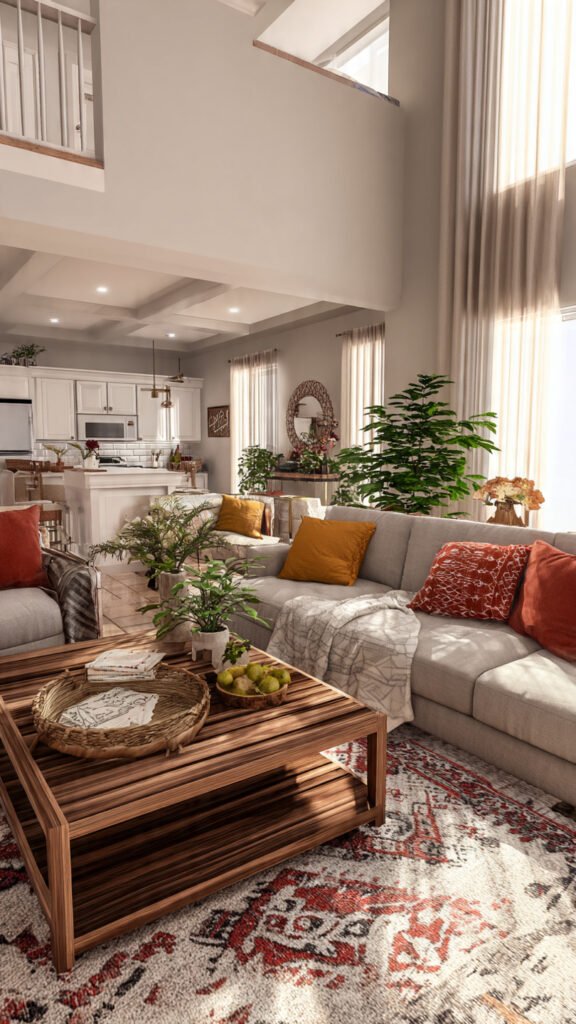
Gone are the days of sketching floor plans on graph paper and hoping for the best. With modern 3D design software, you can virtually walk through your future home, rearrange furniture with a click, and even see how different lighting conditions affect your chosen finishes. It’s like having a professional designer’s eye right at your fingertips.
Whether you are planning a full renovation, redecorating a single room, or simply dreaming up new possibilities, these tools offer an accessible way to visualize your ideas. They transform abstract concepts into tangible, inspiring designs, making the entire process enjoyable and stress-free. Let’s explore some of the best free options available to start your design journey.
Intuitive Browser-Based & Freemium Choices
Many fantastic 3D home design tools are available directly through your web browser, making them incredibly accessible. Others offer a free tier with robust features, allowing you to dive into design without any upfront cost.
SketchUp Free (Web Version)
SketchUp Free is a beloved choice for its powerful 3D modeling capabilities, all within a user-friendly browser interface. It allows you to create detailed floor plans, design custom furniture, and even model architectural features. The intuitive push-pull tool makes converting 2D shapes into 3D forms incredibly simple.
You can import models from its vast 3D Warehouse, choosing from thousands of user-created furniture pieces, appliances, and decor items. It’s perfect for those who want a bit more control over the specific dimensions and angles of their design elements.
Planner 5D
Planner 5D is an incredibly popular and easy-to-use tool that lets you design both interiors and exteriors in 2D and 3D. Its drag-and-drop interface is perfect for beginners, allowing you to quickly lay out rooms and add furniture. You can experiment with different wall textures, floor coverings, and decor items from a vast catalog.
The photorealistic rendering feature helps you visualize your space with impressive detail, showing how different lighting and materials will look. It’s available as a web application and mobile app, offering flexibility for designing on the go.
Roomstyler 3D Home Planner
Roomstyler is another excellent browser-based tool that simplifies the design process. You can start by drawing your room’s layout or choosing from pre-designed templates. Its strength lies in its extensive library of real-world furniture and decor items from popular brands.
This allows you to accurately plan your purchases and see how they fit into your space. Experiment with paint colors, wallpaper, and flooring, then view your design in 3D from various angles, even creating beautiful virtual walkthroughs.
Homestyler
Developed by industry leader Autodesk, Homestyler provides a professional-grade design experience in your web browser. It’s known for its high-quality 3D models and realistic rendering capabilities, allowing you to create stunning visuals of your design. You can design floor plans, add structural elements like windows and doors, and decorate with an extensive catalog of furniture and decor.
It features a robust community where you can get inspiration and share your own projects. The tool supports detailed material and texture changes, helping you refine every surface of your virtual home.
Floorplanner (Free Account)
Floorplanner excels at creating precise 2D floor plans, and its free account offers great utility for basic home design. You can easily draw room shapes, add doors, windows, and structural elements, then quickly switch to a 3D view. While the 3D features on the free tier are more basic, they are perfect for getting a sense of spatial arrangement and flow.
It’s a fantastic starting point for anyone looking to map out their home’s layout before moving into detailed decoration. The drag-and-drop furniture library makes furnishing your plan a breeze.
HomeByMe (Free Plan)
HomeByMe offers a fantastic free plan that allows you to create up to three projects and generate realistic images of your designs. This cloud-based tool lets you design your home from scratch or use an existing floor plan as a base. Its intuitive interface guides you through adding rooms, selecting furniture, and experimenting with finishes.
The ability to create high-quality 3D renderings is a standout feature, helping you visualize how light interacts with your chosen materials and colors. It’s ideal for bringing a refined touch to your preliminary design concepts.
Kozikaza
Kozikaza is an all-in-one platform that combines floor planning, 3D home design, and community sharing. It’s incredibly user-friendly for creating detailed 2D floor plans and then instantly transforming them into a navigable 3D model. You can add furniture, adjust colors, and experiment with different decor styles.
One of its unique aspects is the active community where users can share designs, ask for advice, and draw inspiration from others. This collaborative environment makes the design process even more engaging and insightful.
Lowe’s Virtual Room Designer
Lowe’s offers a simple and straightforward virtual room designer directly on their website. This tool is particularly useful if you plan to purchase items from Lowe’s, as it integrates their product catalog directly into the design process. You can upload a photo of your room or start with a template, then experiment with different paint colors, flooring, and furniture from their inventory.
It’s a great way to visualize how specific products will look in your space before you commit to buying them. The focus is on practical application for remodeling and redecorating with readily available items.
RoomSketcher (Free Plan)
RoomSketcher provides a professional-level experience, even with its free plan. You can create detailed 2D floor plans and generate instant 3D views of your designs. The tool is known for its user-friendly interface and accurate measurements, making it a favorite for both homeowners and design enthusiasts.
While the free version has some limitations, it allows you to visualize your layout and experiment with basic furniture arrangements. It’s an excellent choice for getting a precise understanding of your room’s dimensions and flow.
Downloadable & Open-Source Gems

Sometimes, having software installed directly on your computer offers more robust features or offline capabilities. These free downloadable tools range from beginner-friendly to incredibly powerful for advanced users.
Sweet Home 3D
Sweet Home 3D is a fantastic open-source software that you can download and install on your computer. It allows you to draw your home’s floor plan in 2D and then instantly view it in 3D. You can drag and drop furniture, appliances, and decor items from its extensive, customizable catalog into your design.
The tool offers precise control over dimensions, colors, and textures, enabling you to create highly personalized spaces. It’s an excellent option for those who prefer working offline and want full control over their design environment.
DreamPlan Home Design Software Free
DreamPlan is a free version of NCH Software’s home design application, intended for non-commercial use. It offers a comprehensive set of tools for designing both interior and exterior spaces. You can create floor plans, add multiple stories, and experiment with furniture and appliances.
The software provides various textures and finishes to choose from, allowing you to visualize different material combinations. It’s a good all-rounder for basic home design projects, offering a solid desktop experience.
Blender
Blender is a powerhouse in the world of 3D modeling, animation, and rendering, and it’s completely free and open-source. While it has a significantly steeper learning curve than other tools on this list, it offers unparalleled creative freedom for those willing to invest the time. If you dream of designing custom furniture from scratch, creating intricate architectural details, or rendering hyper-realistic visualizations, Blender is your go-to.
It’s not just for home design; it’s a professional tool used in various industries. For interior design, it empowers you to sculpt every detail of your dream space with incredible precision and artistic flair.
Specialized & Augmented Reality Innovations
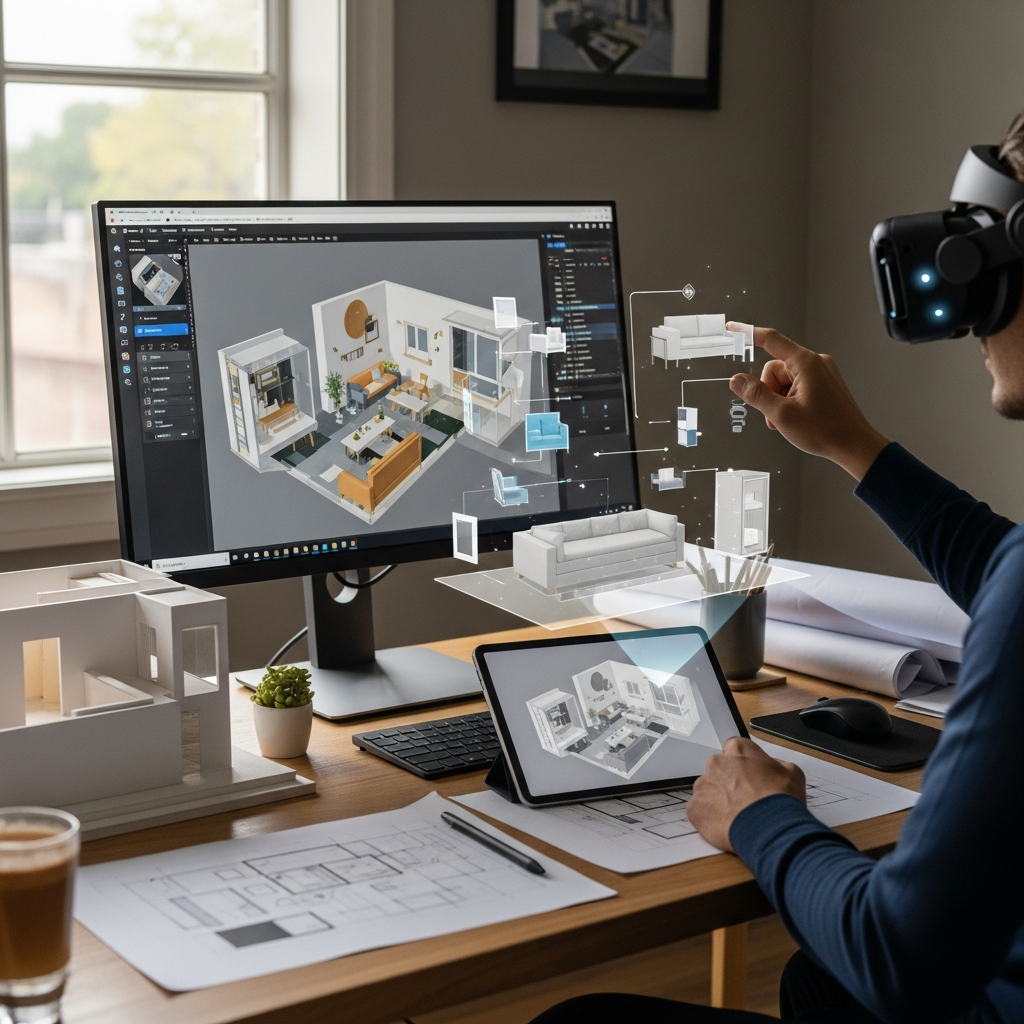
Beyond general design platforms, some tools offer unique functionalities, from augmented reality to specialized room planning. These can provide a fresh perspective or cater to specific design needs.
IKEA Place (AR App)
IKEA Place is an augmented reality (AR) app that lets you virtually “place” IKEA furniture in your own room using your smartphone or tablet camera. This groundbreaking technology allows you to see how a specific sofa, armchair, or bookshelf will look and fit in your actual space before you buy it.
It’s incredibly helpful for judging scale, color, and style compatibility within your existing decor. This app eliminates guesswork, making your IKEA shopping decisions much easier and more confident.
IKEA Room Planners (e.g., Kitchen Planner)
Beyond the AR app, IKEA offers various dedicated online planners for specific rooms, such as their popular Kitchen Planner or Wardrobe Planner. These tools are tailored to IKEA’s modular systems, allowing you to design your dream kitchen or closet using their extensive range of products.
You can customize layouts, choose cabinets, appliances, and accessories, and get a realistic 3D view of your design. These planners are invaluable for anyone specifically looking to integrate IKEA solutions into their home.
MagicPlan (Limited Free Features)
MagicPlan is an ingenious app that uses your device’s camera to scan a room and create an accurate floor plan in minutes. While the full features require a subscription, its free tier allows you to create basic floor plans and view them in 3D. This initial scanning capability alone is incredibly useful for capturing existing room dimensions quickly and accurately.
It’s perfect for getting precise measurements and a foundational layout, which you can then export or use as a basis for further design in other tools.
PRO Landscape Home (App)
Don’t forget about the exterior of your home! PRO Landscape Home is a free app designed specifically for landscape and outdoor living space planning. You can take a photo of your existing yard and then add plants, hardscaping, outdoor furniture, and other elements from its extensive library.
This tool helps you visualize curb appeal improvements, patio designs, or garden layouts with remarkable realism. It’s a fantastic resource for extending your design vision beyond the interior walls of your home.
Choosing Your Perfect Design Companion
With so many excellent free 3D home design tools available, how do you choose the right one for you? Consider your specific needs and skill level.
If you’re a beginner looking for quick visualizations, tools like Planner 5D or Roomstyler are excellent. For more precise floor plans, Floorplanner or RoomSketcher might be better. If you’re an IKEA enthusiast, their specific planners are a must-try. And for the ambitious designer, SketchUp Free offers a fantastic blend of power and accessibility.
Take some time to explore a few options. Many tools offer video tutorials that can help you get started quickly. You might even find that using a combination of tools – one for floor plans, another for furniture placement, and an AR app for final checks – works best for your process.
Begin Your Design Journey Today
The power to envision your dream home is now more accessible than ever, thanks to these incredible free 3D home design tools. They transform the daunting task of planning into an exciting adventure, allowing you to experiment freely and confidently. Whether you’re refreshing a single room or embarking on a grand renovation, these digital companions will guide your choices and bring clarity to your design intentions.
Dive in, explore the possibilities, and watch your design dreams beautifully take shape. Your perfect home awaits your creative touch.