

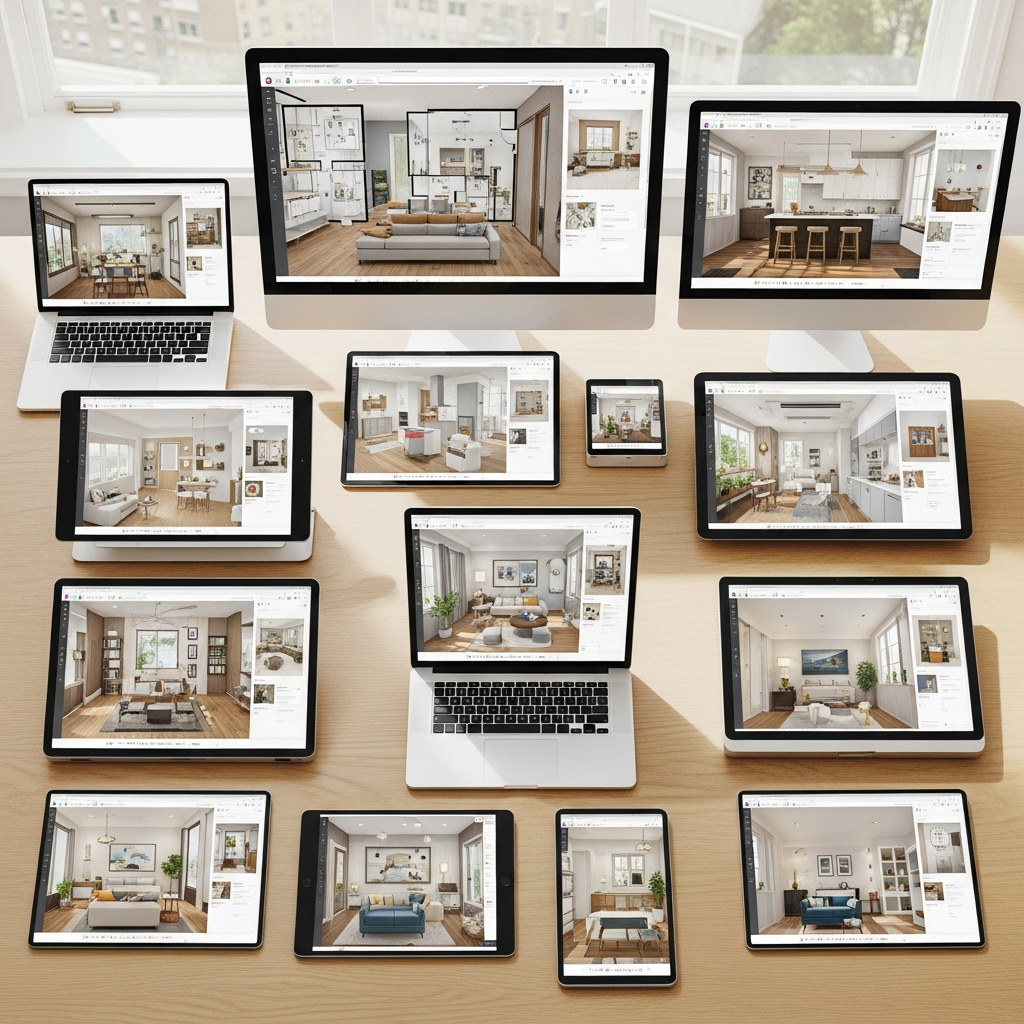
Stepping into the world of home design and decor can feel like embarking on an exciting adventure. You dream of a living room bathed in warm hues, a kitchen designed for effortless entertaining, or a serene bedroom retreat. But how do you take those beautiful visions from your mind and bring them to life before making any real-world commitments? This is where the magic of free 3D home design online tools comes in.
These innovative platforms empower you to become your own interior designer. They allow you to virtually experiment with layouts, test out different color palettes, visualize furniture arrangements, and even play with textures like plush velvet or sleek marble. By transforming your ideas into realistic 3D renderings, you gain clarity and confidence, ensuring your next decorating project perfectly reflects your personal style and needs.
Why Use Free 3D Home Design Tools?
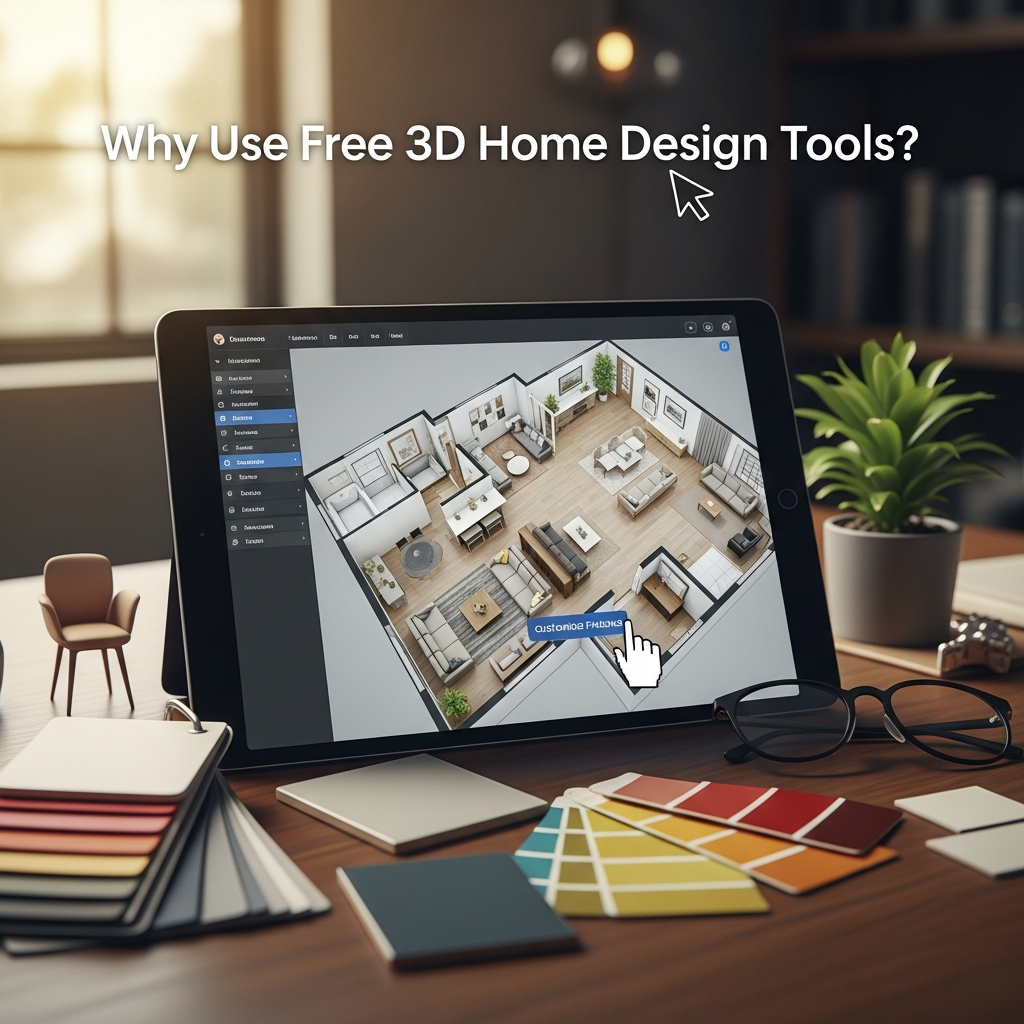
Diving into design with these online resources offers numerous benefits for anyone looking to refresh their space, whether it is a full renovation or a simple room refresh.
Visualize Ideas Without Commitment
Imagine trying out a bold navy wall color or a statement geometric rug without lifting a paintbrush or buying a single item. These tools make it possible to see your choices in context.
Experiment with Layouts, Colors, and Materials
You can drag and drop furniture, swap out flooring, and change wall colors with a click. It is a playground for creativity, letting you discover combinations you might not have considered otherwise.
Save Time and Money
Making design decisions in a virtual space helps prevent costly mistakes in the real world. You can refine your choices until they are perfect, avoiding buyer’s remorse and unnecessary reworks.
Refine Your Personal Style
By playing with different aesthetics, from minimalist modern to cozy farmhouse, you will gain a clearer understanding of what truly resonates with your taste and how to best express it in your home.
Getting Started: What to Look For in a Free Tool
While each tool offers a unique set of features, a few key elements make for a truly helpful 3D design experience.
Intuitive Interface
Look for tools that are easy to navigate, even if you are a beginner. A straightforward drag-and-drop system is always a plus.
Extensive Library of Elements
A rich catalog of furniture, decor items, and material options (like wood, tile, fabric, and paint colors) will give you more creative freedom.
2D and 3D Viewing Options
The ability to switch between a flat floor plan and a fully rendered 3D view is crucial for understanding both space planning and visual appeal.
Saving and Sharing Features
Being able to save your designs and easily share them with family or friends for feedback is incredibly valuable.
Top Free 3D Home Design Online Tools
Ready to bring your home decor dreams to life? Here are 18 fantastic free 3D home design online tools to explore.
1. Planner 5D
Planner 5D is a widely popular tool that lets you create detailed 2D floor plans and visualize them in stunning 3D. Its intuitive interface makes it easy to add walls, doors, and windows, then furnish your space. You can experiment with various floor textures, wall colors, and fabric patterns from its extensive library, helping you define the mood and atmosphere of any room.
2. RoomSketcher Free Floor Planner
RoomSketcher is excellent for creating professional-looking floor plans and beautiful 3D visualizations. The free version allows you to draw floor plans, furnish them, and take snapshots in 3D. It helps you visualize furniture shapes and silhouettes, ensuring everything fits perfectly and the overall flow of your space feels just right.
3. HomeStyler
HomeStyler offers a user-friendly experience, allowing you to design rooms from scratch or upload your own room photo to get started. It boasts an impressive catalog of real-brand products, from furniture to fixtures, enabling you to experiment with specific materials and textures like rich leather sofas or gleaming brass accents.
4. SketchUp Free (Web Version)
For those who enjoy a bit more control and precision, SketchUp Free offers powerful 3D modeling capabilities directly in your web browser. While it has a slightly steeper learning curve, it is ideal for custom designs and understanding how different furniture shapes interact within a space, giving you fine-tuned control over every detail.
5. IKEA Home Planner
If you love IKEA furniture, this tool is a must-try. It allows you to design specific rooms like kitchens, bedrooms, and offices using IKEA’s product catalog. You can easily drag and drop IKEA items, see how different pieces look together, and visualize storage solutions, making it simple to plan your next minimalist or Scandinavian-inspired space.
6. Floorplanner
Floorplanner provides a quick and easy way to create detailed 2D and 3D floor plans. Its large library of items helps you visualize different decor styles and furniture arrangements. You can play with various color palettes for walls and floors, offering a comprehensive view of your design before you make any commitments.
7. Sweet Home 3D (Online Version)
Sweet Home 3D is a free, open-source interior design application that also offers an online version. It assists you in drawing the plan of your house, arranging furniture on it, and visiting the results in 3D. The tool includes a vast collection of objects and textures, allowing you to explore different material combinations and furniture shapes.
8. Coohom (Free Plan)
Coohom’s free plan offers powerful 3D rendering capabilities, letting you create realistic visualizations of your home designs. It is particularly strong for seeing how light interacts with your chosen color palettes and material textures, giving a professional insight into the overall mood and atmosphere of your room.
9. DreamPlan Home Design Software Free
DreamPlan offers comprehensive design features, allowing you to plan both interior and exterior spaces, including landscaping. The free version is great for personal use, helping you visualize the complete property. You can experiment with building materials, garden layouts, and furniture choices to see how the entire home flows.
10. Roomstyler 3D Home Planner
Roomstyler is a highly visual tool that lets you design rooms with ease, offering a vast catalog of real-life products from various brands. It is perfect for creating mood boards and understanding how different furniture shapes, color palettes, and material textures combine to create a cohesive and inviting atmosphere.
11. Kozikaza
Kozikaza is an all-in-one platform for home design and renovation, offering a robust free 3D planner. You can draw your floor plan, add architectural details, and then furnish and decorate your space. It’s excellent for visualizing how different materials, from flooring to wall coverings, will look in a realistic 3D environment.
12. Homelane 3D Planner
Homelane offers a straightforward and efficient 3D planner that helps you quickly lay out and furnish rooms. It is especially useful for seeing how different furniture sizes and styles fit into your space, giving you a clear picture of the overall functionality and aesthetic flow.
13. Lowe’s Virtual Room Designer
If you are planning a kitchen or bathroom remodel, Lowe’s Virtual Room Designer is incredibly helpful. It allows you to select products from Lowe’s catalog, including cabinets, countertops, and appliances, and see them in your virtual room. This tool helps you choose specific material textures and finishes, like granite or stainless steel, and visualize them within your design.
14. Sherwin-Williams ColorSnap Visualizer
The Sherwin-Williams ColorSnap Visualizer is a fantastic tool focused purely on paint colors. You can upload a photo of your room or use one of their sample rooms and instantly “paint” the walls with any Sherwin-Williams color. This allows you to experiment with various color palettes and understand how different hues will impact the mood of your space.
15. Dulux Visualizer
Similar to Sherwin-Williams, the Dulux Visualizer app and online tool allow you to see how paint colors will look in your home. Using augmented reality or uploaded photos, you can instantly apply different shades to your walls. This helps you confidently choose the perfect color palette and ensures the overall atmosphere aligns with your vision.
16. Design a Room by Armstrong Flooring
This specialized tool focuses on the foundational elements of a room: flooring and walls. Design a Room lets you choose from Armstrong Flooring’s extensive range of products and visualize them in various room settings. It is excellent for comparing different material textures, such as wood, laminate, or vinyl, and how they contribute to the overall aesthetic.
17. Carpetright Room Planner
For specific flooring needs, the Carpetright Room Planner is a great resource. You can select different carpets, laminates, and vinyls and see how they look in various room layouts. This tool helps you understand the impact of floor textures and patterns on the overall design and atmosphere of your living spaces.
18. My Virtual Home Designer by BHG (Better Homes & Gardens)
Better Homes & Gardens offers a simple yet effective virtual home designer that lets you sketch out floor plans and furnish them with generic items. It is a good starting point for visualizing basic layouts and understanding spatial relationships, providing a general sense of how different furniture shapes and silhouettes might fill a room.
Tips for Maximizing Your Free 3D Design Experience
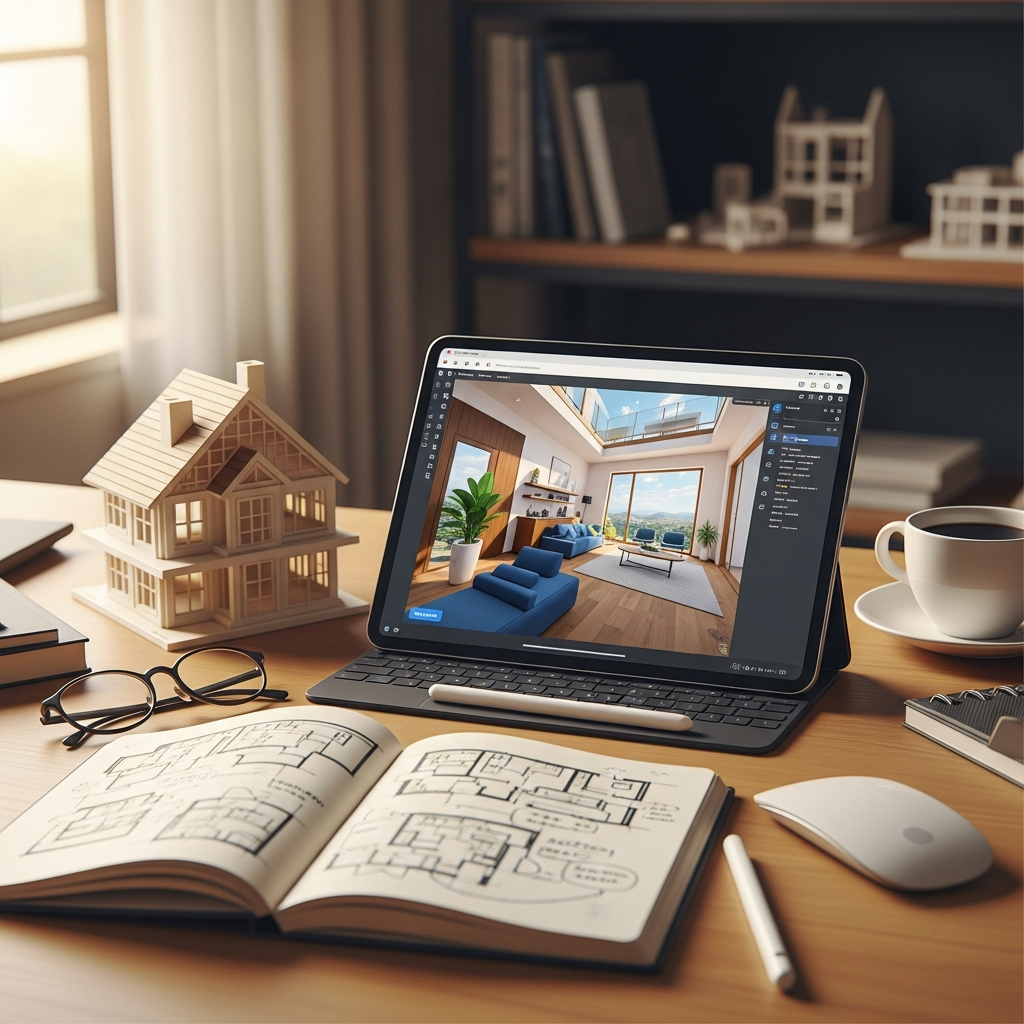
Once you start exploring these incredible tools, keep these tips in mind to make the most of your design journey.
Start with a Good Floor Plan
Accurately measure your room’s dimensions, including windows and doors. A precise foundation will ensure your virtual designs translate well into reality.
Experiment Fearlessly
This is your chance to try out wild ideas without consequence. Play with colors you normally would not, mix and match styles, and embrace the freedom of experimentation.
Save and Share Your Designs
Keep different versions of your plans. Share them with loved ones for fresh perspectives. Sometimes, an outside eye can offer valuable insights.
Consider Real-World Limitations
While these tools are fantastic, remember factors like budget, furniture availability, and structural limitations of your home. Use the tools to inspire, then refine with practicalities in mind.
Conclusion
The journey to creating a beautifully decorated home is deeply personal and incredibly rewarding. With these 18 free 3D home design online tools, you have an unparalleled opportunity to explore your creativity, refine your vision, and truly understand how different elements—from color palettes and luxurious textures to elegant furniture shapes and the overall mood of a room—come together. Step into your virtual design studio today, unleash your inner stylist, and transform your home decor dreams into tangible, Pinterest-worthy plans. Your ideal space is waiting to be designed.