

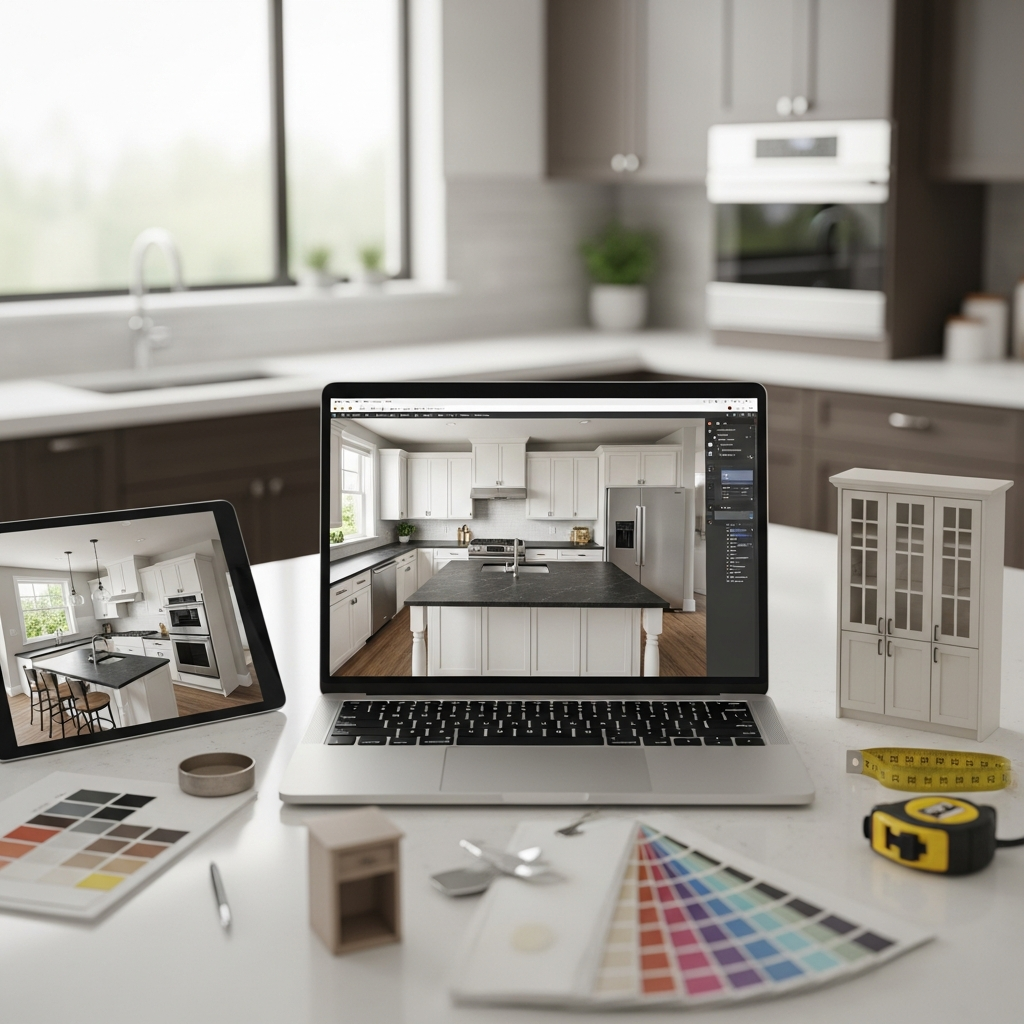
Designing your dream kitchen has never been more accessible thanks to a wide array of digital tools. Whether you are planning a full renovation or a simple aesthetic update, 3D design software allows you to visualize layouts, materials, and color schemes before committing to a purchase. This guide explores twenty exceptional free tools that cater to both beginners and advanced users, helping you transform your culinary space with professional precision.
1. IKEA Kitchen Planner
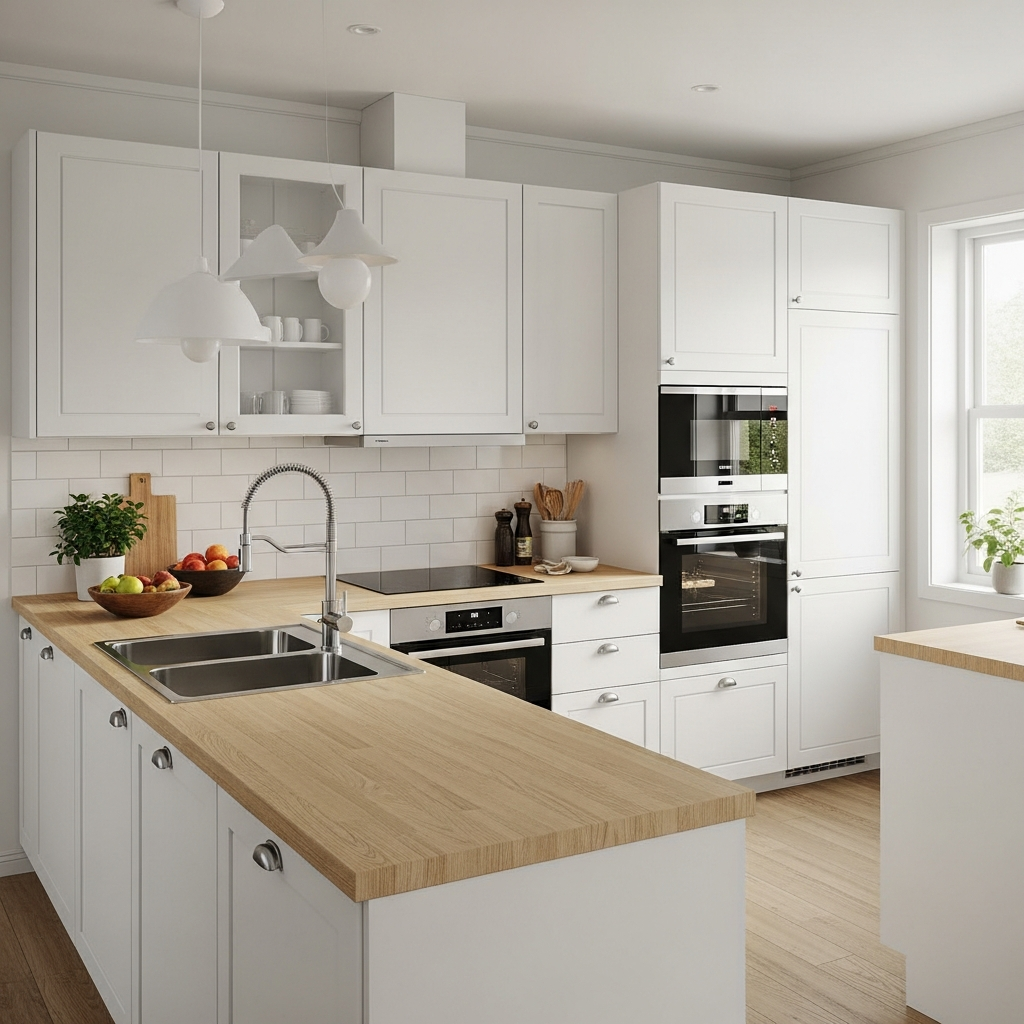
Known for its user-friendly interface, this tool allows users to input their room dimensions and populate the space with IKEA cabinetry and appliances. It is an excellent starting point for those planning to use the brand’s modular systems, providing a direct link between the design process and the shopping list.
2. Planner 5D
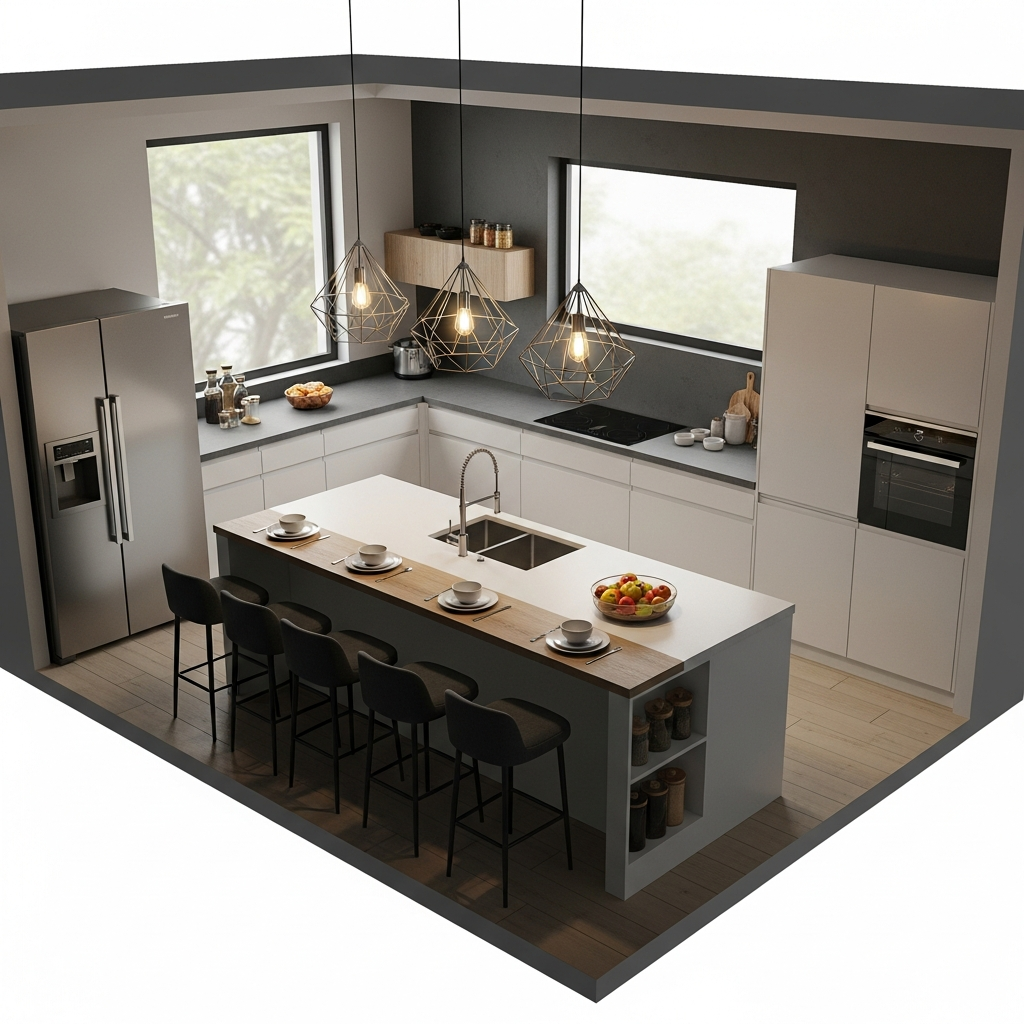
This versatile tool offers an extensive library of furniture and structural elements. It allows for detailed customization in both 2D and 3D modes, making it ideal for creating high-resolution interior renders without requiring professional architectural training.
3. Floorplanner
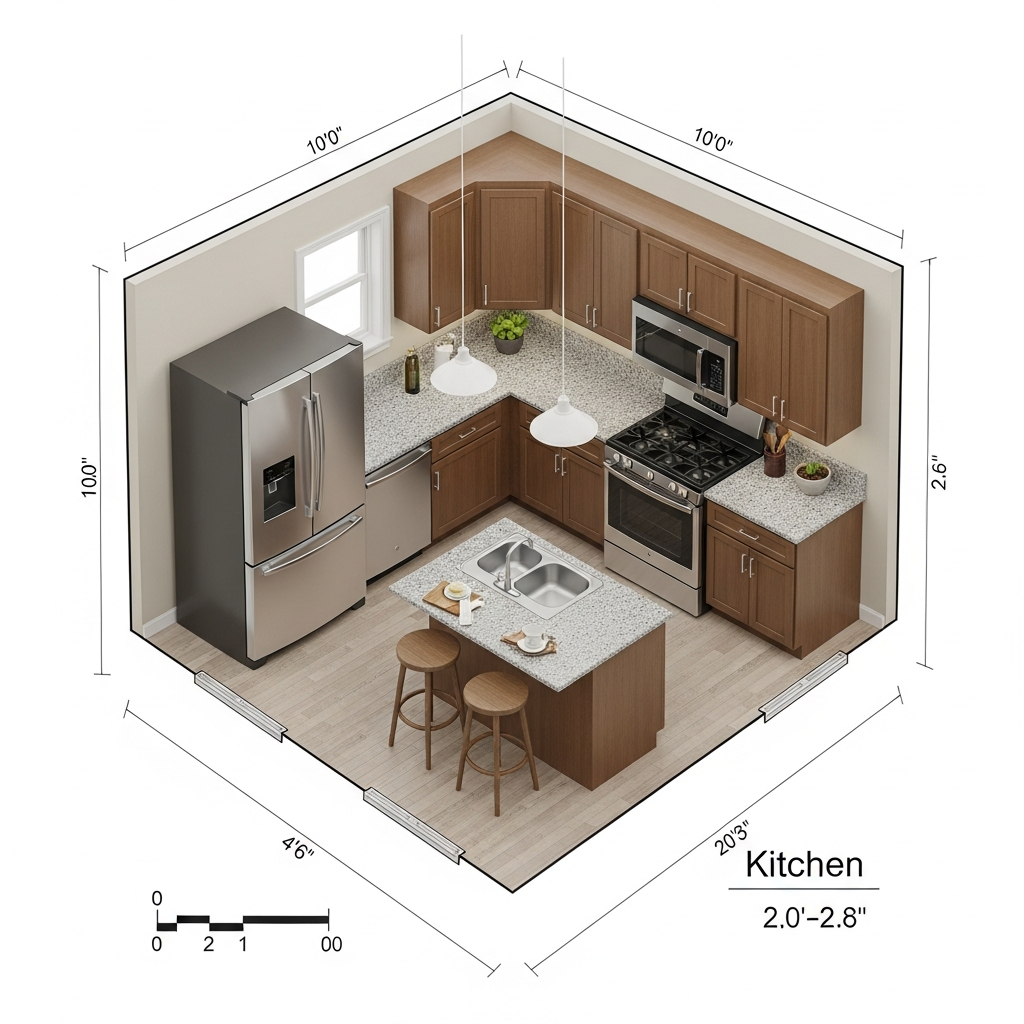
Floorplanner provides an easy-to-use platform for creating detailed floor plans and 3D images. Its cloud-based system ensures your projects are accessible from any device, which is perfect for collaborative design between homeowners and contractors.
4. Homestyler
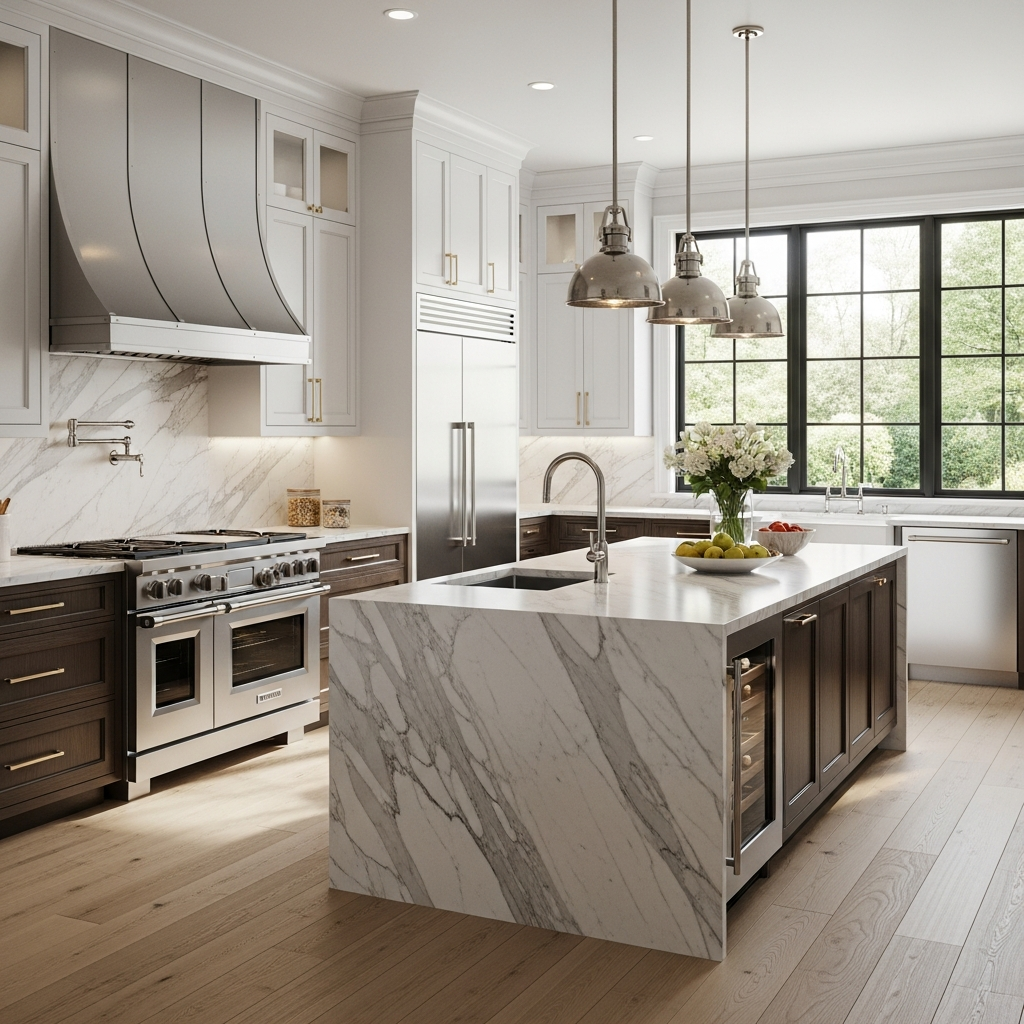
Originally developed by Autodesk, Homestyler offers professional-grade features for free. It allows users to drag and drop real products from popular brands into their virtual kitchen space, offering a realistic view of how items will look in the finished room.
5. Roomstyler 3D Home Planner

This tool is specifically designed for quick and intuitive interior design. It features a vast community where users can share their designs and find inspiration for their own kitchen projects, making it a great resource for creative brainstorming.
6. Lowe’s Virtual Kitchen Designer
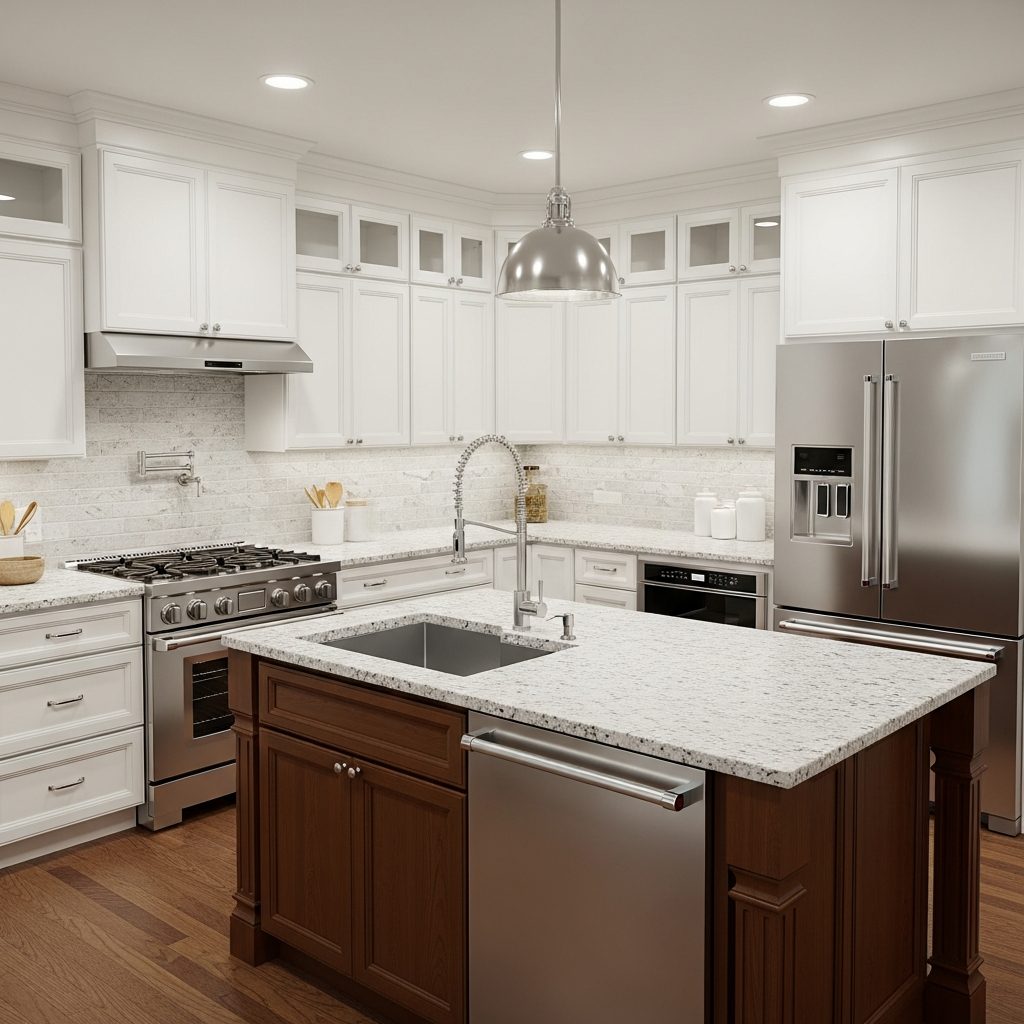
A specialized tool from the home improvement giant, it focuses on helping users visualize Lowe’s products within their own kitchen layout. It provides a realistic view of how different materials, such as granite and hardwood, will look together.
7. Home Hardware Kitchen Planner
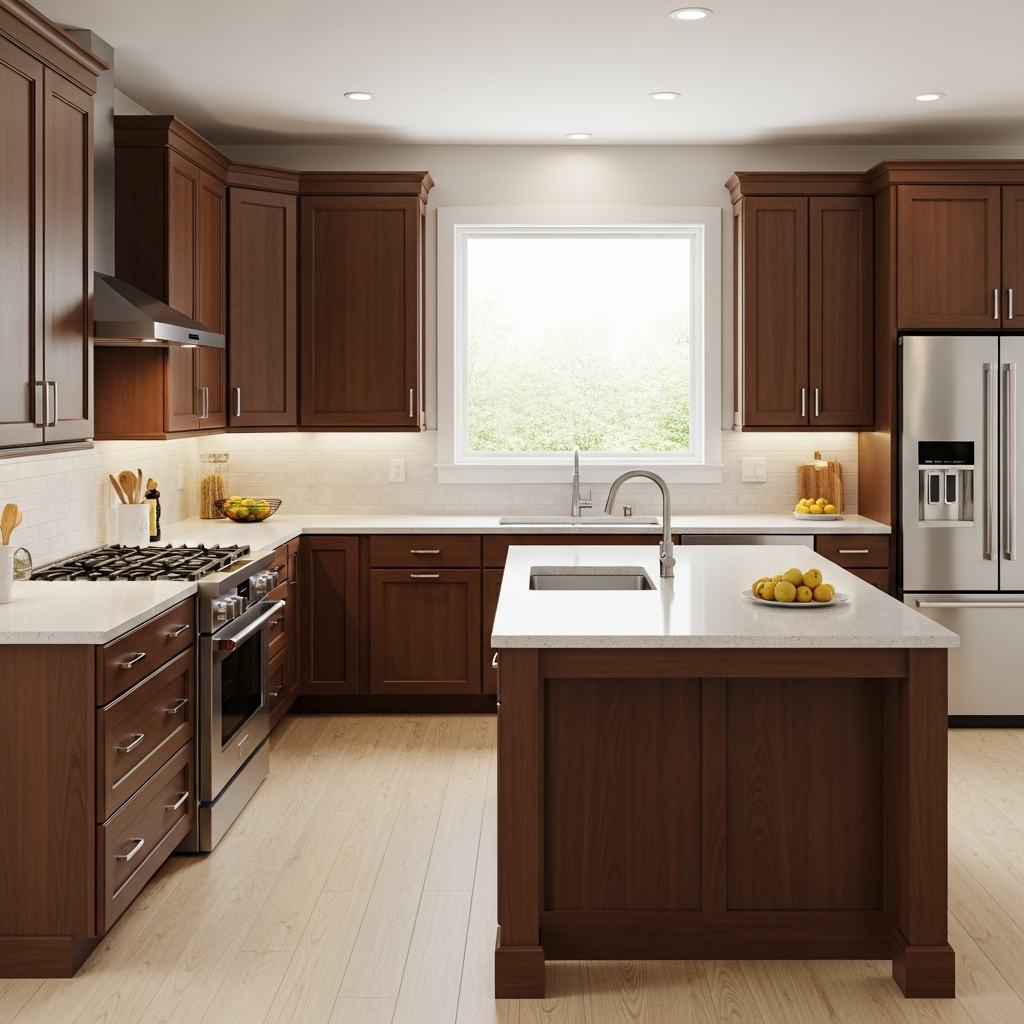
This comprehensive design experience is particularly useful for those looking to coordinate cabinetry, flooring, and paint colors from a single source. It allows for a detailed walkthrough of the space to ensure the flow is correct before purchase.
8. Formica 3D Design Tool
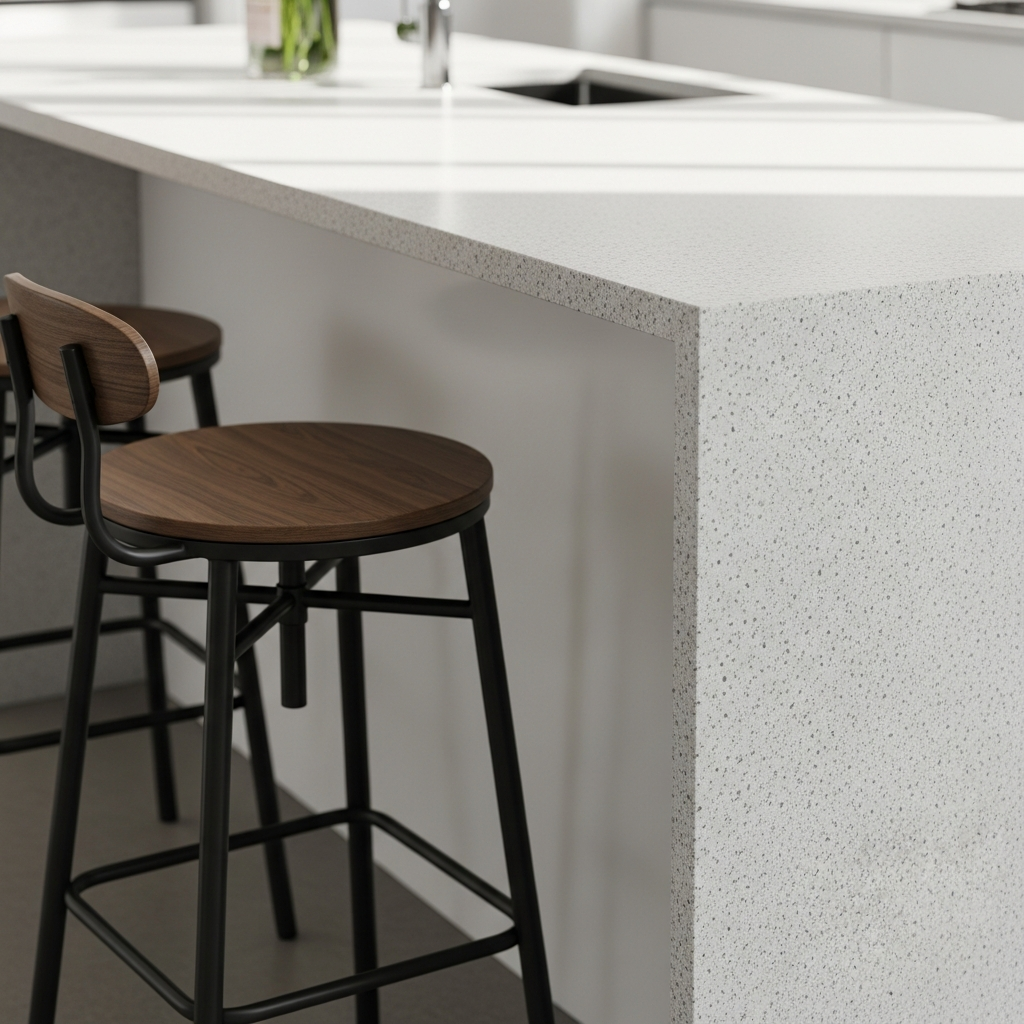
Specifically tailored for choosing countertops and laminates, this tool helps users see how various Formica surfaces will appear under different lighting conditions. It is essential for those focusing on surface durability and aesthetic appeal.
9. Caesarstone Visualizer
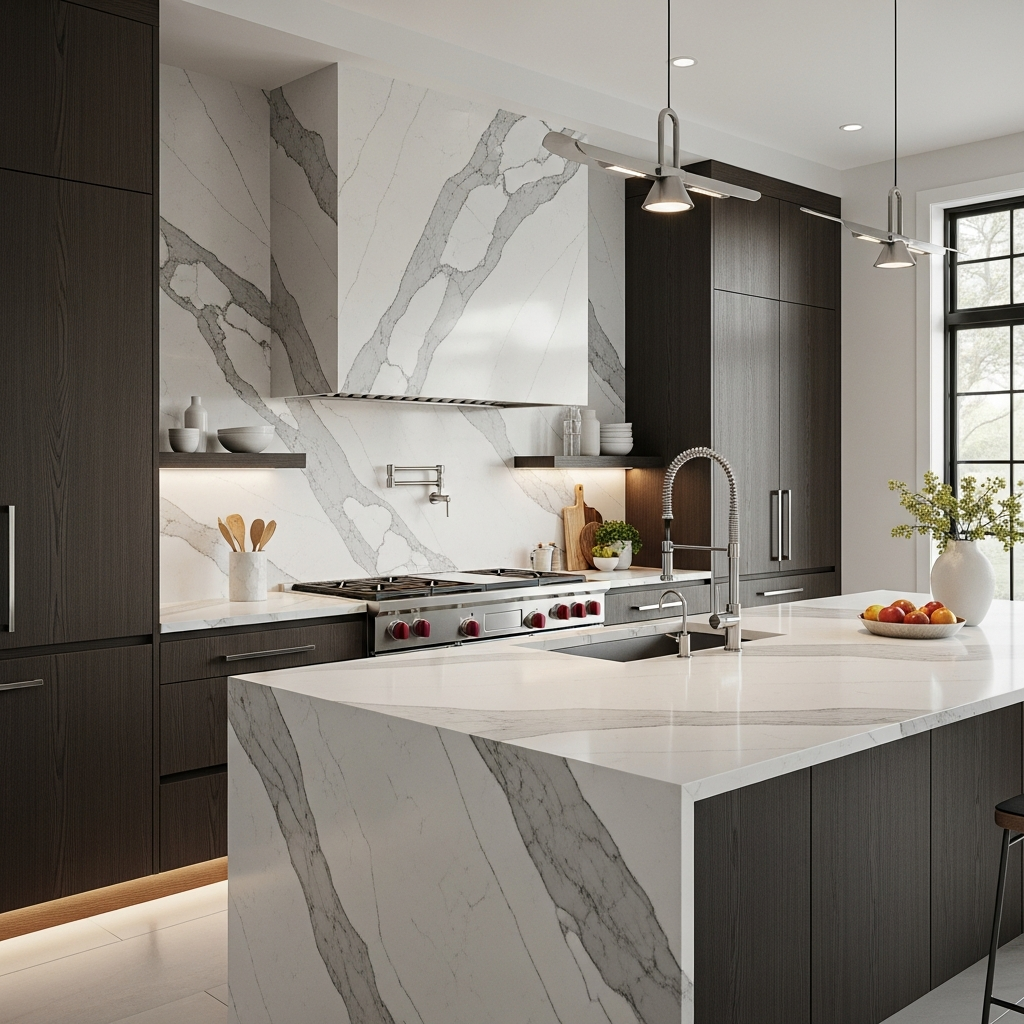
For those interested in premium quartz surfaces, this visualizer allows you to swap out different countertop designs and backsplashes. It helps in matching heavy stone textures with cabinet colors to find the perfect luxury balance.
10. Houzz My Room Planner
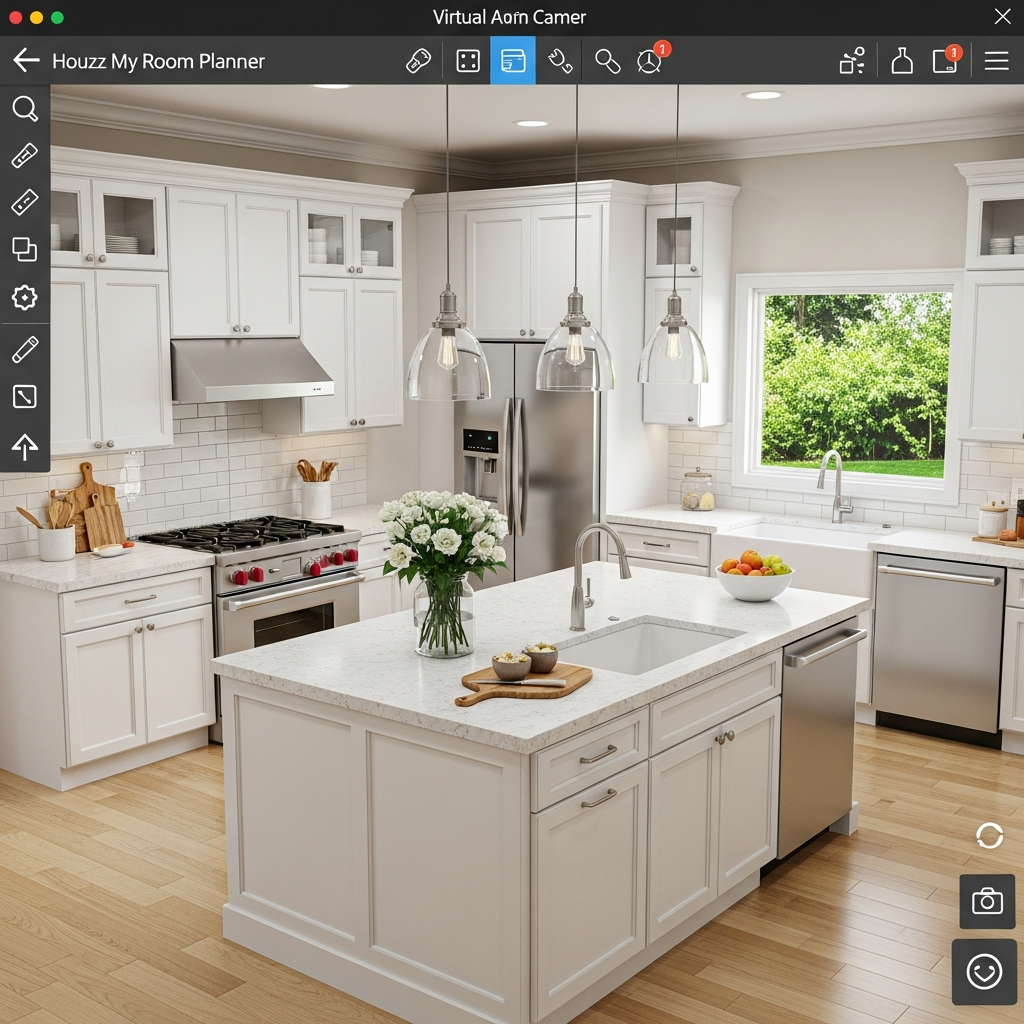
Integrated into the popular Houzz platform, this tool allows you to place products from the Houzz shop directly into a 3D model of your room. It is ideal for decorators who want to see specific furniture pieces in their space.
11. SketchUp Free

While it has a steeper learning curve, the free version of SketchUp is incredibly powerful for custom 3D modeling. It is the preferred choice for those who want total control over every geometric detail of their kitchen renovation.
12. Sweet Home 3D
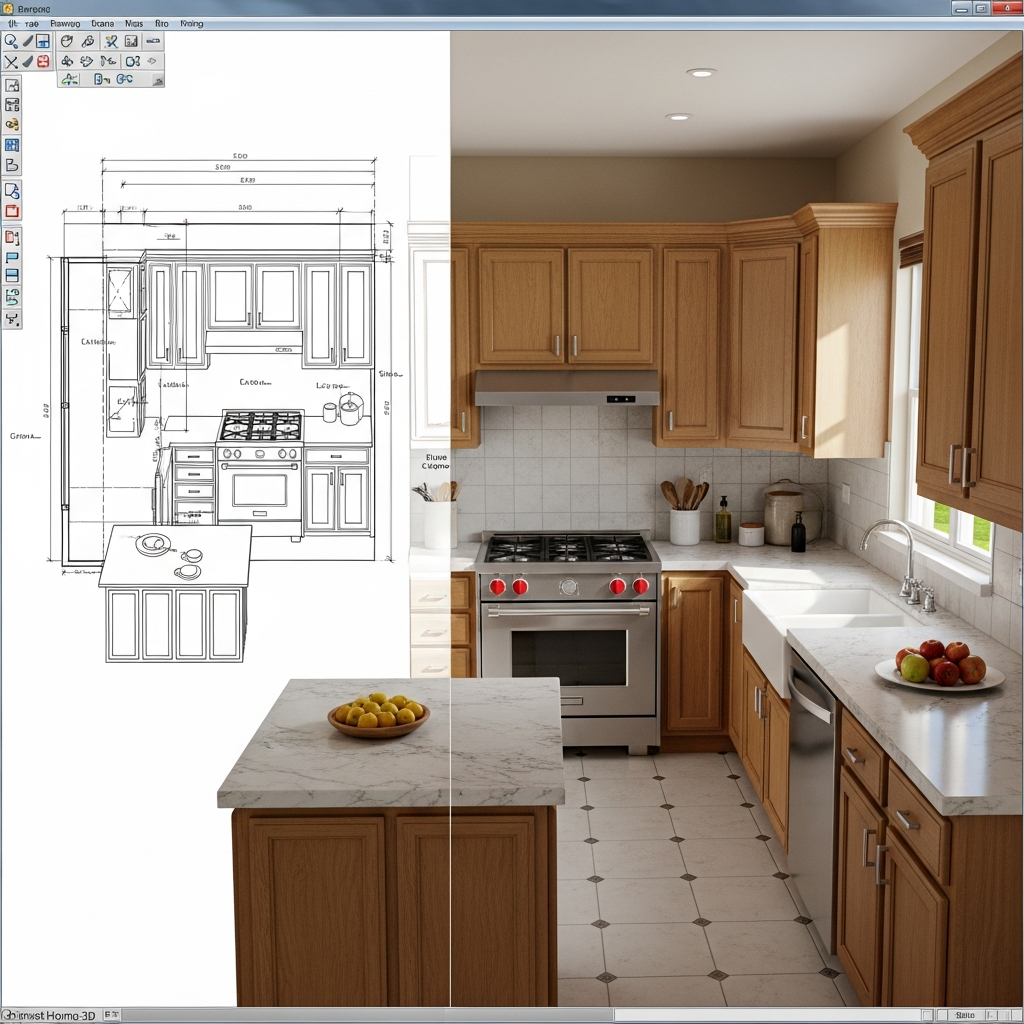
This open-source software is great for users who prefer a downloadable application. It offers a unique split-screen view where you can see your 2D plan and 3D rendering simultaneously, allowing for instant feedback on layout changes.
13. Magnet Kitchen Planner
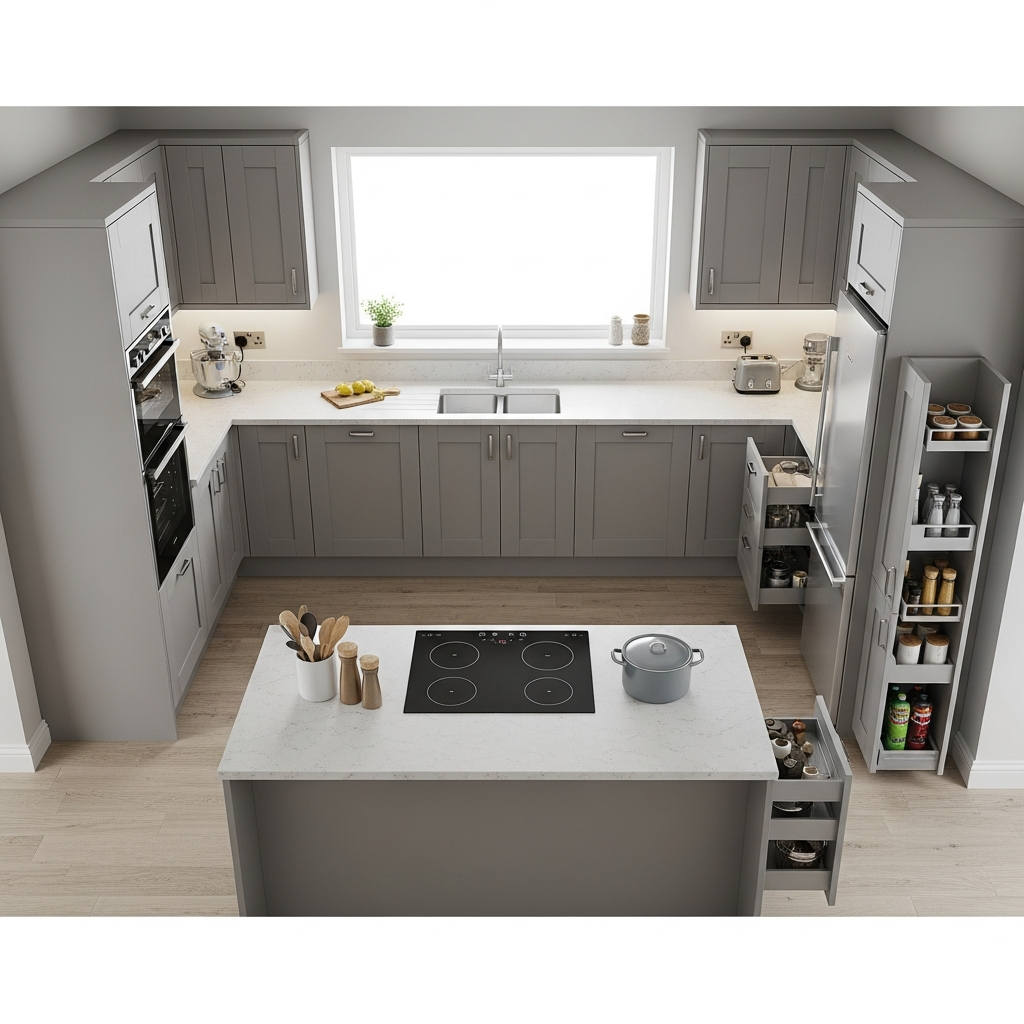
Magnet offers a sophisticated online tool that helps users create functional kitchen layouts. It focuses heavily on ergonomics and storage solutions, ensuring your kitchen is as practical as it is beautiful.
14. Wren Kitchens 3D Planner
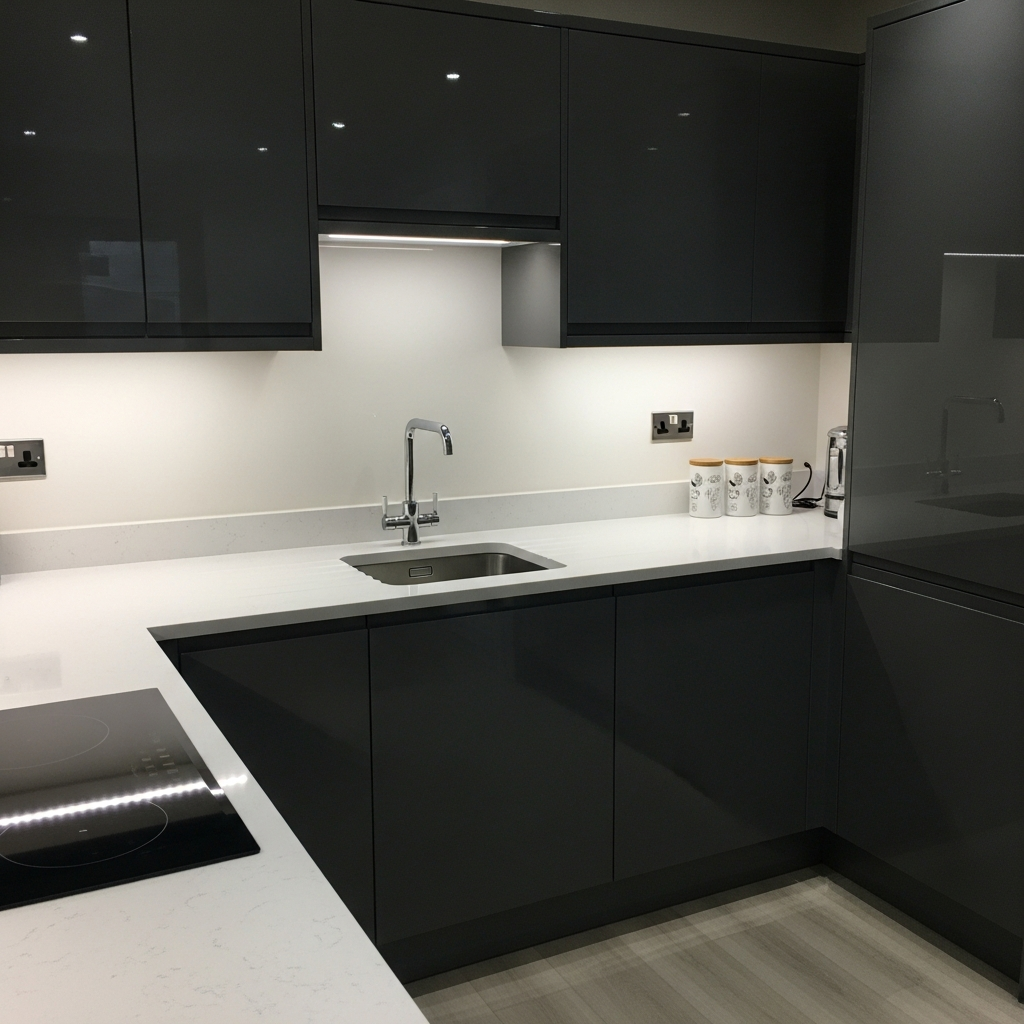
This tool is highly visual and provides high-quality renders. It is designed to walk users through the selection process for units, handles, and worktops with ease, making it a very accessible option for beginners.
15. Cabinets.com Kitchen Design
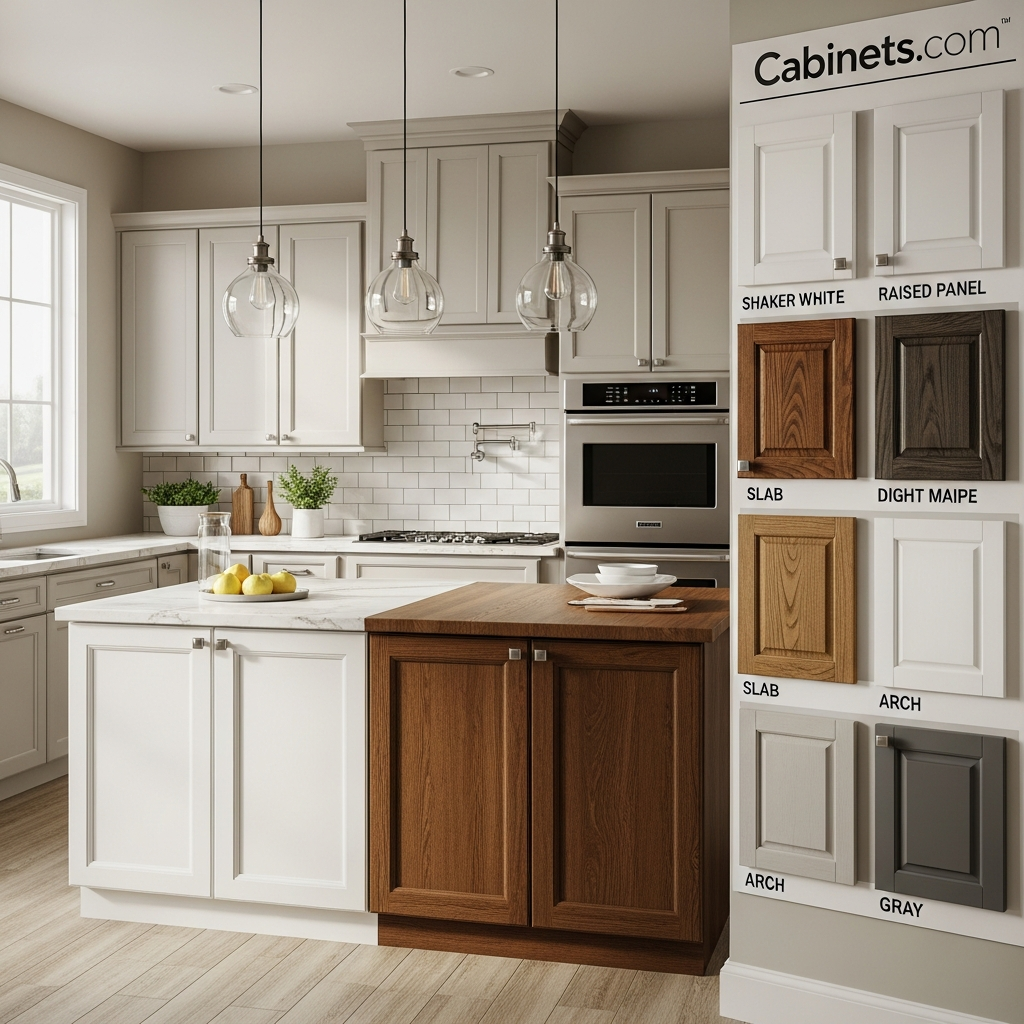
If you are specifically looking for cabinetry inspiration, this tool provides a clear path to visualizing various door styles and finishes. It helps in deciding between shaker-style, modern, or traditional cabinet designs.
16. HomeByMe
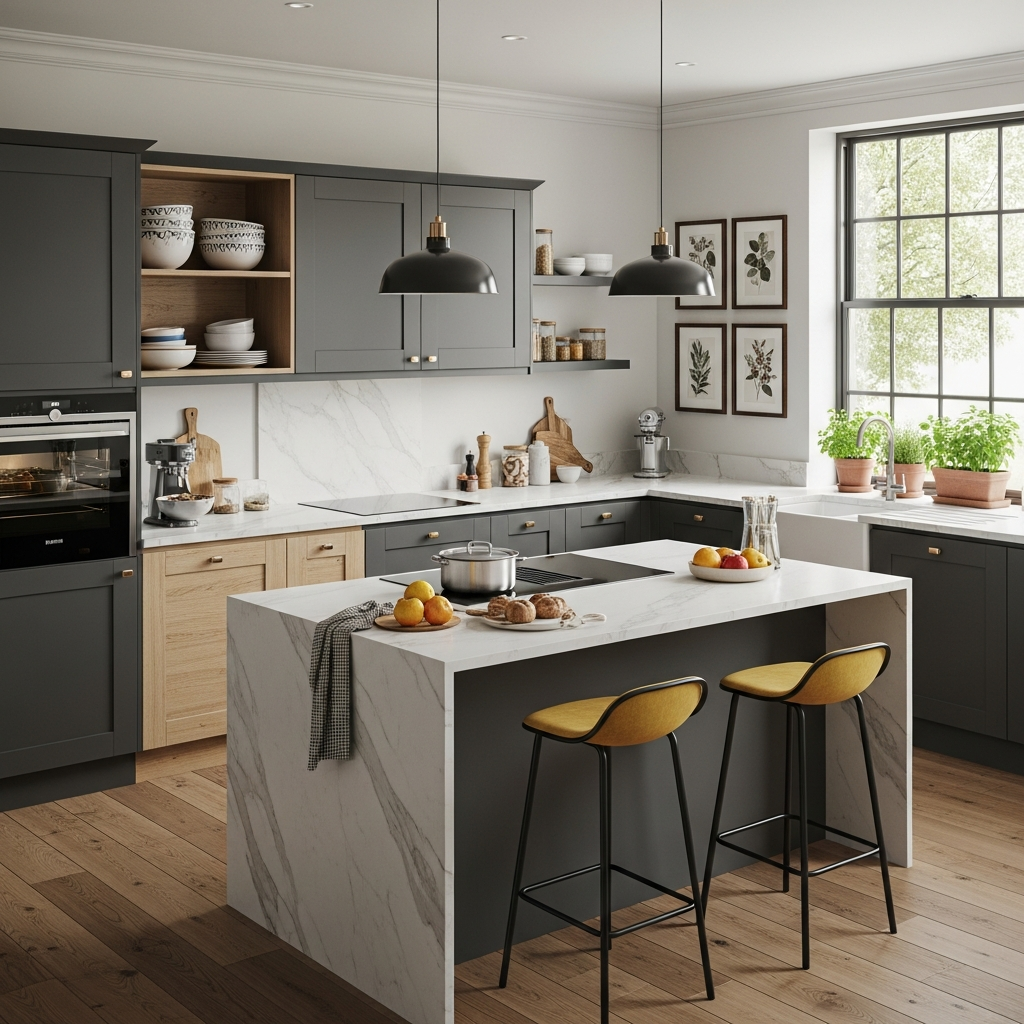
HomeByMe is a feature-rich online tool that allows you to build your kitchen from scratch. It includes a community-driven library of items and a very high-quality 3D rendering engine for professional-looking project shots.
17. SmartDraw
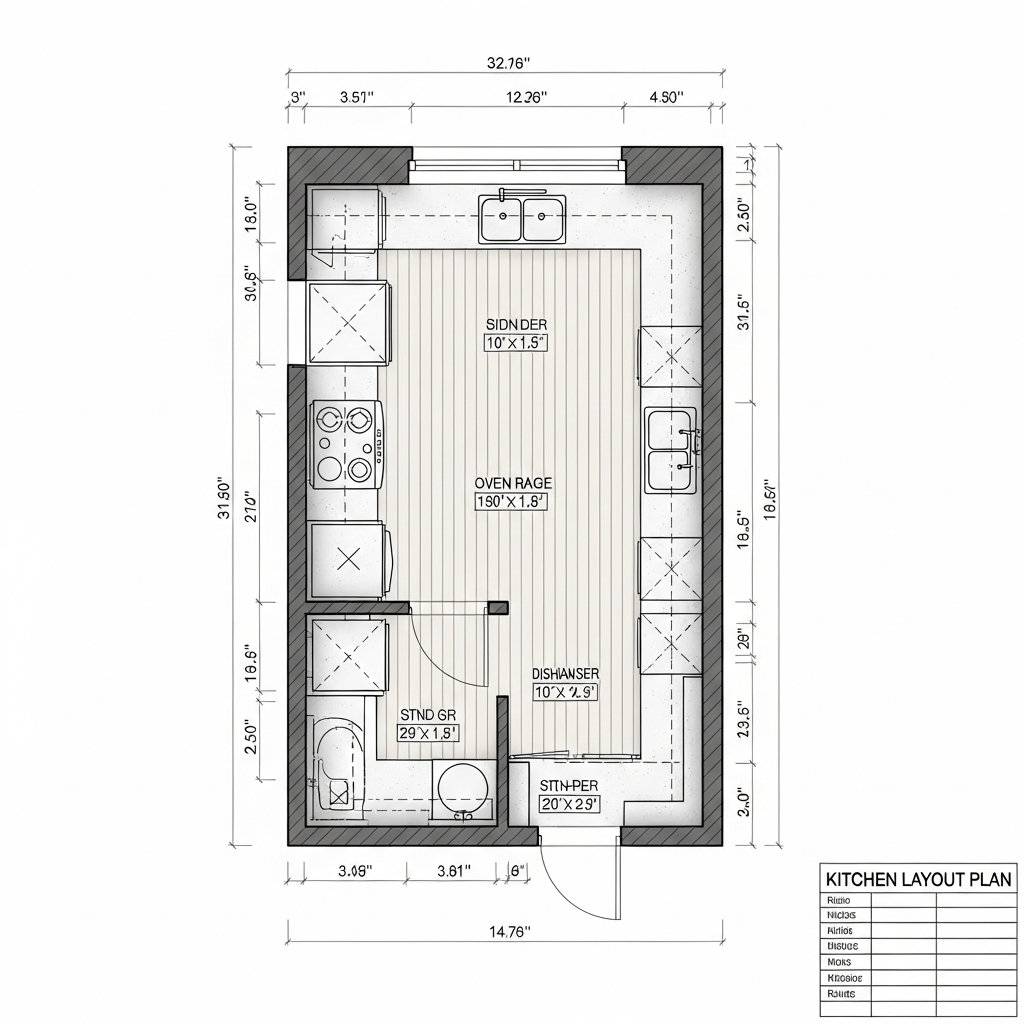
Primarily a diagramming tool, SmartDraw includes robust templates for kitchen planning. It is best suited for those who prioritize precise technical floor plans and blueprints over photorealistic 3D renderings.
18. Prodboard
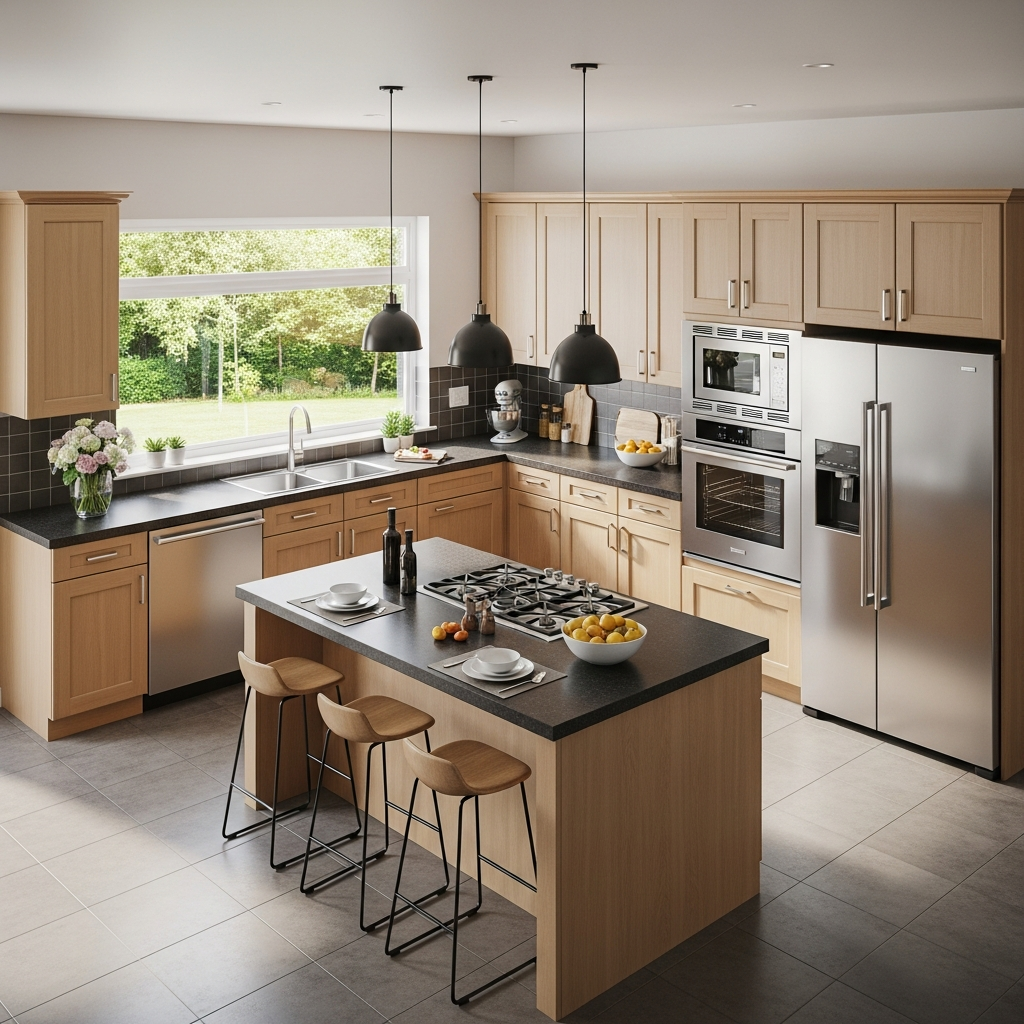
This is an online 3D kitchen planner that emphasizes speed and efficiency. It is often used by retailers but offers a free consumer version for quick layout experimentation and instant price estimations.
19. RoomToDo
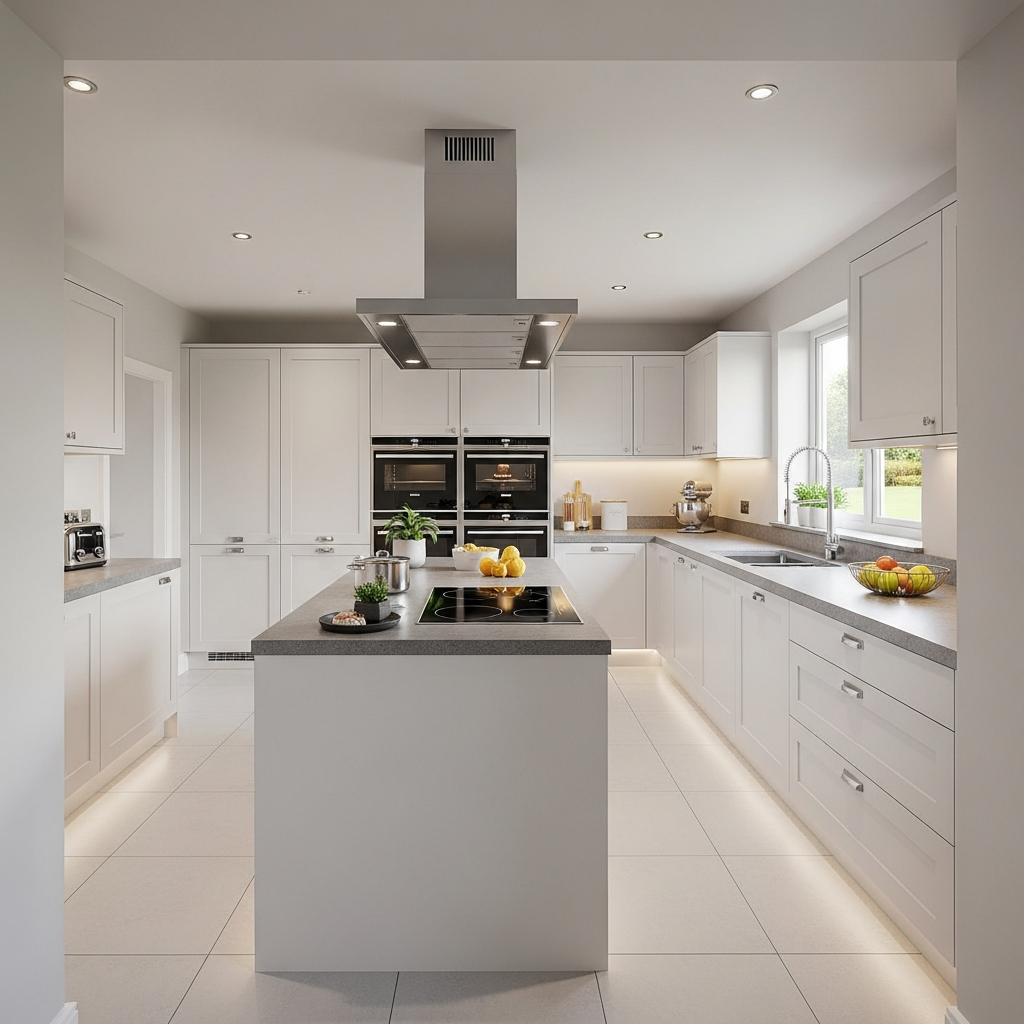
This software offers a unique walk-through feature that allows you to virtually move through your kitchen once the design is finished. It provides a realistic sense of scale, flow, and the physical distance between key kitchen elements.
20. Kitchen Planner.net
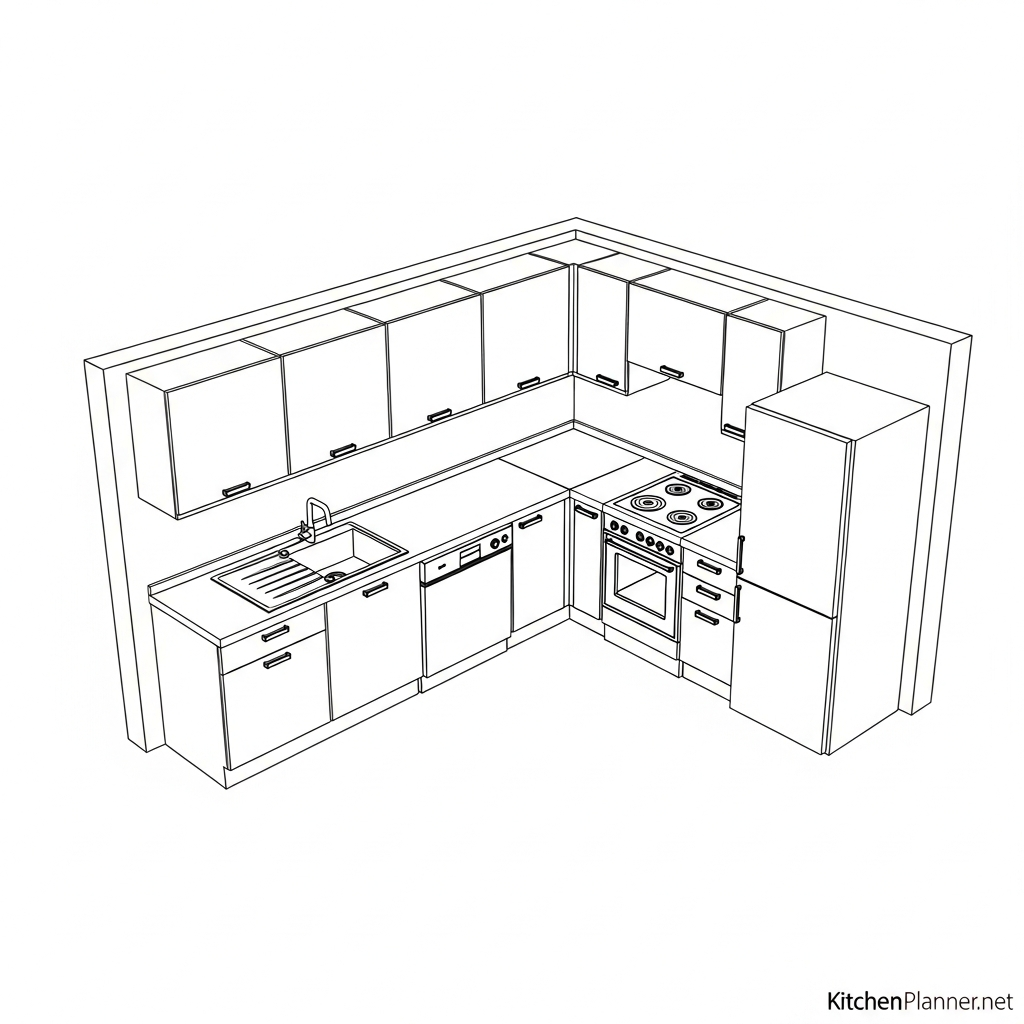
A straightforward, web-based tool that requires no downloads or registration for basic use. It is perfect for users who want a simple interface to quickly sketch out a kitchen remodel idea without navigating complex menus.
Conclusion
Selecting the right tool depends on your technical comfort level and the specific goals of your renovation. From professional-grade modeling software to simple web-based visualizers, these twenty free 3D design tools empower you to take charge of your kitchen project. By utilizing these resources, you can ensure your final kitchen is both functional and aesthetically pleasing while staying within your planned budget.