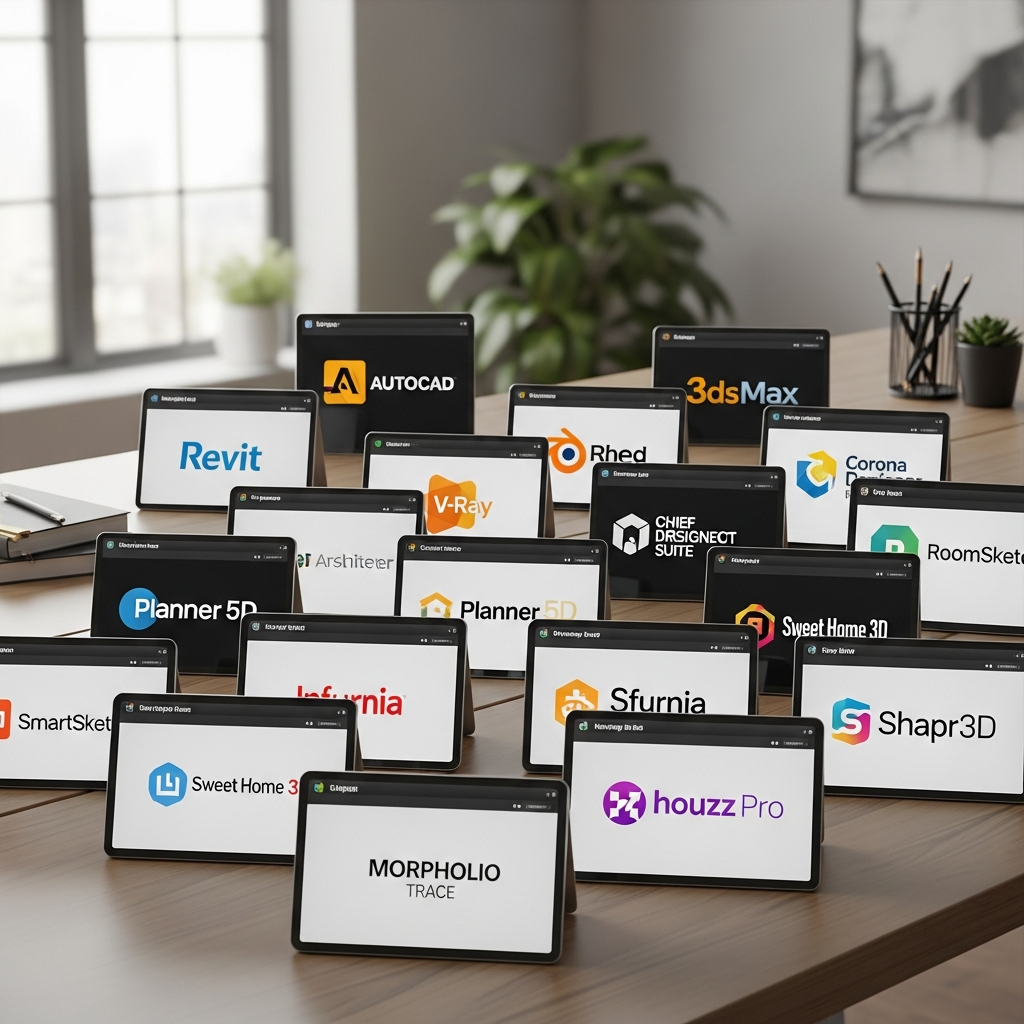
22 3D Interior Design Software Tools
In the modern design era, professional 3D interior design software has become an essential asset for architects, interior designers, and homeowners alike. These tools bridge the gap between imagination and reality by providing precise visualizations, structural accuracy, and photorealistic rendering capabilities. This comprehensive guide explores 22 of the most effective software options currently available, ranging from beginner-friendly web applications to advanced industry-standard platforms used for architectural modeling and complex spatial planning.
1. SketchUp
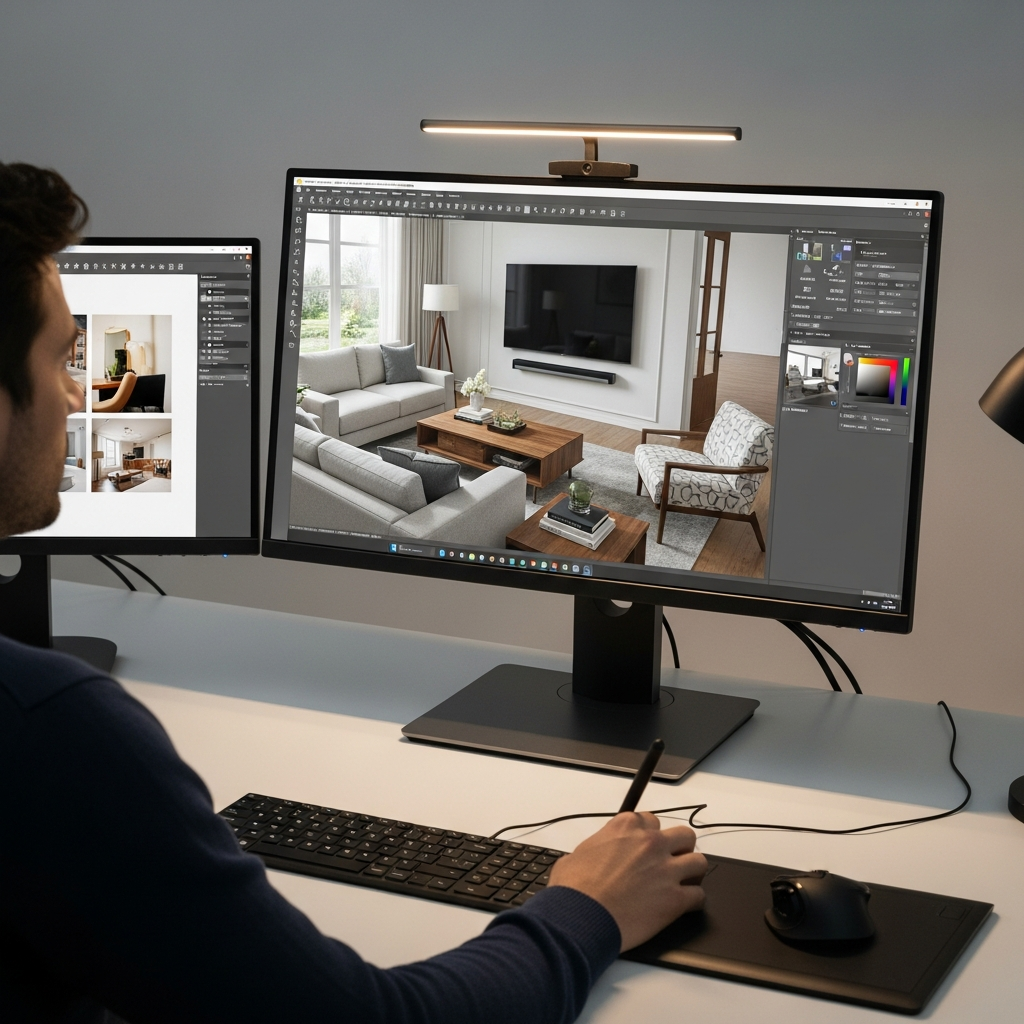
SketchUp remains one of the most popular choices in the interior design world due to its intuitive interface and extensive 3D Warehouse library. It allows designers to create everything from simple floor plans to intricate custom furniture models. The software is available in both free and professional versions, making it accessible for hobbyists and scalable for design firms that require high-level precision and extensibility through various plugins.
2. Autodesk 3ds Max
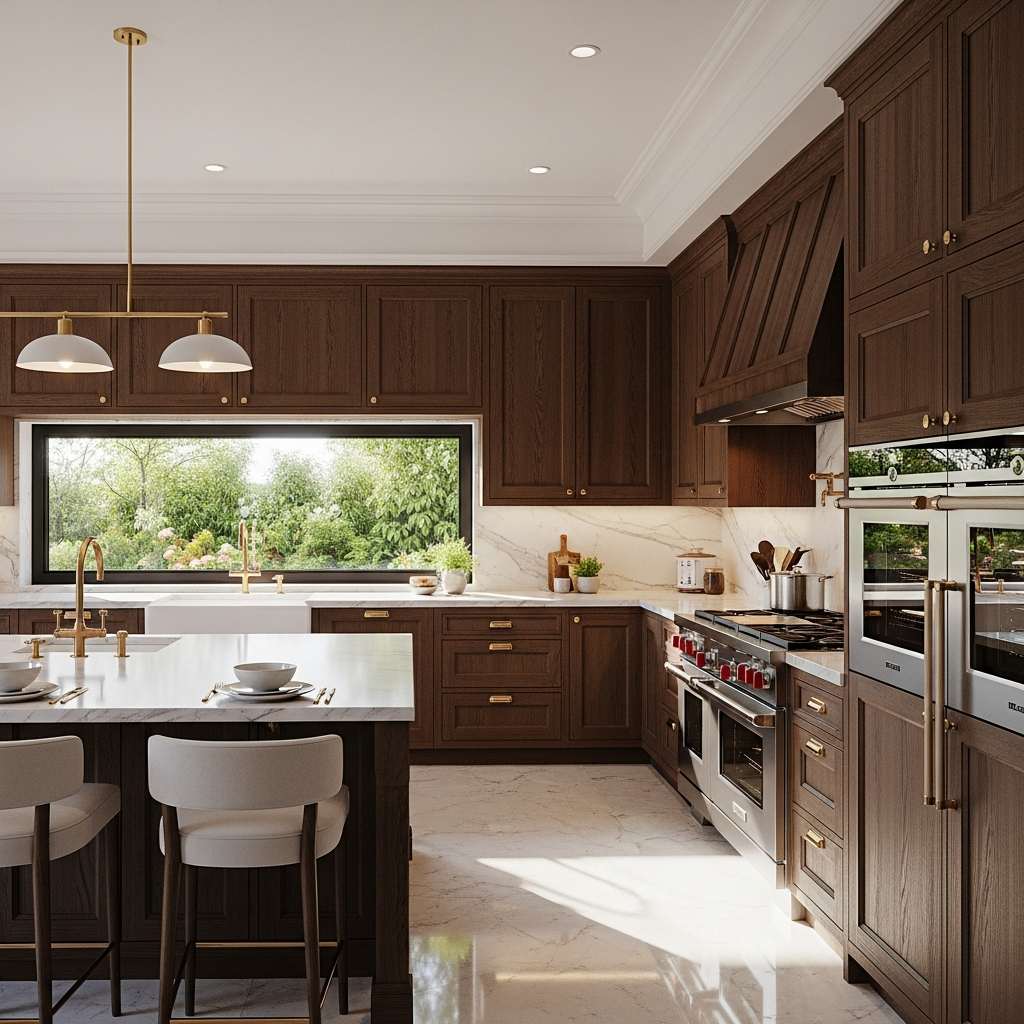
For those who prioritize high-end visualization and photorealism, Autodesk 3ds Max is the gold standard. This software is widely used in the film and gaming industries, but its powerful modeling and rendering capabilities make it a top choice for luxury interior design presentations. It offers deep control over lighting, textures, and materials, allowing professionals to create marketing-grade visuals that are indistinguishable from photographs.
3. Revit
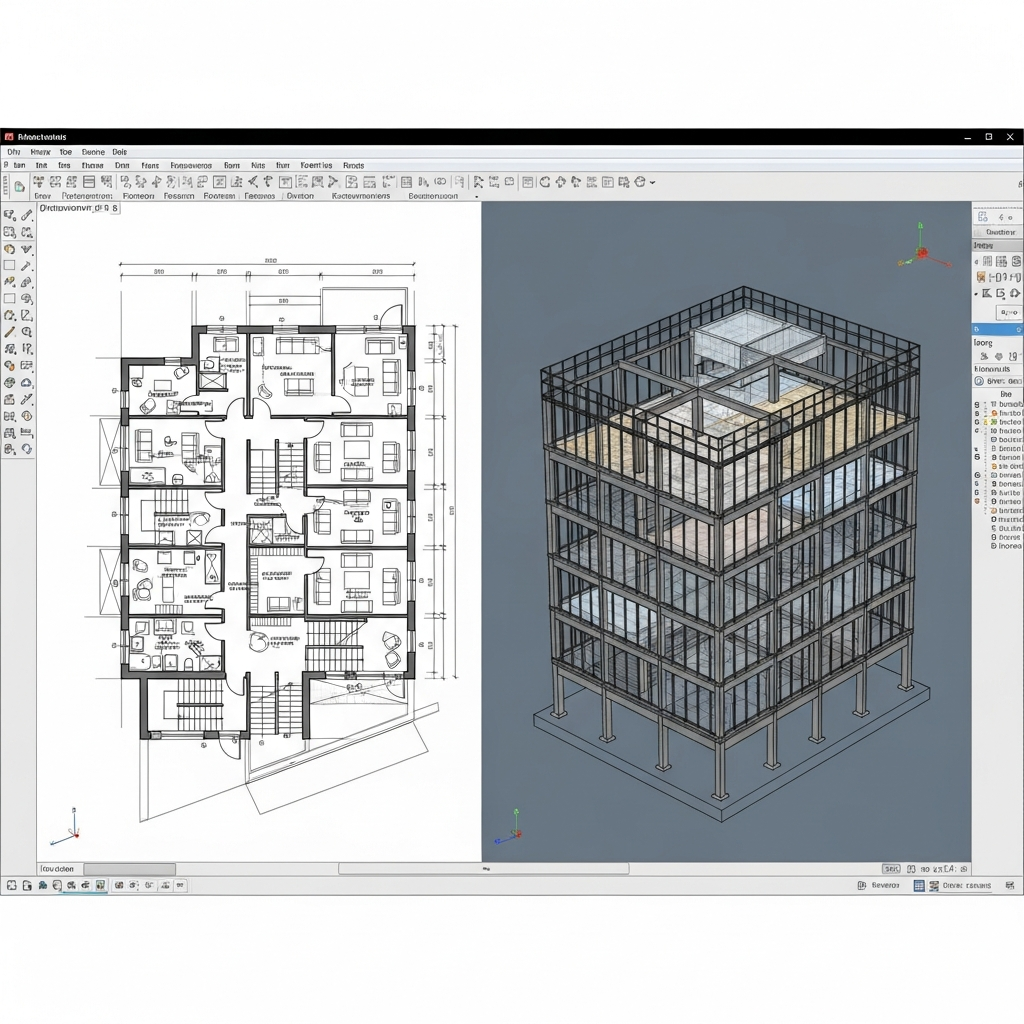
Autodesk Revit is a powerhouse for Building Information Modeling (BIM). Unlike simple drafting tools, Revit focuses on the entire lifecycle of a building project. Interior designers use Revit to coordinate with structural engineers and contractors, ensuring that every design element is physically feasible and documented with precise metadata. It is ideal for large-scale commercial projects where technical accuracy is paramount.
4. Planner 5D
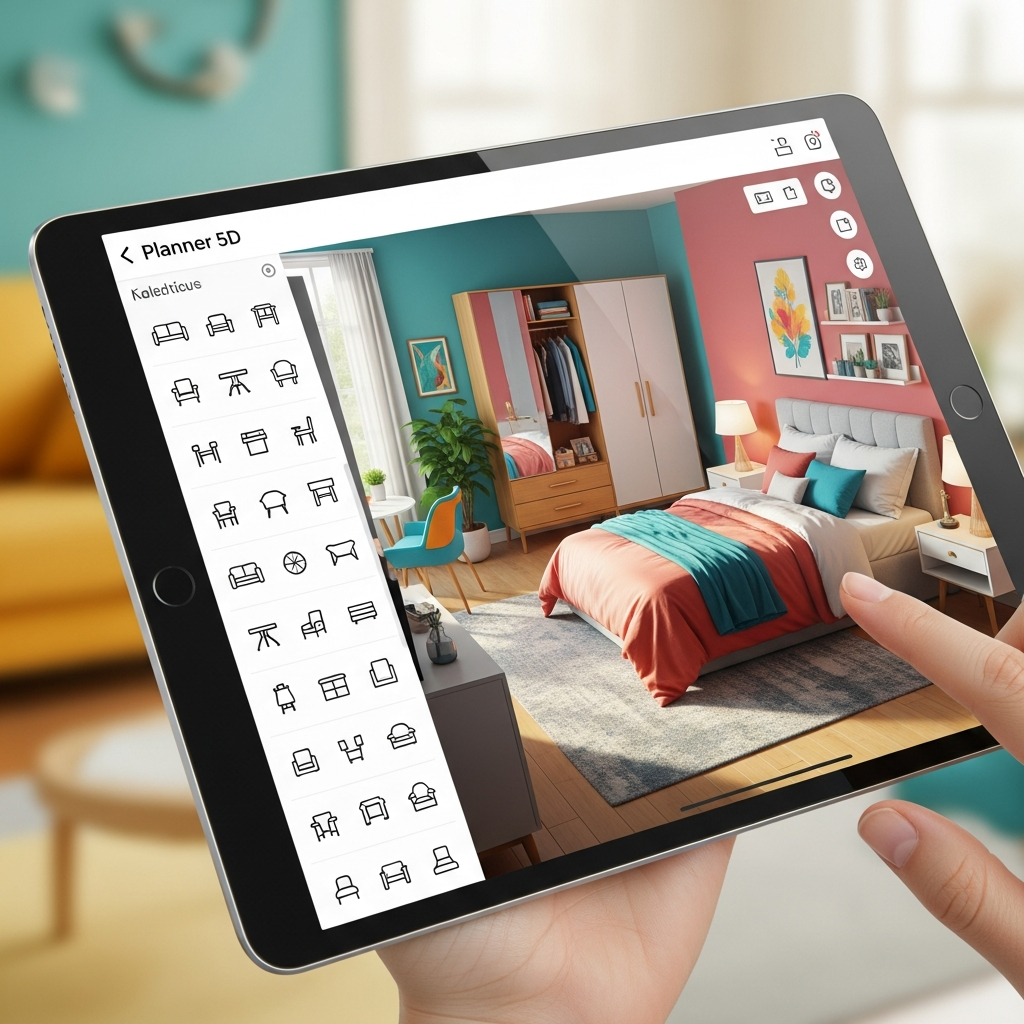
Planner 5D is an accessible tool designed for individuals who want to visualize home renovations without a steep learning curve. It features a massive catalog of furniture and finishes that can be dragged and dropped into a layout. Its cross-platform compatibility allows users to start a design on their computer and make adjustments on a tablet or smartphone, making it highly convenient for on-the-go planning.
5. Floorplanner
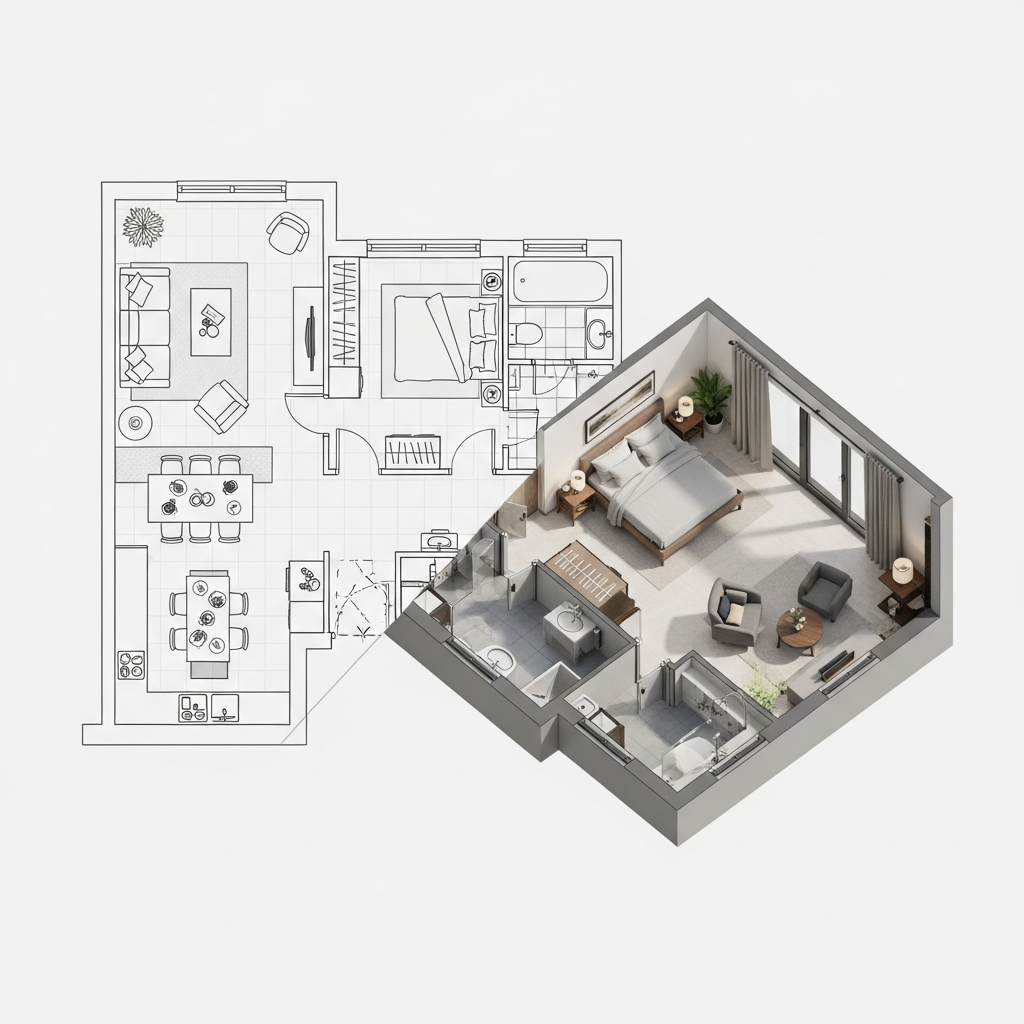
Floorplanner specializes in quick and efficient floor plan creation. It is a web-based tool that allows users to create 2D blueprints and instantly convert them into 3D walkthroughs. With a focus on speed, it is particularly useful for real estate agents and designers who need to present multiple layout options to clients rapidly without spending hours on complex modeling.
6. HomeByMe
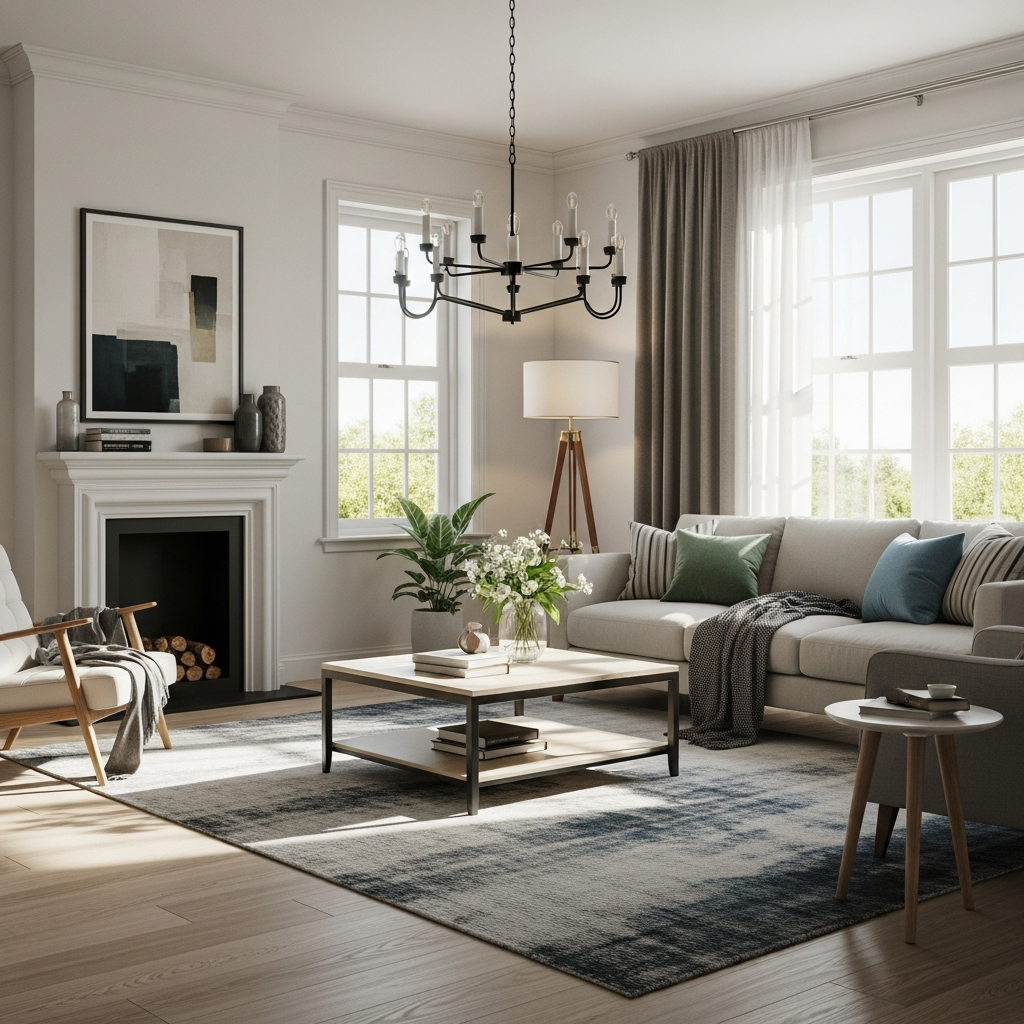
HomeByMe is a community-oriented software that offers a smooth user experience for residential design. One of its standout features is the ability to use real branded products within your designs, allowing for a realistic shopping experience during the planning phase. The software produces high-quality images and 360-degree views, which helps clients better understand the spatial flow of their future home.
7. Roomstyler
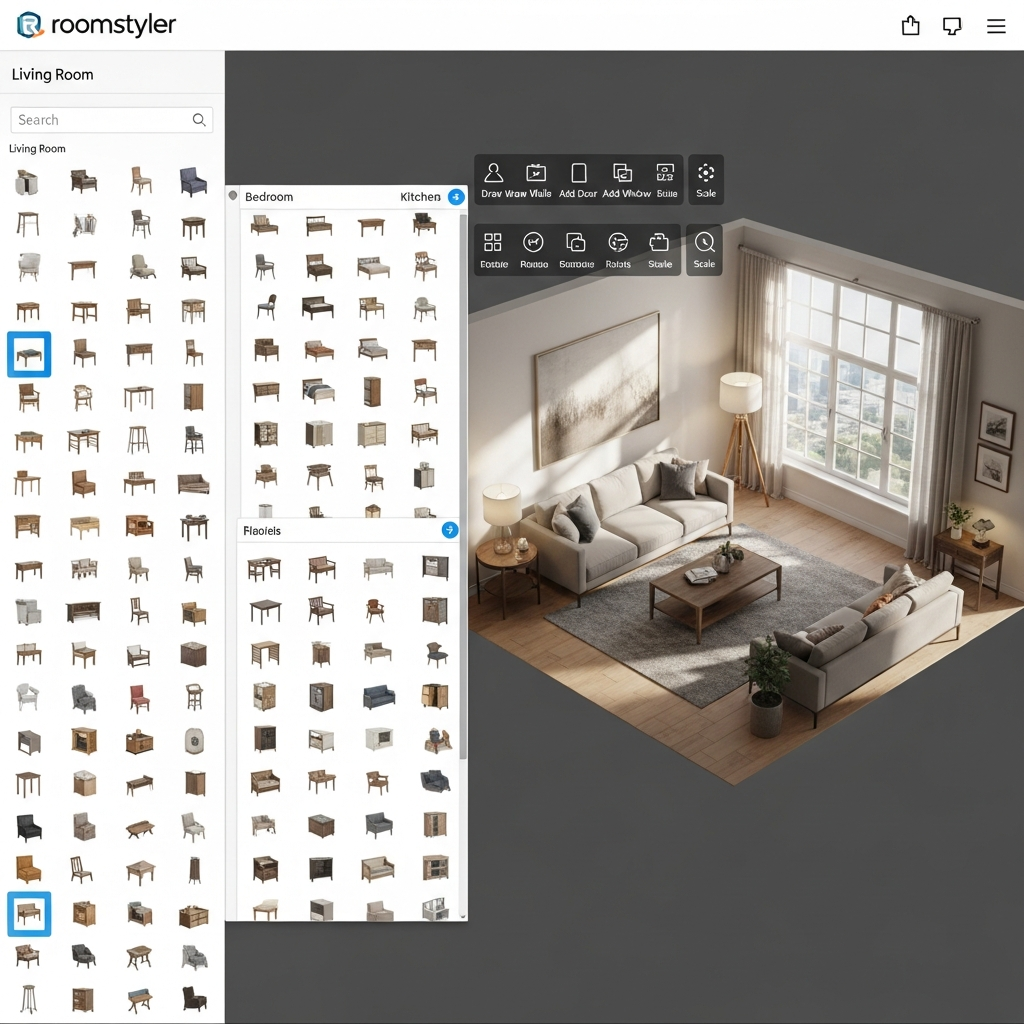
Roomstyler is a browser-based application that focuses on the decorative aspects of interior design. It is known for its massive library of over 120,000 items from various brands. The tool is perfect for mood boarding and quick visual experiments, offering an easy-to-use camera system that lets users take snapshots of their virtual rooms from any angle.
8. Chief Architect
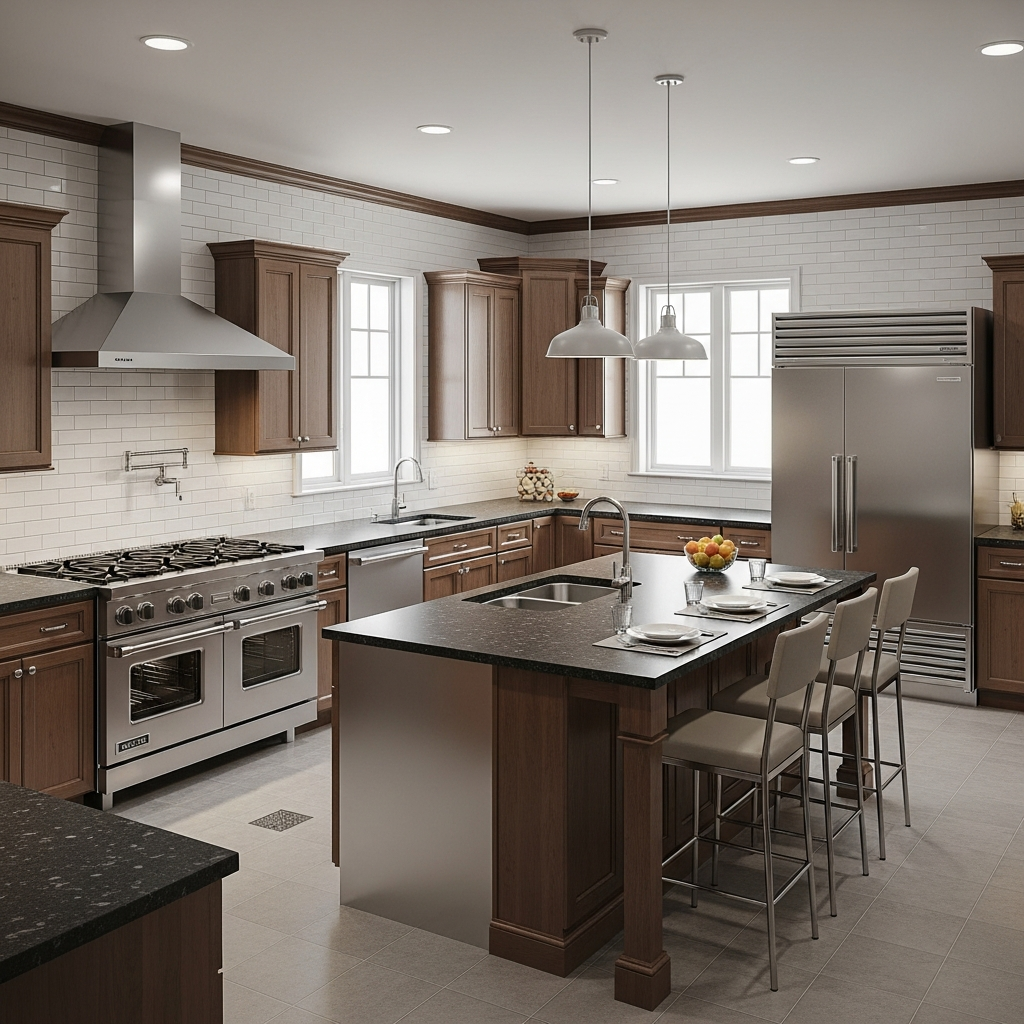
Chief Architect is specifically engineered for residential home design and light commercial construction. It automates many aspects of the building process, such as generating roof lines and framing schedules. For interior designers, it provides specialized tools for kitchen and bath design, including custom cabinetry and detailed electrical plans, making it a favorite for professional remodelers.
9. Cedreo
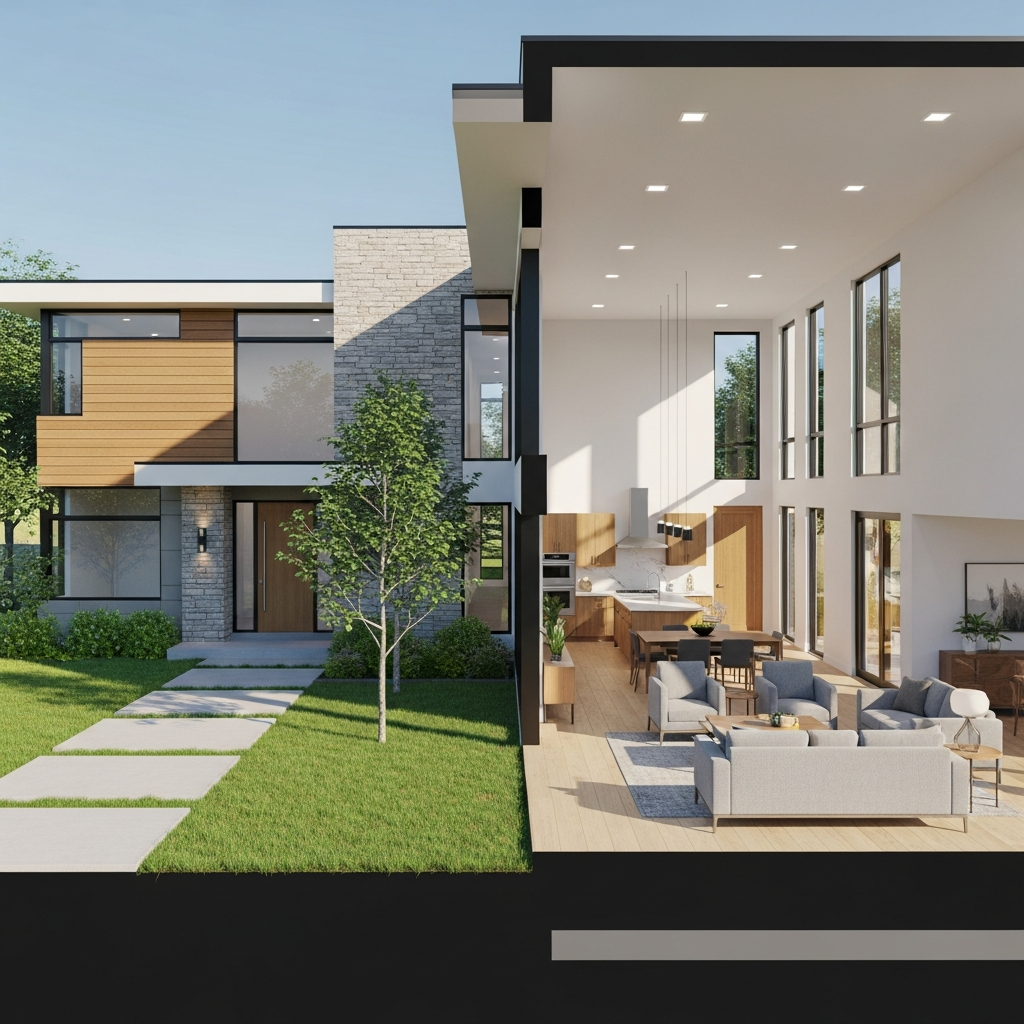
Cedreo is a fast 3D home design software tailored for home builders and interior designers who need to close sales quickly. It allows users to create a complete conceptual design, including 3D renderings, in under an hour. Its streamlined workflow focuses on efficiency, enabling professionals to present professional-looking proposals to clients with minimal effort.
10. Foyr Neo
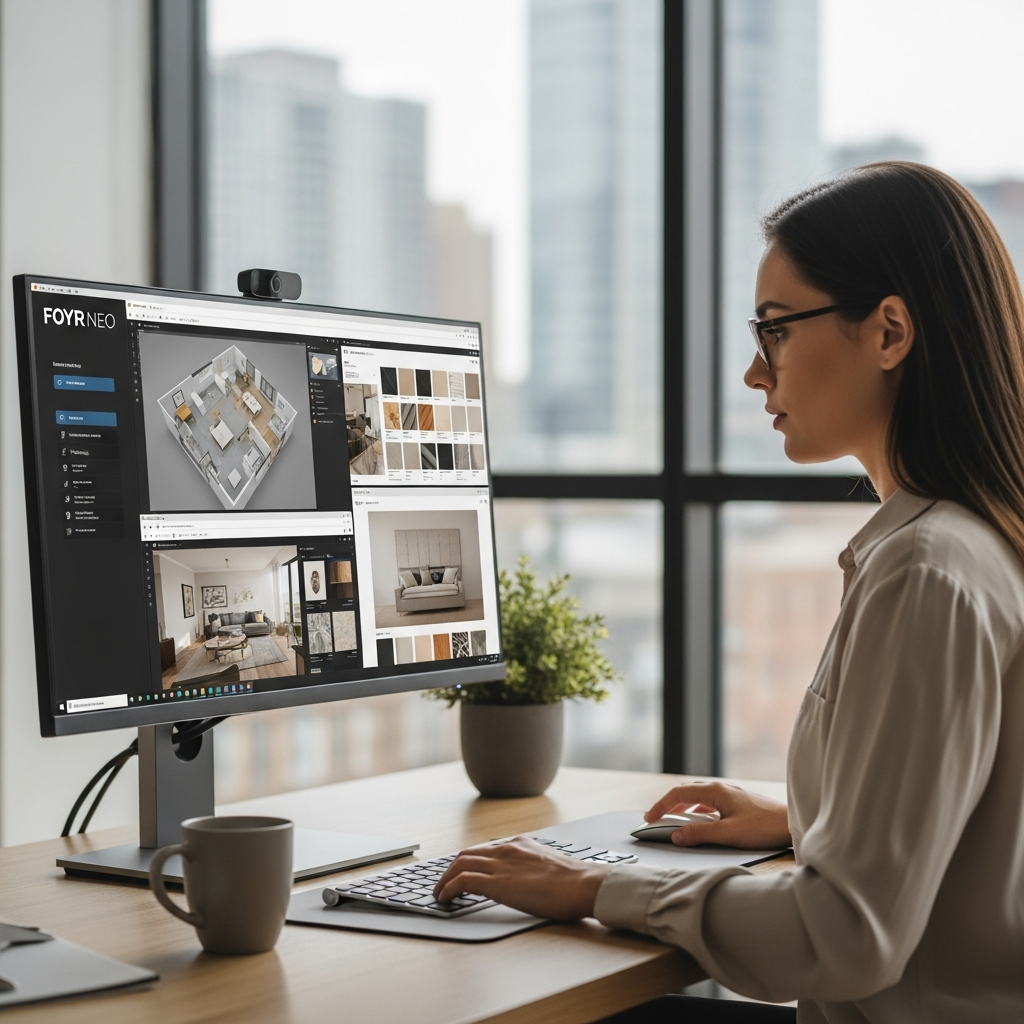
Foyr Neo is a lightning-fast, cloud-based design tool that eliminates the need for expensive hardware. It covers the entire design process from floor planning to high-quality rendering in a single platform. Its AI-powered features help automate repetitive tasks, allowing designers to focus on creativity while achieving professional results in a fraction of the time required by traditional software.
11. AutoCAD
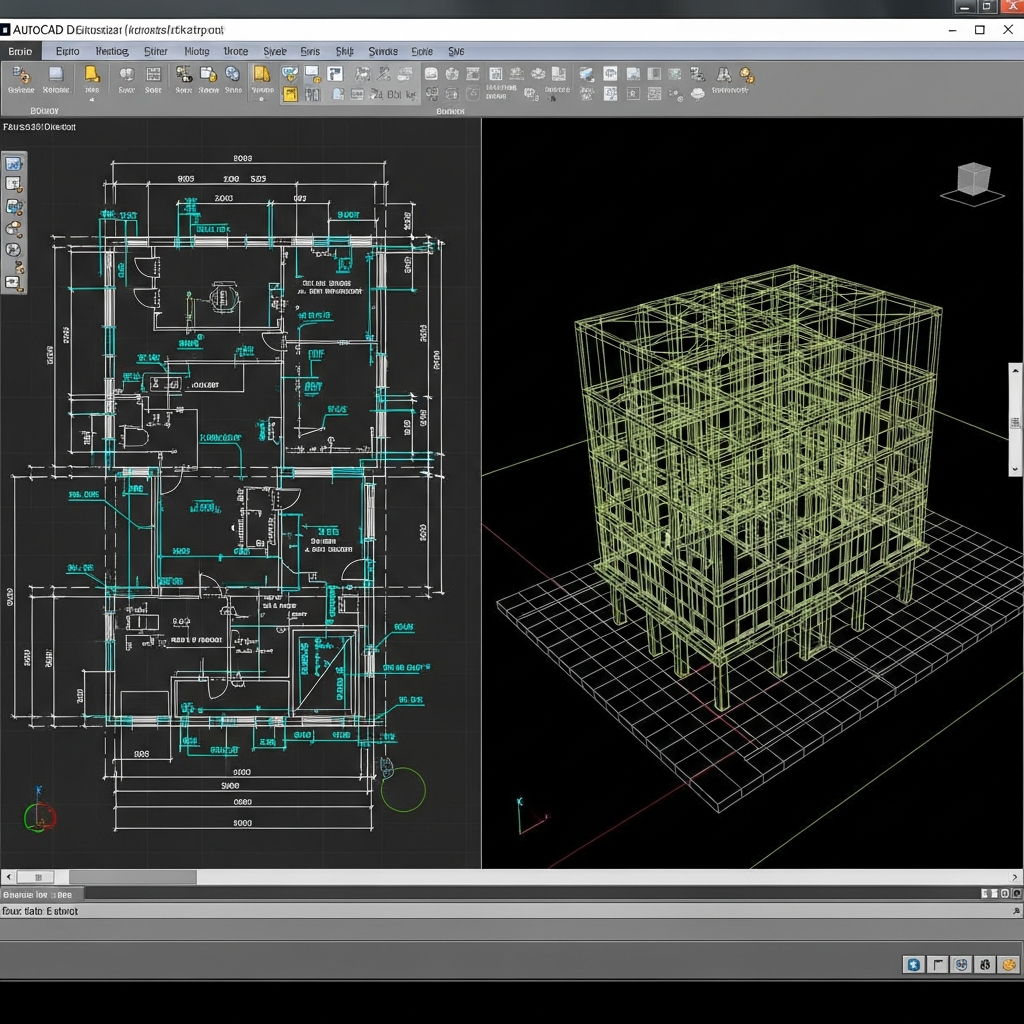
While primarily known for 2D drafting, AutoCAD remains a vital tool for 3D modeling in the interior design industry. It offers unparalleled precision for creating technical drawings and complex geometric shapes. Many designers use AutoCAD to create the foundational blueprints that are later imported into other software for detailed 3D rendering and visualization.
12. Sweet Home 3D
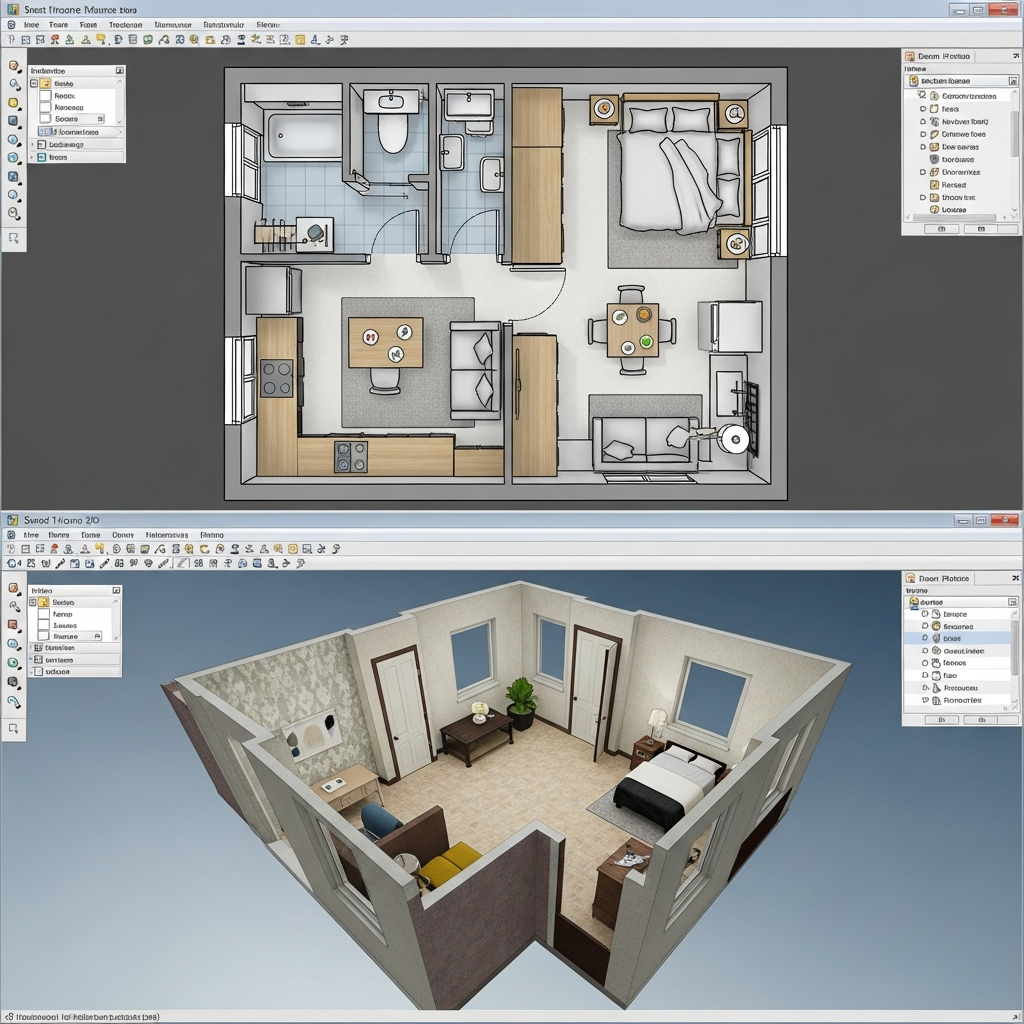
Sweet Home 3D is an open-source tool that is perfect for beginners and budget-conscious designers. It allows users to draw walls on a 2D plane while simultaneously viewing the 3D representation from an aerial or visitor perspective. The software supports a wide range of plugins and third-party furniture models, making it a flexible option for simple residential projects.
13. Roomle
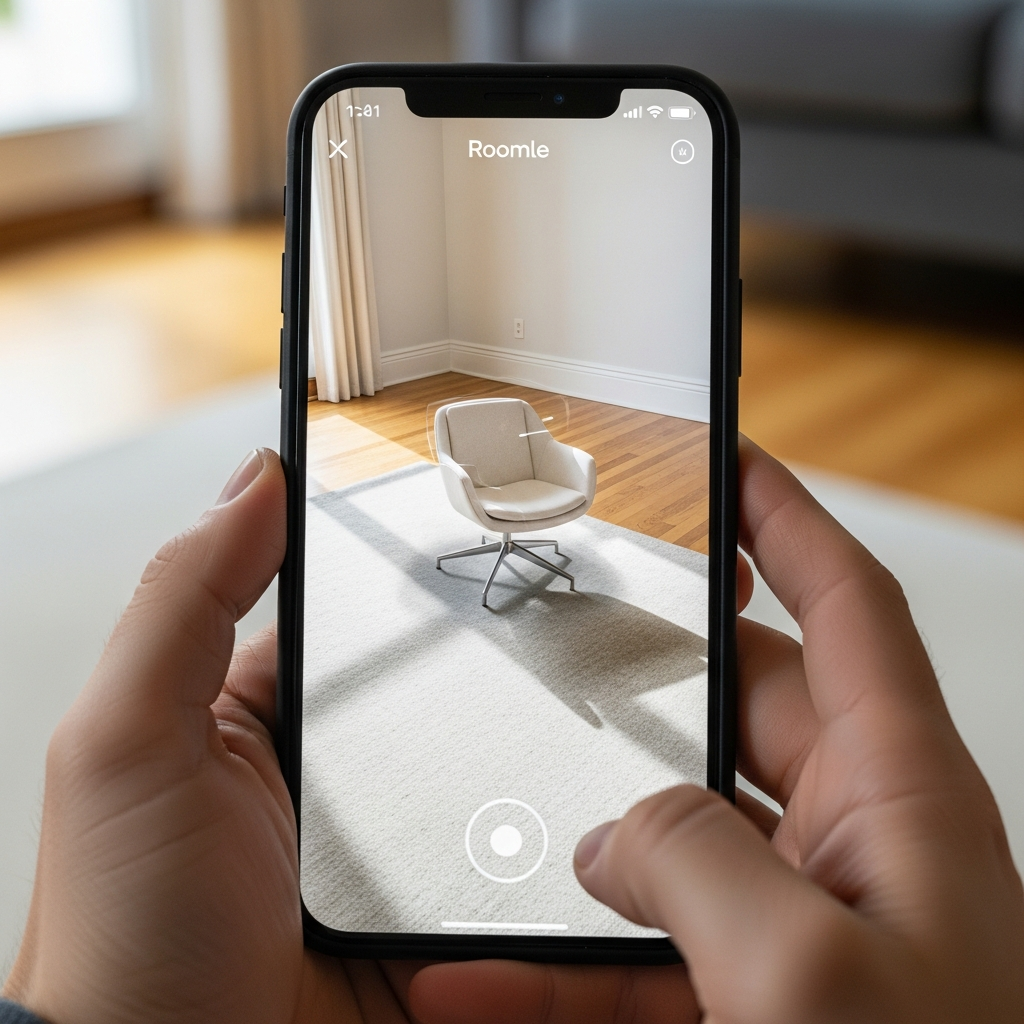
Roomle is an innovative platform that focuses on digital configuration and mobile integration. It is particularly strong in the retail sector, allowing users to configure furniture items in 3D and see how they look in their actual space using Augmented Reality (AR) features. It provides a seamless transition between planning on a desktop and visualizing on a mobile device.
14. Coohom
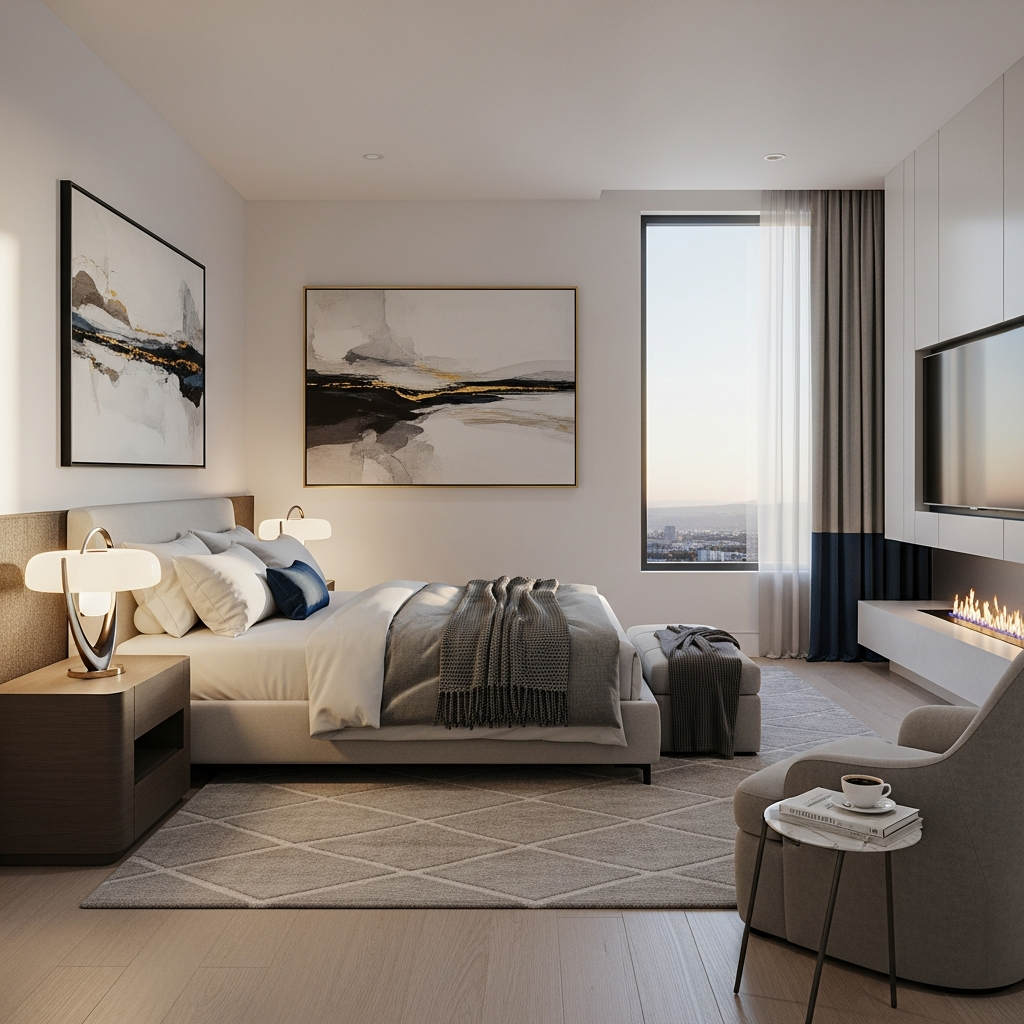
Coohom is a high-performance cloud platform that offers rapid 4K rendering. It is popular among designers who need to produce high-quality visual content for social media and client presentations. The software includes an extensive library of 3D models and textures, along with tools for lighting adjustment and panorama creation, all within a browser-based environment.
15. SmartDraw
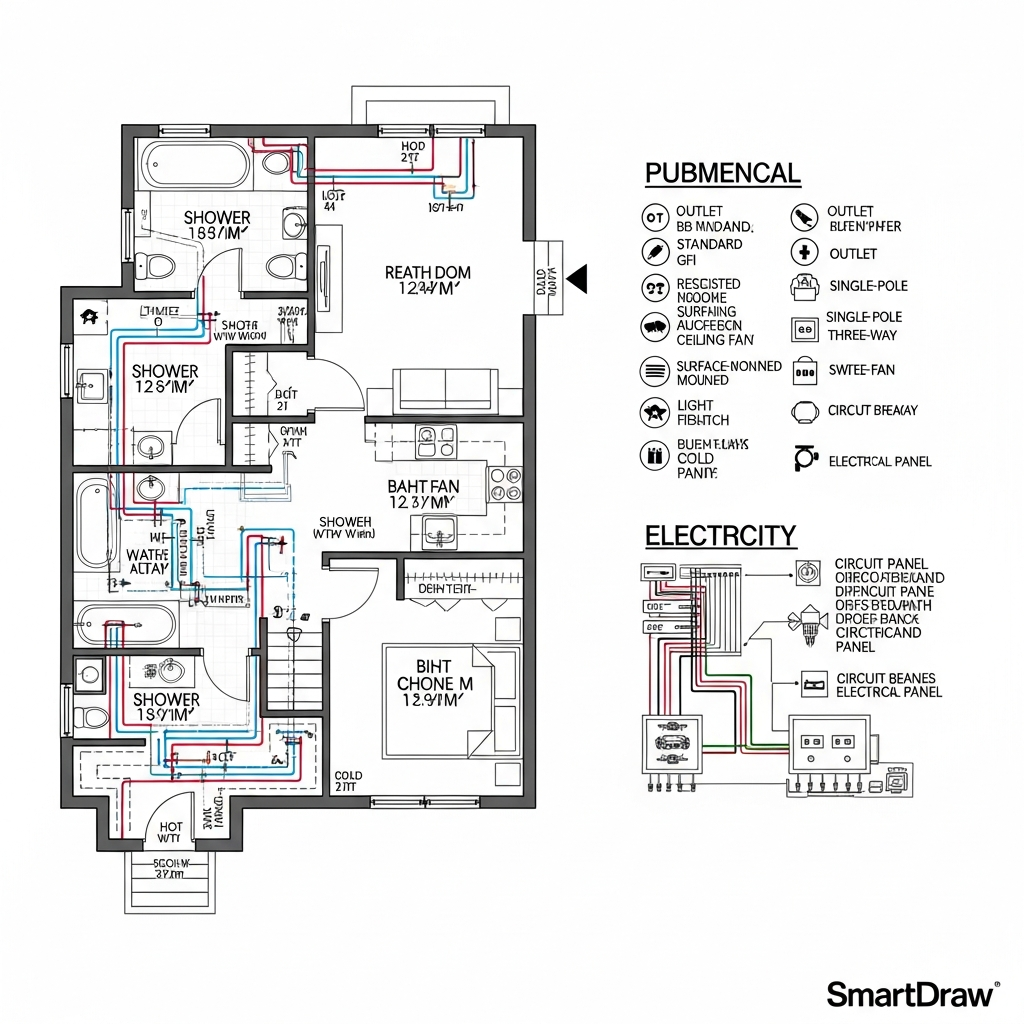
SmartDraw is a comprehensive diagramming tool that includes robust features for floor plan design. It is less about artistic rendering and more about organizational clarity. Designers use it to create clear, professional floor plans, electrical diagrams, and HVAC layouts, making it an essential tool for the technical side of interior design project management.
16. Live Home 3D
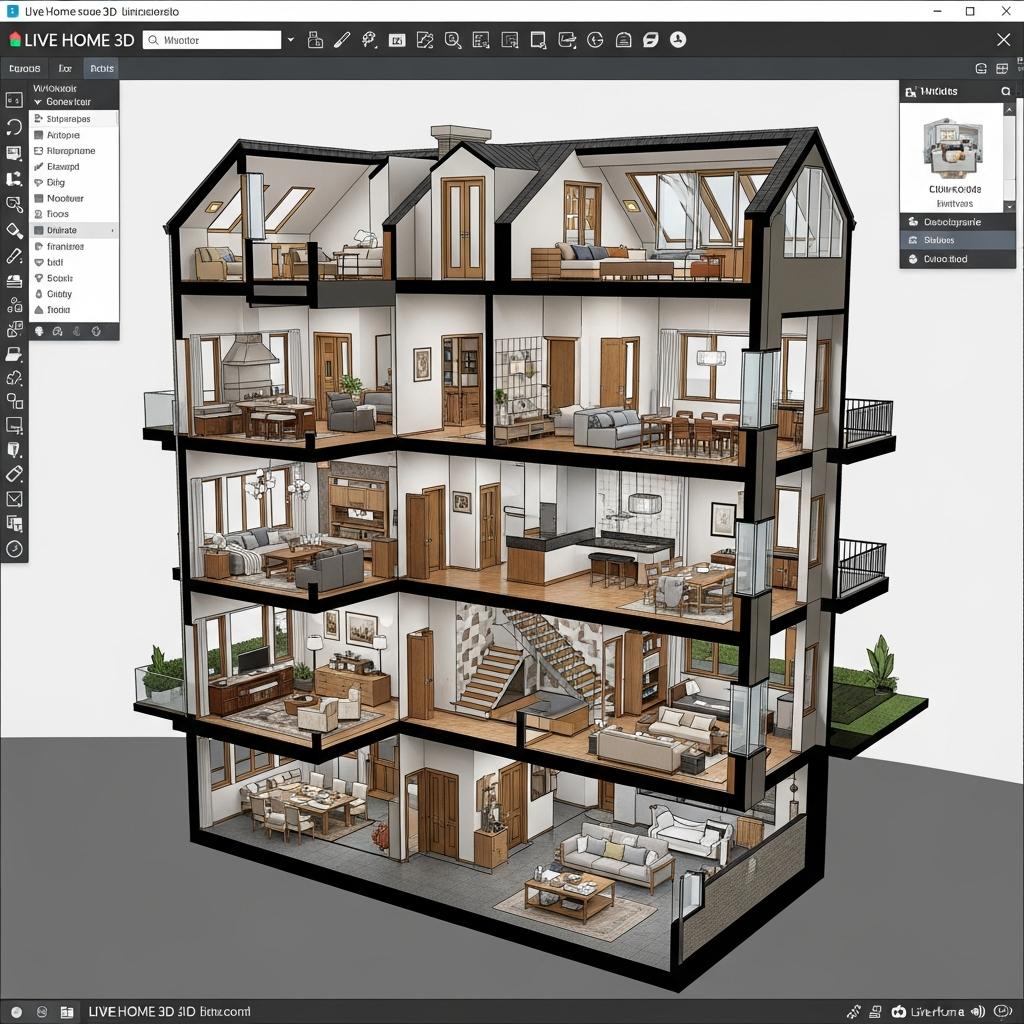
Live Home 3D is a versatile application available for both Windows and macOS. It offers a balance between ease of use and professional features, allowing users to build detailed house models with multiple stories. One of its standout features is the ability to export designs to 360-degree videos and VR, providing clients with an immersive walkthrough experience.
17. Infurnia

Infurnia is a professional, cloud-based BIM software designed specifically for the interior design industry. It allows for real-time collaboration between team members, making it ideal for design firms. The software covers everything from detailed floor planning and 3D modeling to generating production-ready drawings for custom furniture manufacturing.
18. Blender
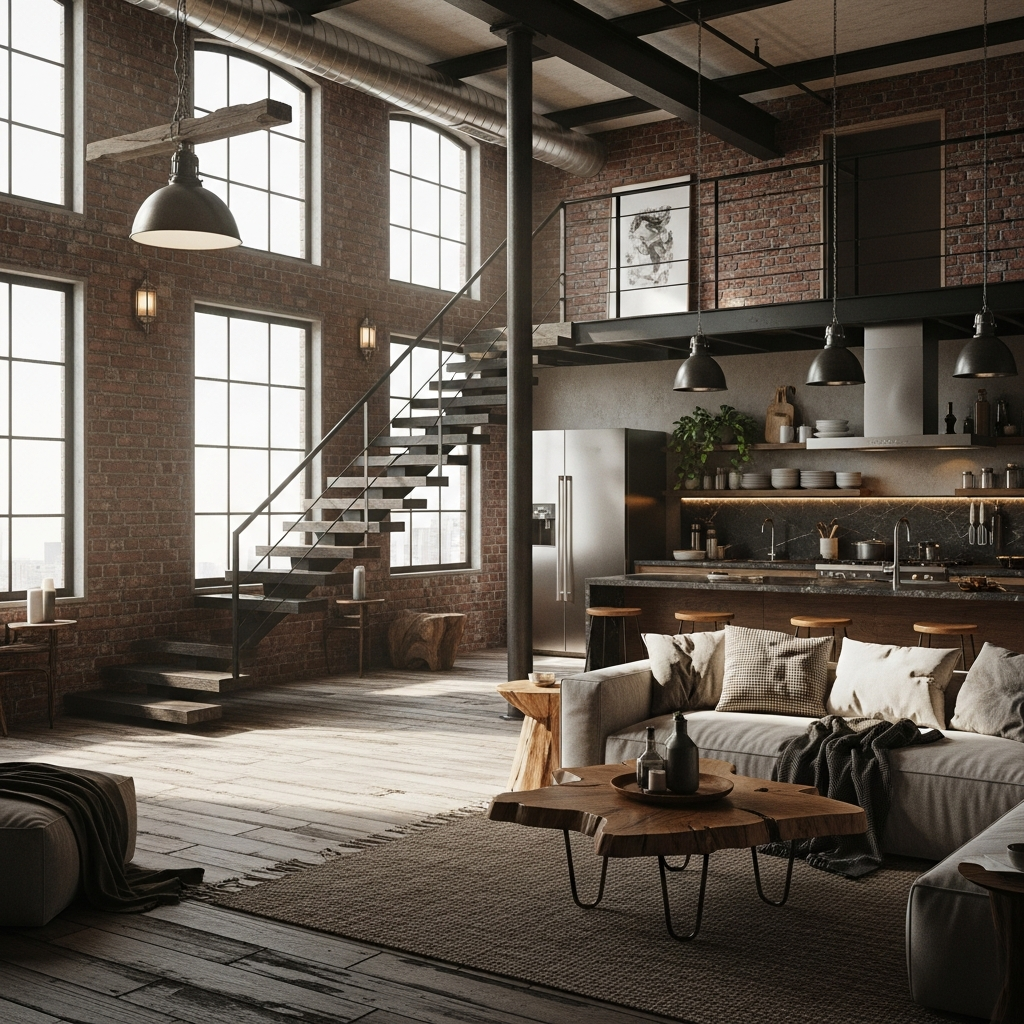
Blender is a free, open-source 3D creation suite that offers professional-grade modeling, sculpting, and rendering capabilities. While it has a steep learning curve, it provides unmatched creative freedom for designers who want to create unique furniture pieces or highly artistic interior environments. Its EEVEE and Cycles render engines produce world-class visual results.
19. Archicad
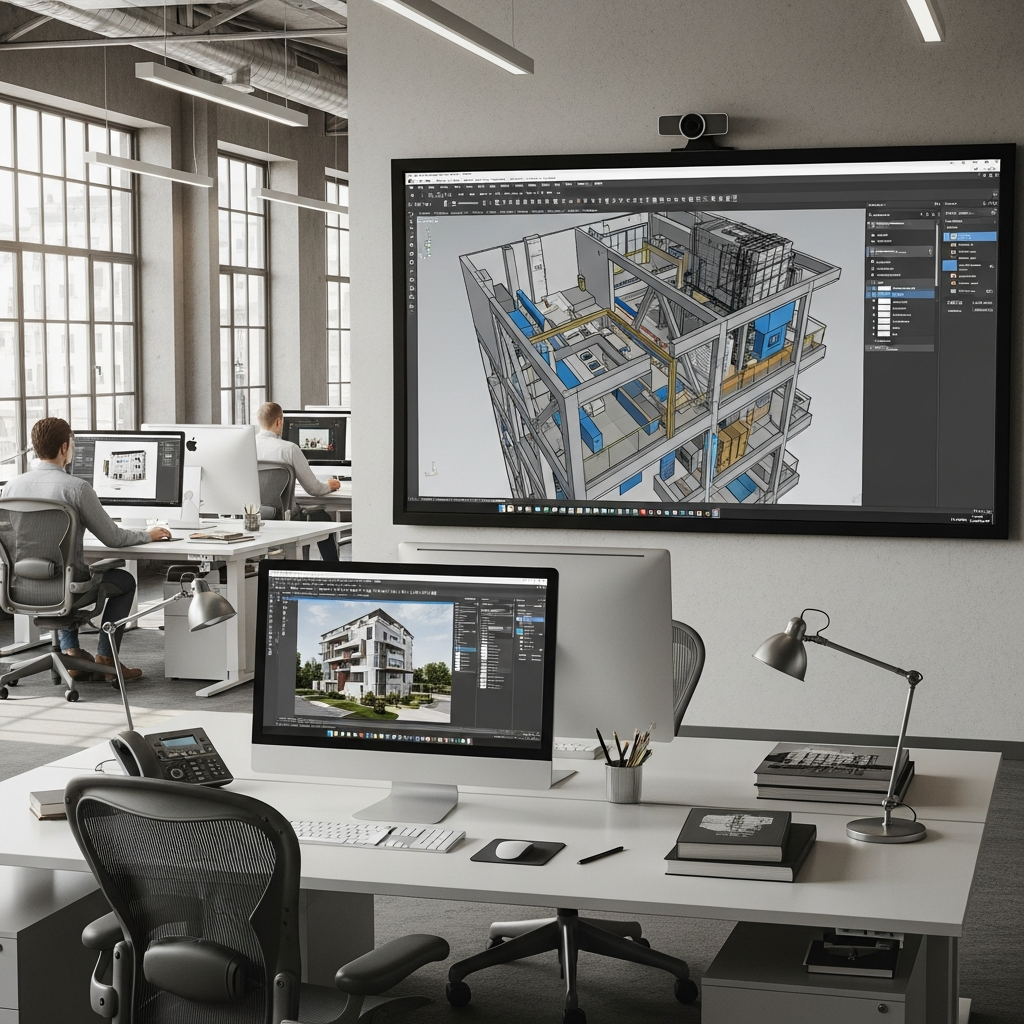
Graphisoft Archicad is a premier BIM software solution used by architects and designers worldwide. It is designed to handle the entire architectural process, from the first sketch to the construction phase. For interior designers, Archicad offers powerful tools for managing complex interior structures, materials, and lighting, integrated within a full building model.
20. Enscape

Enscape is a real-time rendering and virtual reality plugin that works directly within other design software like SketchUp and Revit. It allows designers to see their changes instantly in a photorealistic environment. This immediate feedback loop is invaluable for design presentations, as it allows clients to experience the space through VR headsets as it is being designed.
21. V-Ray
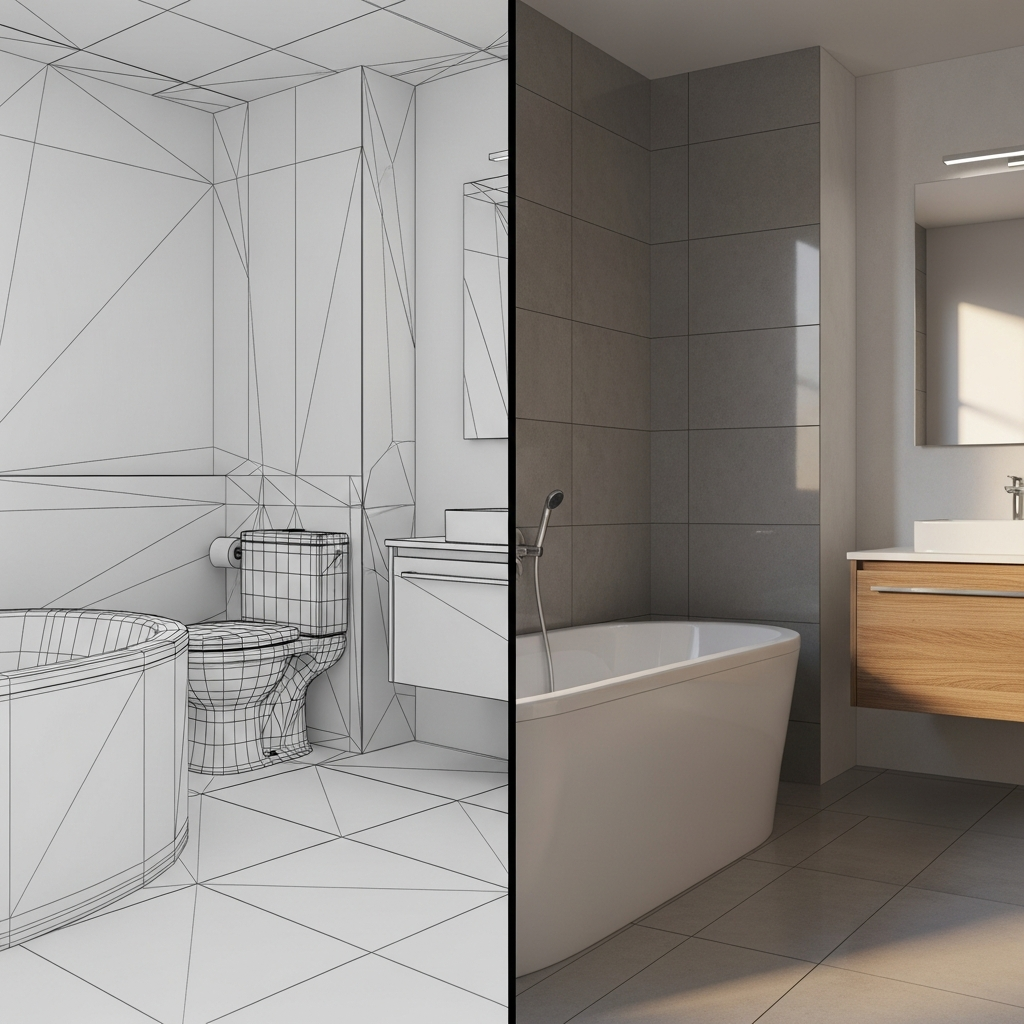
V-Ray is one of the most powerful rendering engines in the world, often used as a plugin for SketchUp, Rhino, and 3ds Max. It is famous for its ability to handle complex lighting scenarios and global illumination. Interior designers use V-Ray to create the highest level of photorealistic imagery for high-stakes client presentations and marketing materials.
22. RoomSketcher
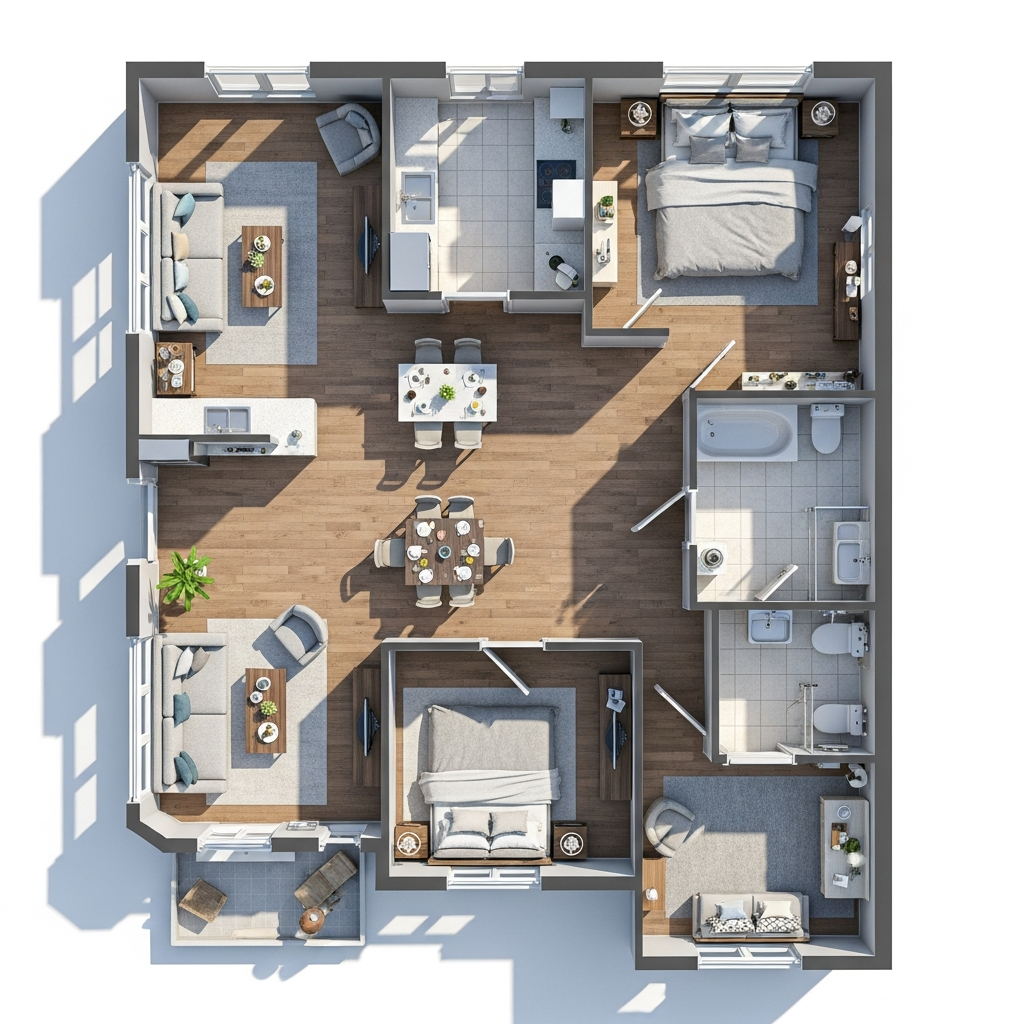
RoomSketcher is a versatile tool used for creating professional floor plans and 3D home visualizations. It is widely used by real estate professionals and home renovators because it produces clear, easy-to-read 2D and 3D floor plans. The software also features a Live 3D mode, allowing users to take a virtual tour of their project at the click of a button.
Conclusion
Choosing the right 3D interior design software depends on your specific goals, technical skills, and project requirements. Whether you need a quick tool for a home renovation like Planner 5D, a technical BIM powerhouse like Revit, or high-end rendering capabilities from V-Ray, the tools listed above offer a solution for every level of the design process. By integrating these software options into your workflow, you can enhance communication with clients, improve spatial accuracy, and bring your creative visions to life with professional precision.