


Creating a home from scratch or planning a major renovation requires more than just imagination. In the modern era, 3D home design software tools provide the precision and visualization necessary to bring architectural dreams to life. These applications range from professional grade suites for architects to user friendly interfaces for DIY enthusiasts. By utilizing these tools, designers can experiment with layouts, textures, and lighting before a single brick is laid, ensuring a more efficient and accurate construction process.
1. SketchUp
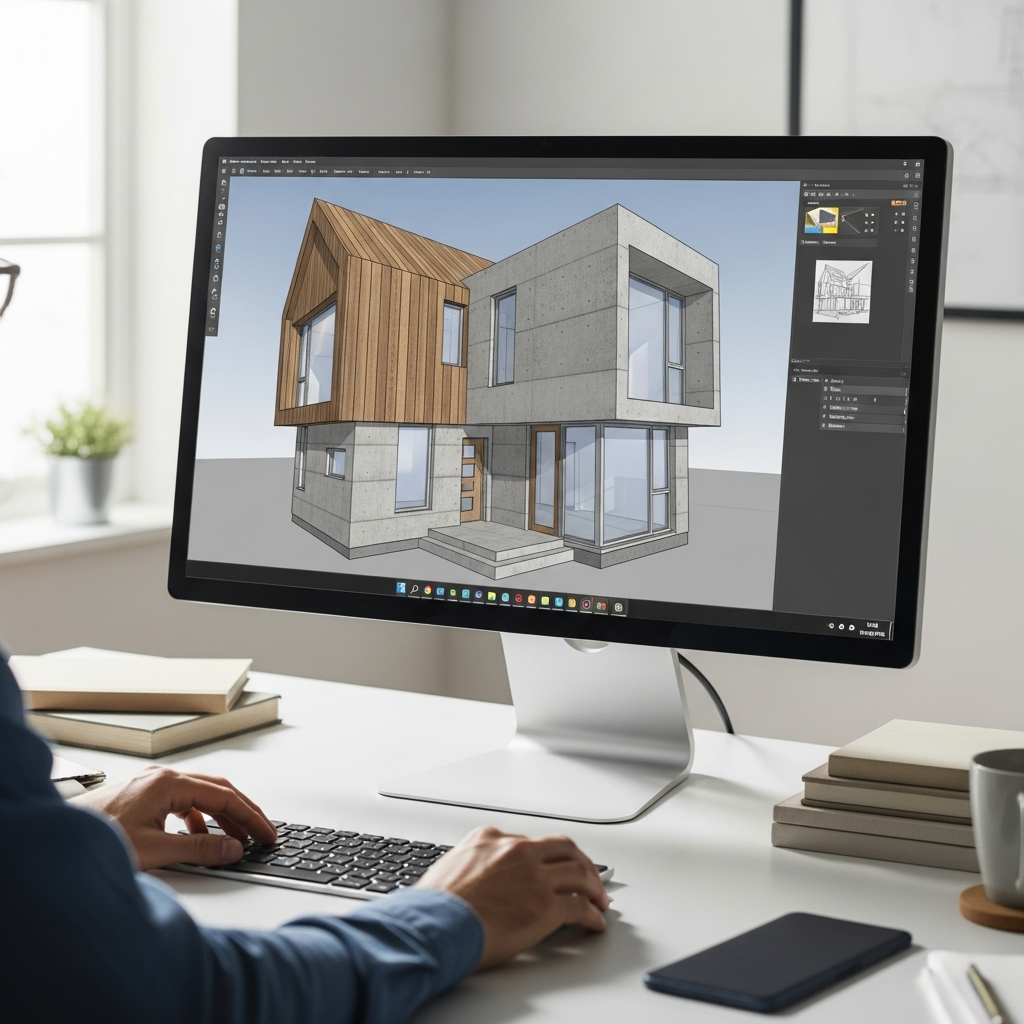
Widely regarded for its versatility, SketchUp offers a powerful platform for creating 3D models. It is favored by professionals for its extensive 3D Warehouse library which contains millions of pre built models. Its intuitive push and pull interface allows users to turn flat surfaces into 3D shapes quickly, making it a favorite for both rapid prototyping and detailed architectural visualization.
2. Autodesk Revit
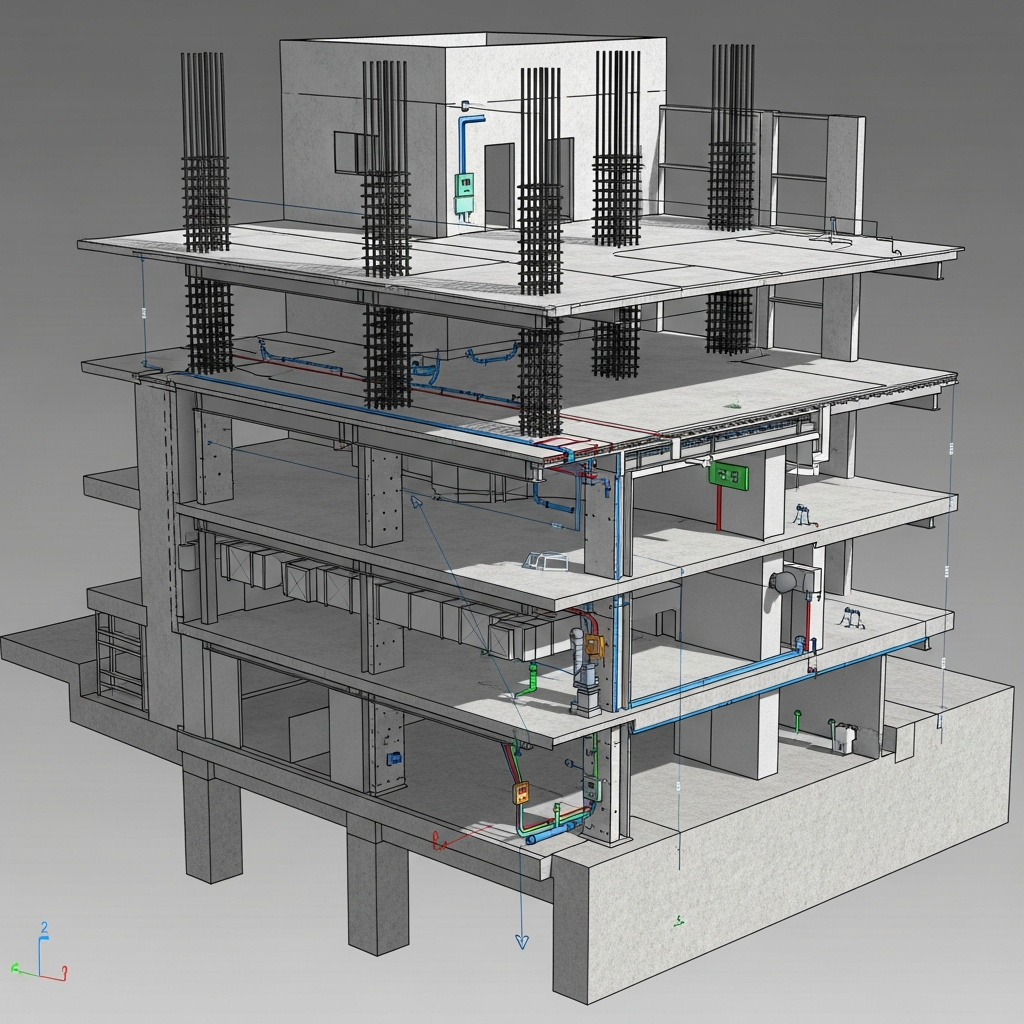
Built specifically for Building Information Modeling or BIM, Revit allows architects and designers to create high quality 3D structures with integrated data. Unlike standard drawing tools, Revit tracks changes across the entire project, ensuring that a change in the floor plan is automatically reflected in sections and elevations. This makes it an essential tool for large scale residential projects.
3. Chief Architect
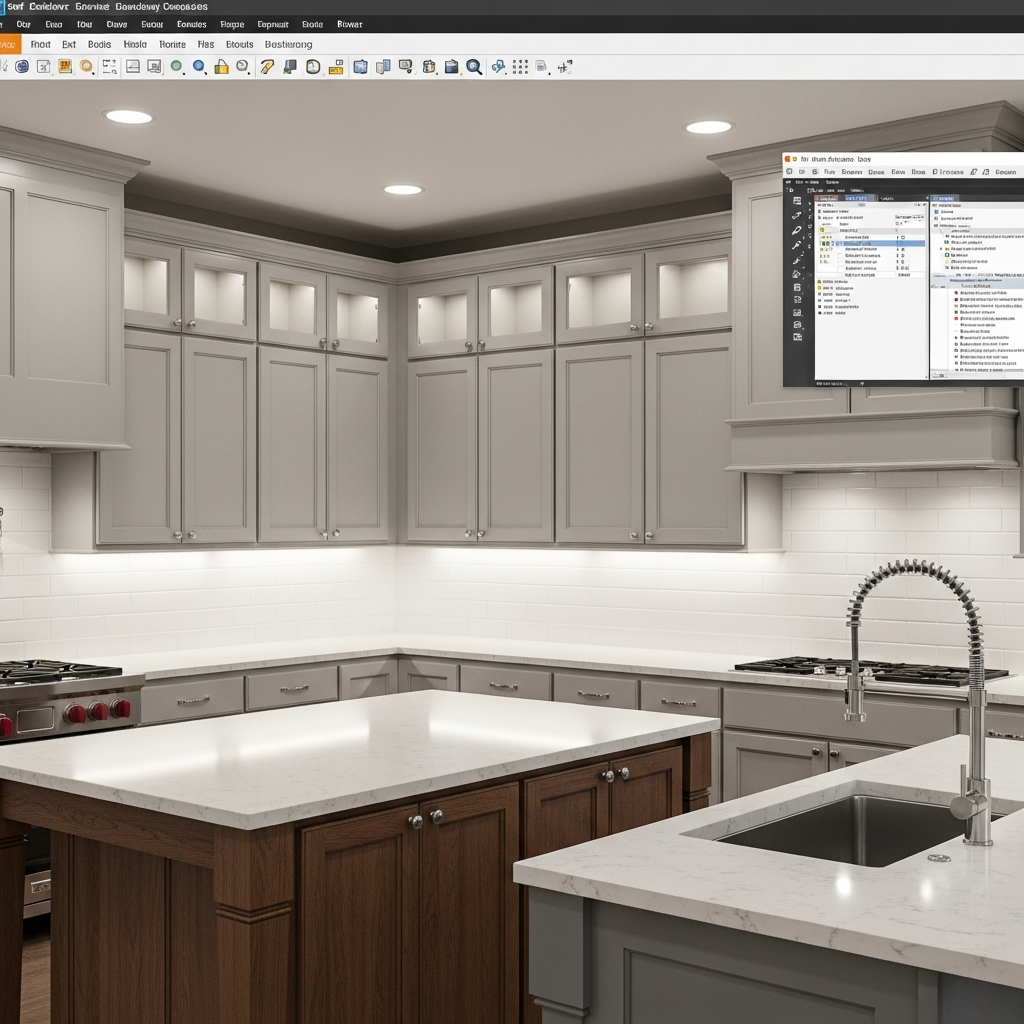
This software is a leader for residential design, offering automated tools for building systems and interior design. It excels at creating construction documents and 3D renderings simultaneously. With features like automatic roof generation and smart cabinet tools, it simplifies the complex process of designing a functional and aesthetic home environment.
4. Sweet Home 3D
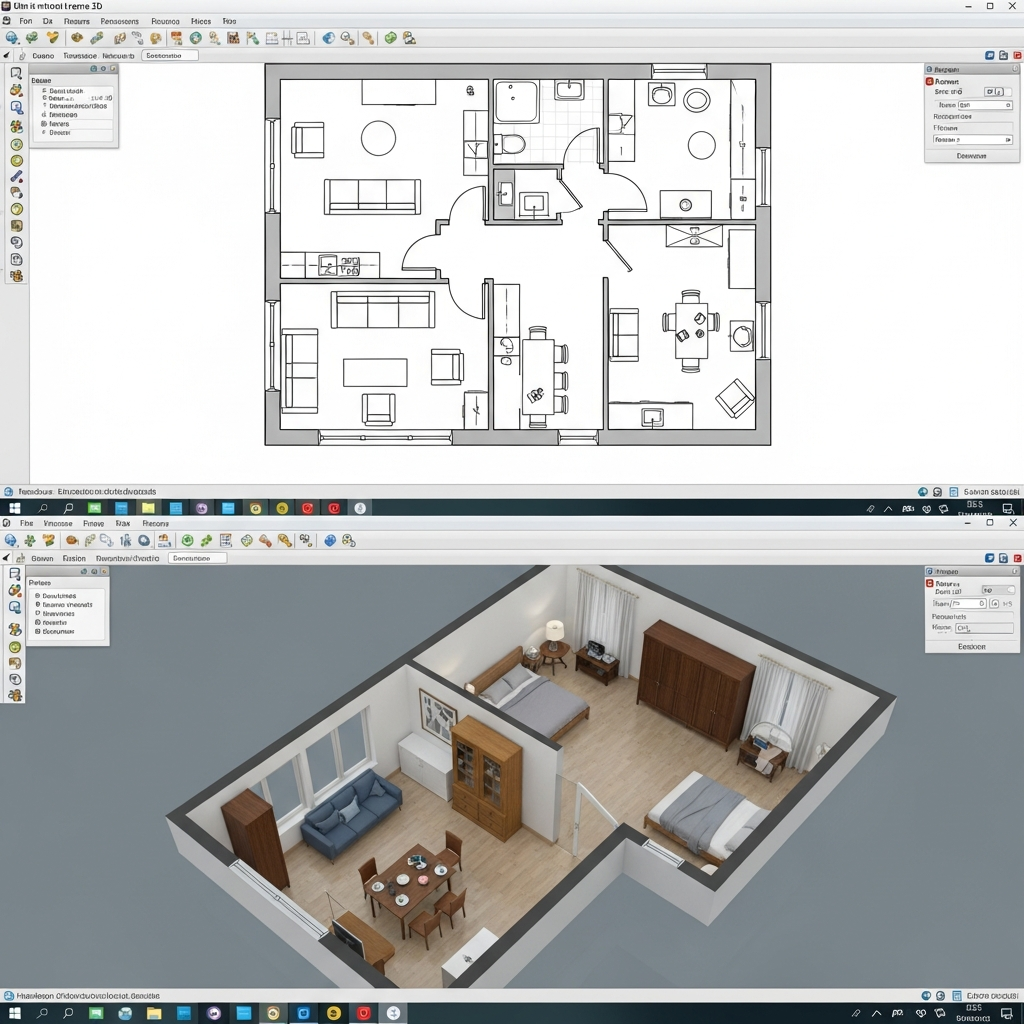
An open source option that allows users to draw plans in 2D and view them in 3D, providing a simple yet effective interface. It is an excellent starting point for homeowners who want to experiment with furniture placement and wall configurations. The software supports a wide range of plugins and object imports to customize the design experience.
5. Floorplanner
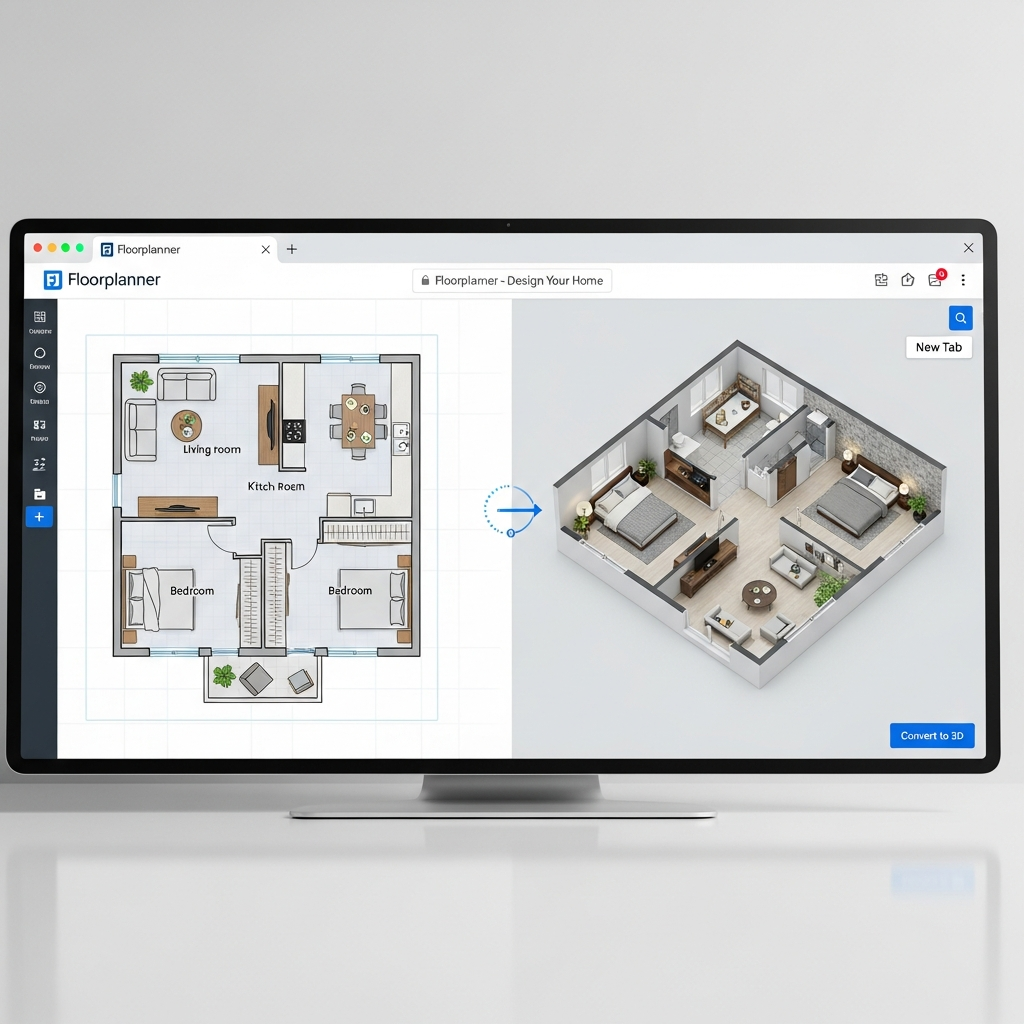
An online tool that simplifies the creation of floor plans with an extensive library of furniture and decoration items. It is highly accessible since it runs entirely in a web browser, making it perfect for quick sharing and collaboration. Users can generate high resolution 2D and 3D images to visualize their interior design ideas with ease.
6. Homestyler

This cloud based application focuses on interior design, allowing users to visualize furniture and layouts in realistic 3D environments. It features a large catalog of real world furniture brands, allowing designers to see how specific products will look in their space. Its rendering engine produces photorealistic images that are helpful for client presentations.
7. Roomstyler
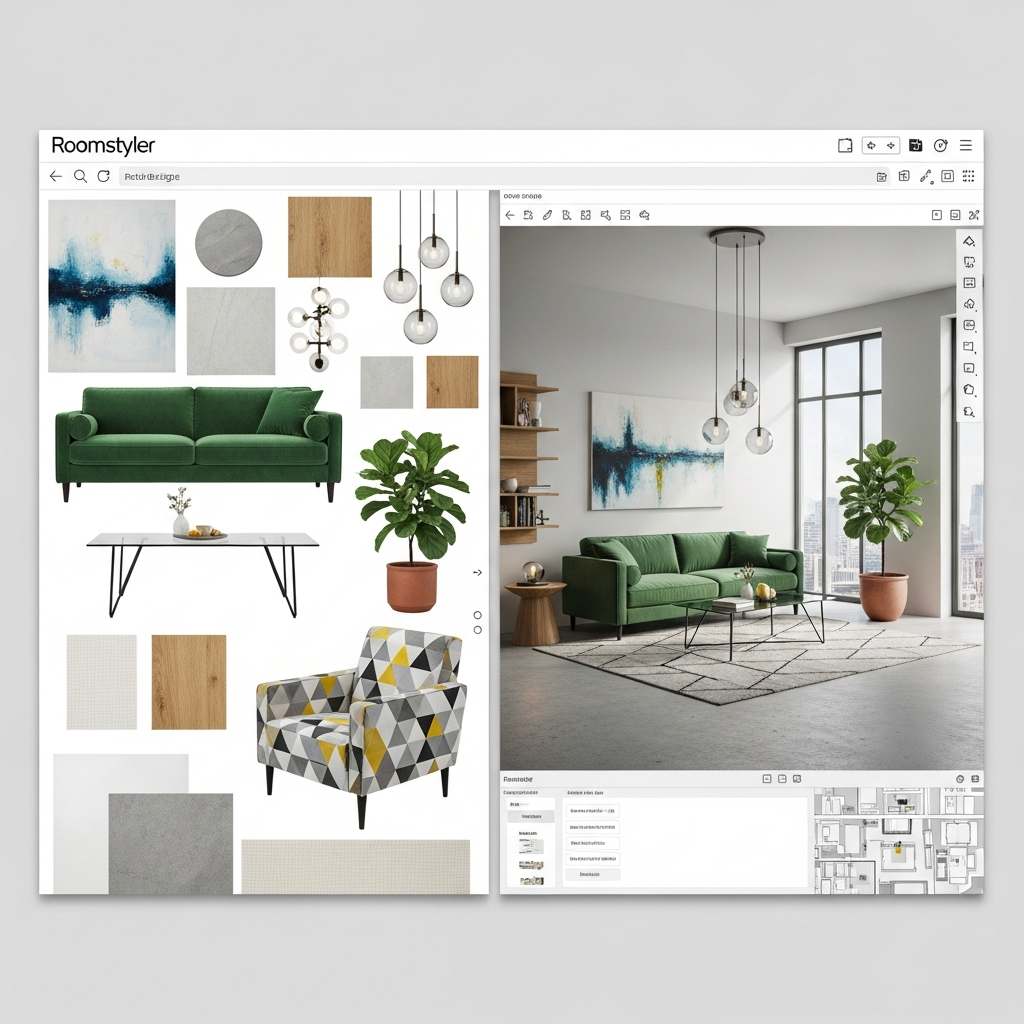
Formerly known as My Deco, this tool provides an easy to use interface for creating high definition 3D renderings of room layouts. It is particularly popular among interior decorators who want to experiment with different color schemes and textures. The community aspect allows users to share their designs and get inspiration from others globally.
8. Planner 5D
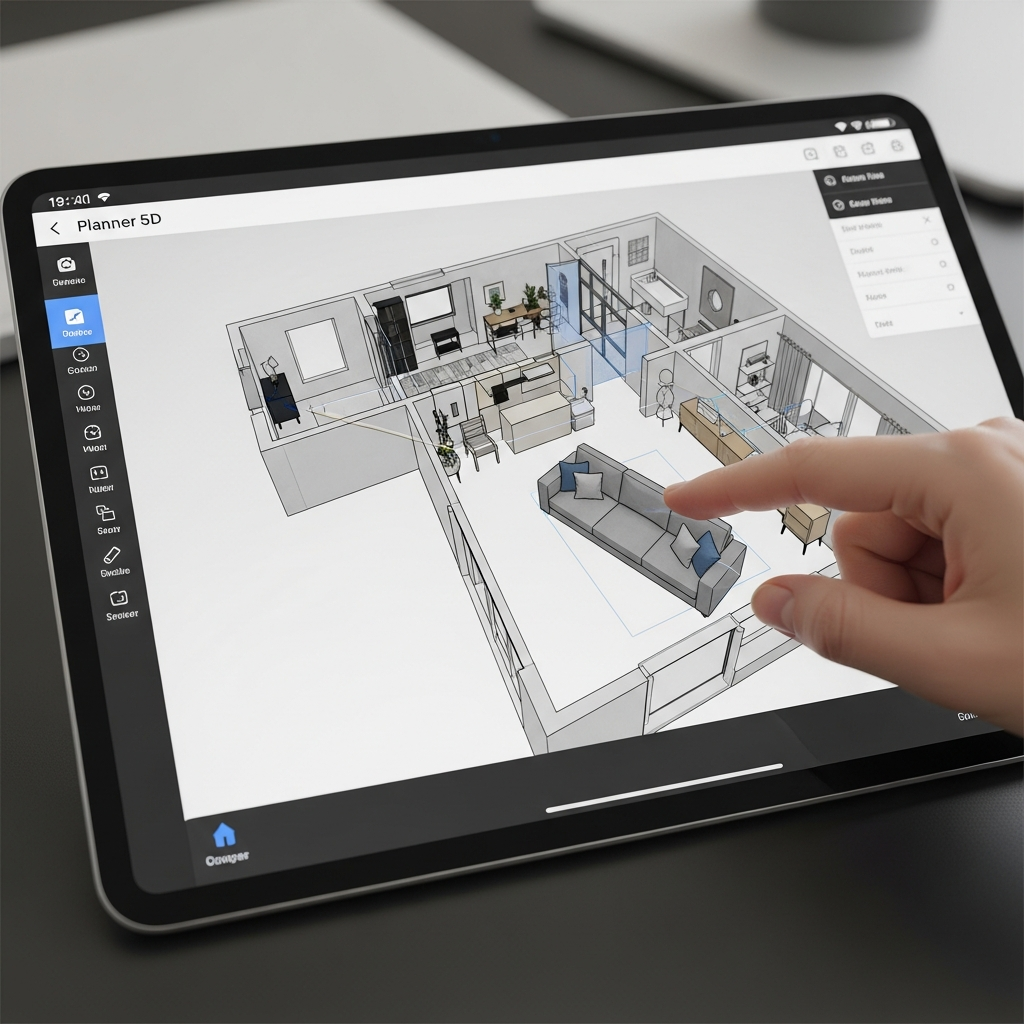
Known for its cross platform availability, Planner 5D helps users create detailed floor plans and interior designs without professional training. It utilizes artificial intelligence to help automate certain design tasks and offers a massive library of items. The mobile version is particularly robust, allowing for design on the go.
9. Home Designer Software
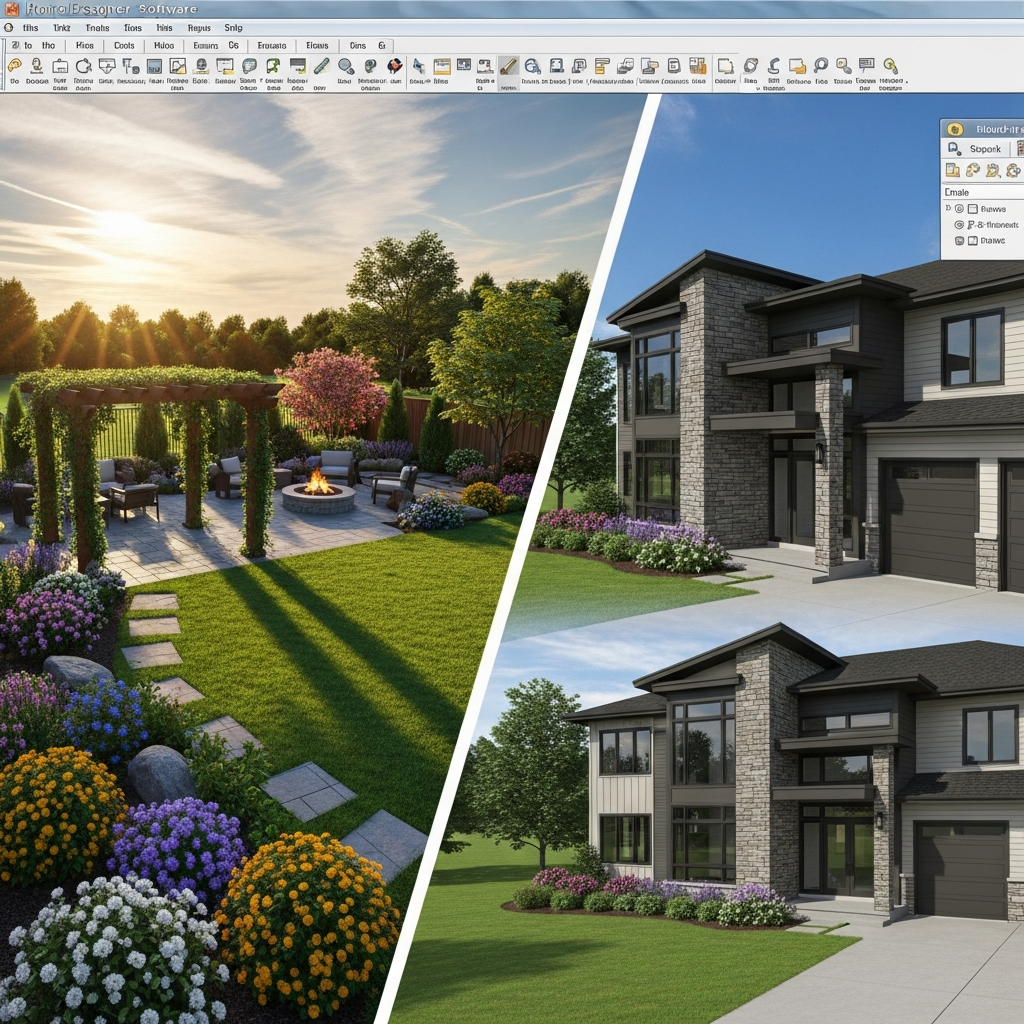
Produced by Chief Architect, this consumer level version offers professional tools for home remodeling and interior design at a more accessible price point. It includes specialized versions for interiors, landscape design, and full architectural suites. The smart technology helps users create accurate 3D models from simple 2D drawings.
10. AutoCAD Architecture
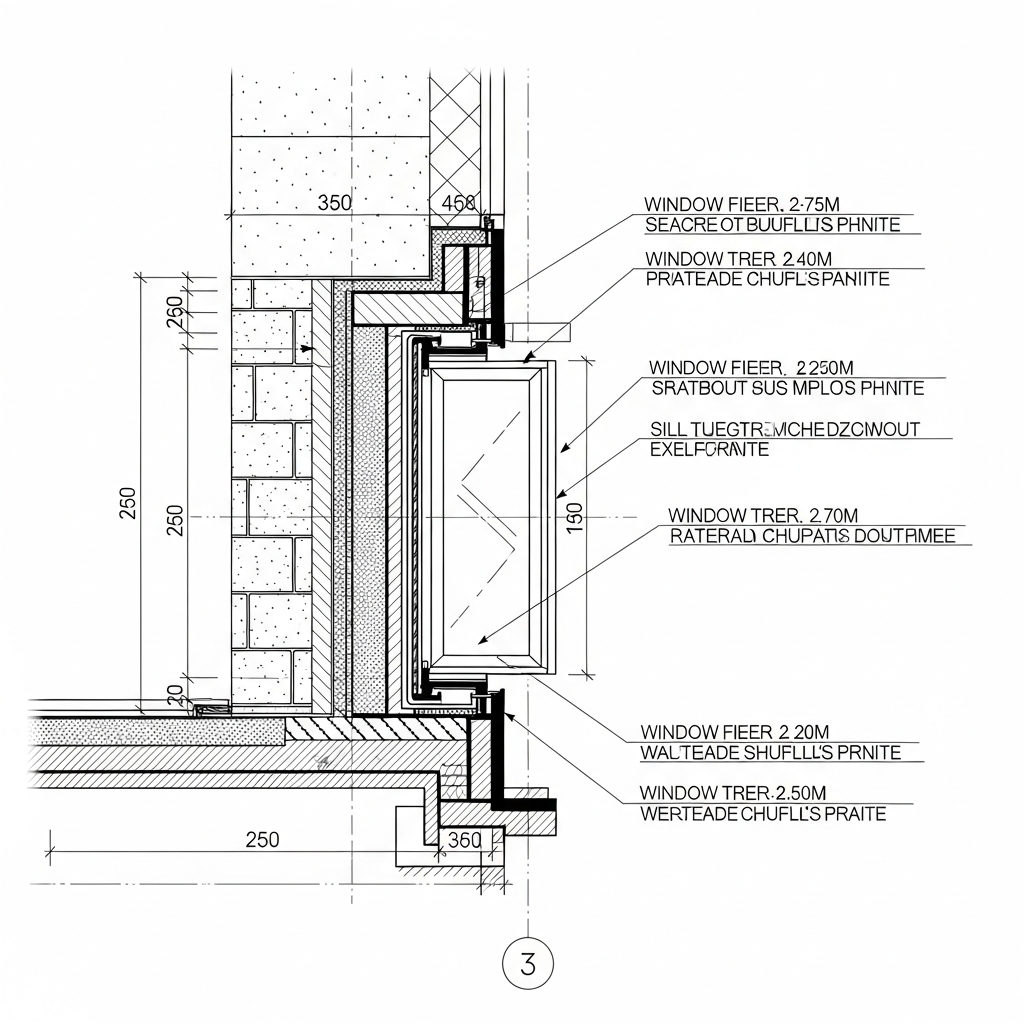
A specialized version of AutoCAD designed specifically for architects, offering automated drafting and documentation tools. While it maintains the classic CAD interface, it adds architectural objects like walls, doors, and windows that behave realistically. This is a staple for professionals who require precise technical drawings alongside 3D modeling.
11. Vectorworks Architect
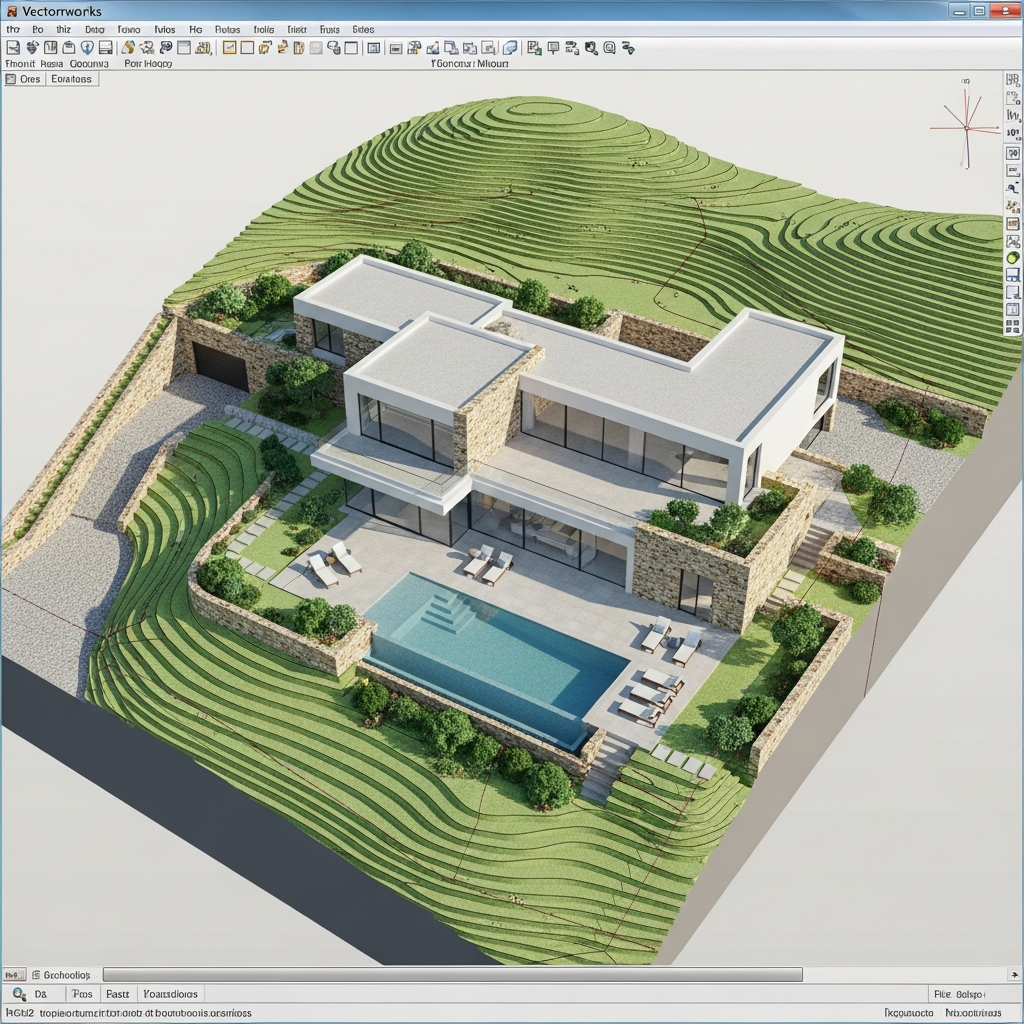
This comprehensive software offers a suite of tools for sketching, modeling, and detailed architectural documentation. It is known for its superior graphical output and flexibility in the design process. Vectorworks allows designers to move seamlessly from initial concept sketches to fully realized 3D BIM models.
12. Cedreo
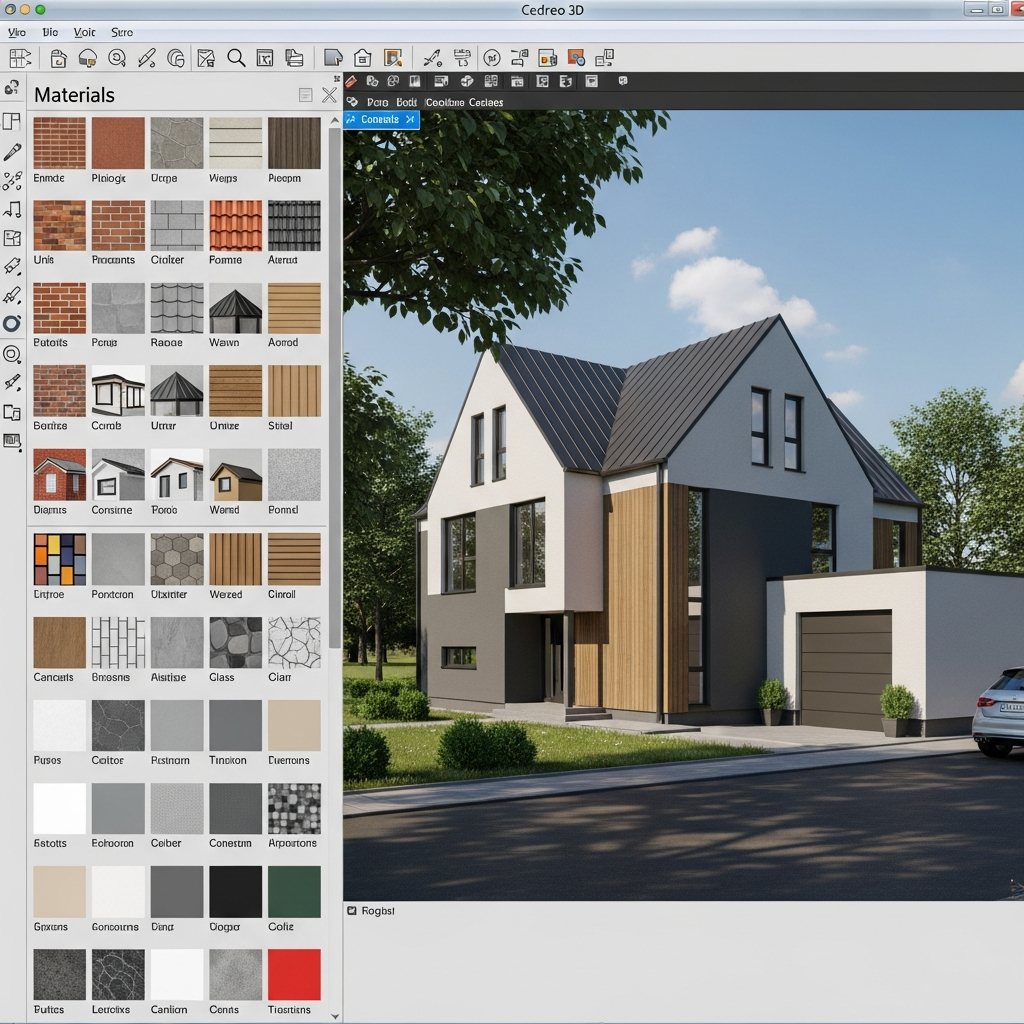
A fast 3D home design software aimed at home builders and remodelers, allowing for quick creation of 3D renderings and floor plans. It is designed to help sales teams create conceptual designs in under an hour. The software streamlines the workflow from drawing the floor plan to furnishing the home and generating the final render.
13. DreamPlan Home Design Software
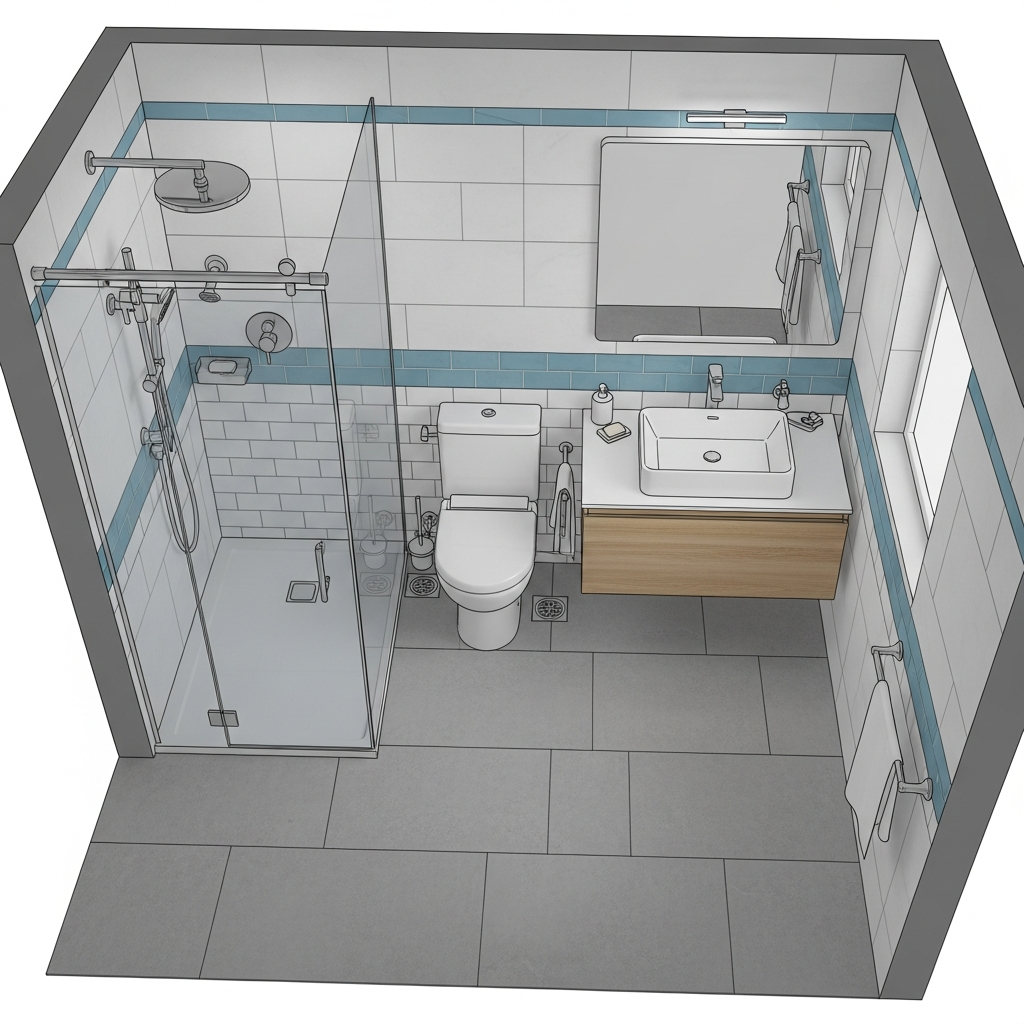
This software focuses on ease of use for home and landscape design, suitable for small remodeling projects. It allows users to visualize a new bathroom, kitchen, or entire house in 3D. The interface is straightforward, making it an ideal choice for those who are not tech savvy but want professional results.
14. Live Home 3D
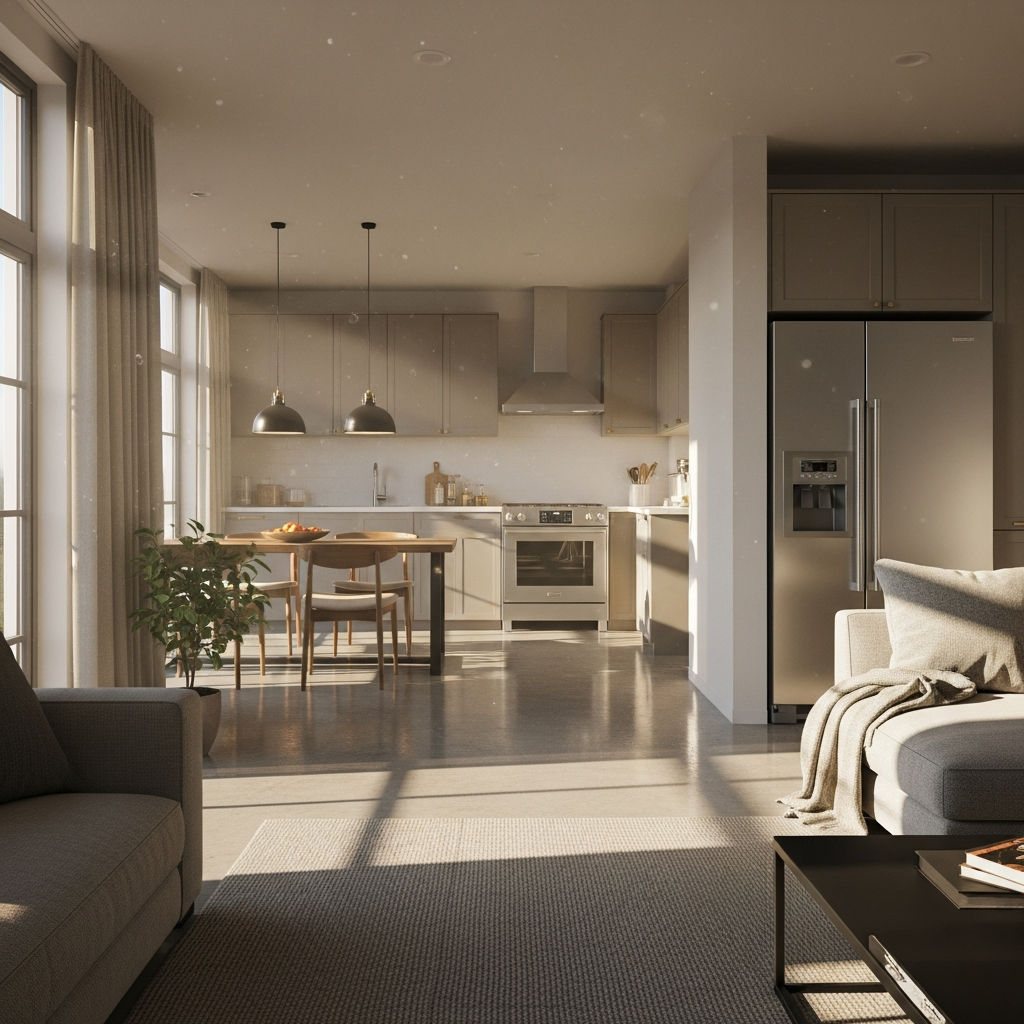
A powerful home design application for Windows and Mac that creates detailed 2D floor plans and 3D interior walkthroughs. It offers a variety of export options, including 360 degree videos and augmented reality views. Its lighting editor allows users to simulate natural light at different times of the day and geographic locations.
15. SmartDraw
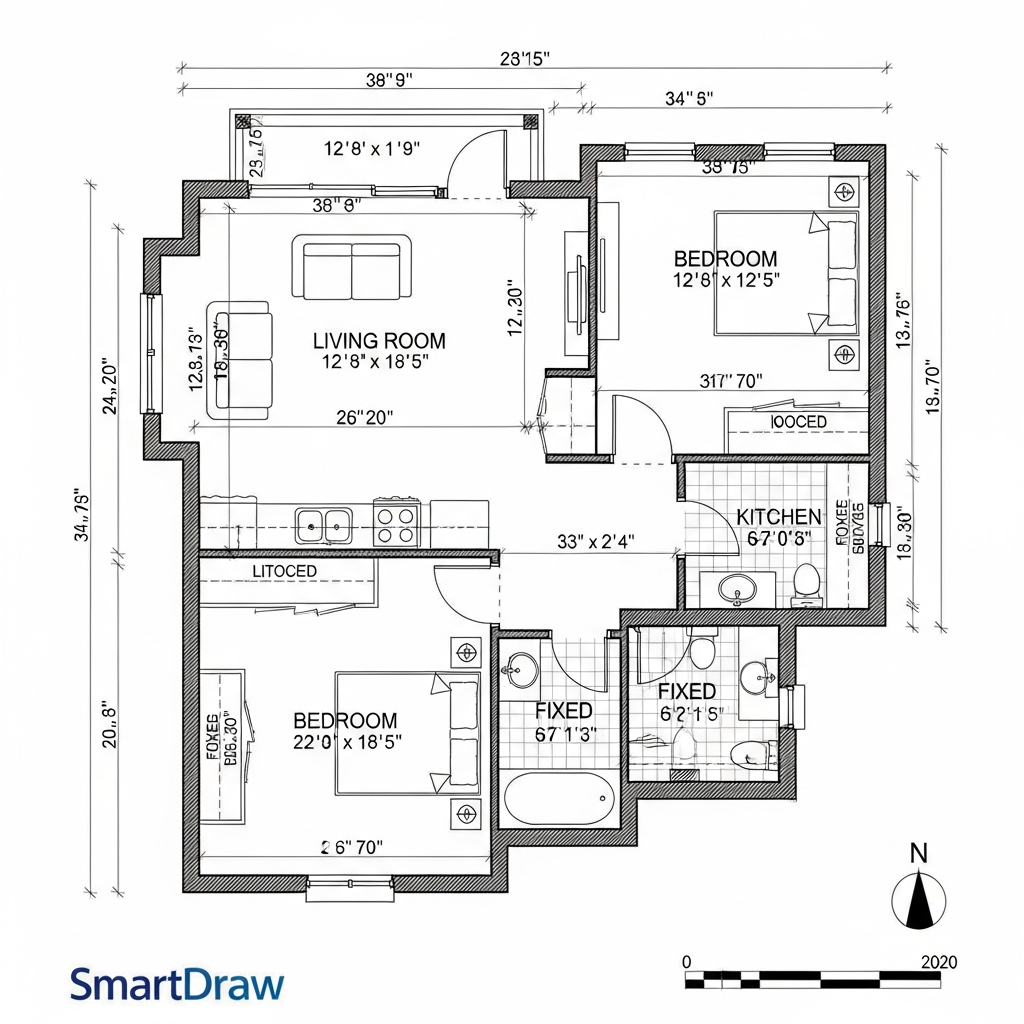
While primarily a diagramming tool, SmartDraw offers robust floor plan templates and automation for technical design. It is highly effective for creating clean, professional 2D plans that can be scaled into 3D visualizations. It integrates well with other common business tools, making it a favorite for facility managers and real estate professionals.
16. TurboFloorPlan Home and Landscape
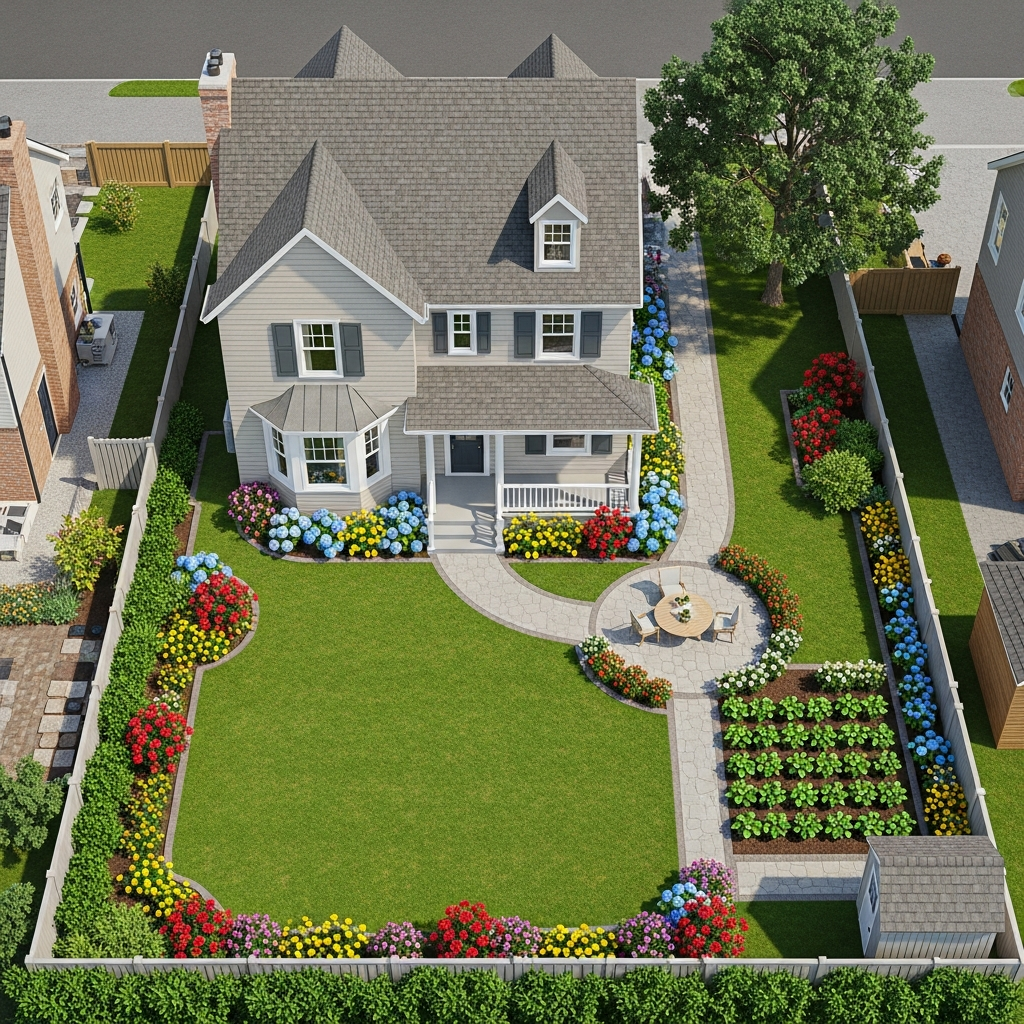
A complete solution for designing every detail of a dream home, including electricity, plumbing, and outdoor spaces. It features a wizard driven interface that guides users through the design process step by step. The software includes a cost estimator tool, which helps users stay within budget during the planning phase.
Conclusion
Choosing the right 3D design software depends on your project scope, technical expertise, and budget. Whether you are a professional architect requiring BIM integration or a homeowner planning a simple kitchen remodel, these sixteen tools offer the features necessary to visualize and execute your vision effectively. By leveraging these digital solutions, you can minimize errors and ensure that your final physical space perfectly matches your initial design goals.